
Mobile Security App Mistakes That Leave Devices Vulnerable
Most mobile security failures stem from permission mismanagement and background process conflicts, not from the absence of an antivirus application.
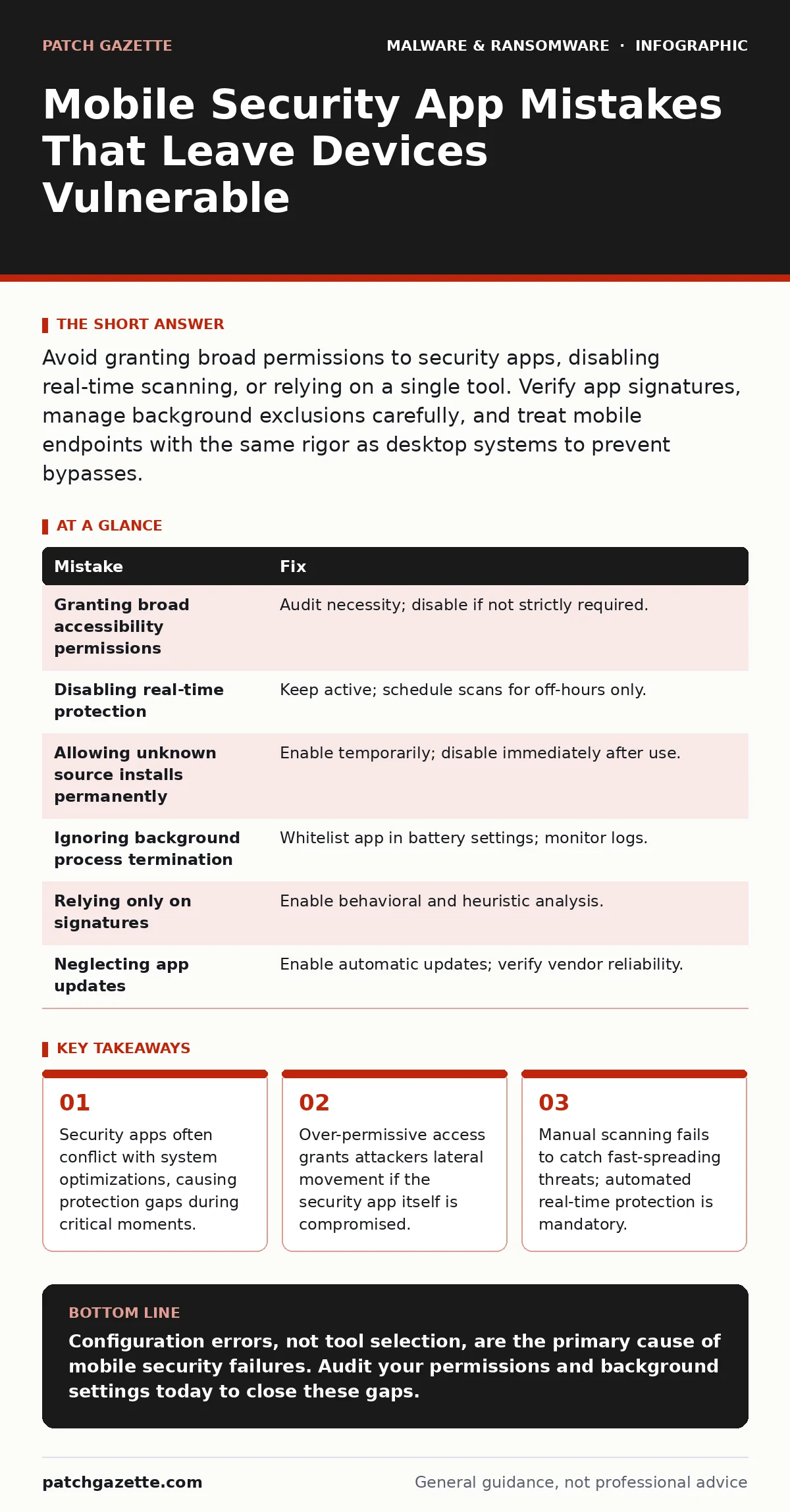
Avoid granting broad permissions to security apps, disabling real-time scanning, or relying on a single tool. Verify app signatures, manage background exclusions carefully, and treat mobile endpoints with the same rigor as desktop systems to prevent bypasses.
Mobile devices handle sensitive data and network access, yet many organizations treat their security posture as secondary. You likely deploy an antivirus software solution, but configuration errors often negate its value. These mistakes are rarely about choosing the wrong vendor. They are about how the tool interacts with the operating system and user behavior.
Mistake 1: Granting Accessibility Permissions Without Audit
Security apps often request accessibility services to monitor on-screen activity for phishing or malicious prompts. This permission allows the app to read what appears on your screen and simulate taps. If you grant this blindly, you give the app total control over the interface.
Why it hurts: Accessibility services bypass many sandbox restrictions. If a threat actor compromises the security app or exploits a flaw in its code, they gain immediate control over the device. This is a common vector for mobile malware that seeks to intercept passwords or approve fraudulent transactions.
The fix: Audit why the app needs this access. If it is for password management, ensure it uses a secure, isolated input method rather than reading the screen. Disable accessibility permissions for any app that does not strictly require them. Regularly review the list of active accessibility services in your device settings.
Mistake 2: Disabling Real-Time Protection for Battery Life
Users often disable real-time protection to save battery or reduce background data usage. They assume manual scans are sufficient. This creates a window of vulnerability where malicious documents or downloads execute before the next scheduled scan.
Why it hurts: Malware persistence mechanisms rely on speed. Once a payload executes, it can encrypt files or exfiltrate data before a manual scan runs. Real-time protection intercepts file execution and network connections instantly. Without it, you are reacting to breaches rather than preventing them.
The fix: Keep real-time protection enabled at all times. Modern operating systems optimize background processes well. If battery drain is a concern, adjust scan schedules to off-hours, but never disable the active monitoring engine. Consider that the cost of a ransomware attack chain far exceeds the marginal battery loss.
Mistake 3: Allowing Security Apps to Install Unknown Sources
To function, some security tools need to install helper components or updates from outside the official app store. Users often enable "Install Unknown Apps" for the security vendor, assuming it is safe.
Why it hurts: This setting lowers the device’s integrity checks. A compromised security app could use this permission to install secondary payloads that the OS would normally block. This is a frequent step in advanced mobile malware campaigns that seek to hide their presence.
The fix: Only enable this permission temporarily during installation or updates. Disable it immediately afterward. Verify the digital signature of the installer before granting permission. Use enterprise mobile device management policies to restrict this setting entirely for corporate devices.
Mistake 4: Ignoring Background Process Conflicts
Mobile operating systems aggressively kill background processes to preserve resources. Security apps sometimes get terminated along with other apps, leaving the device unprotected without notification.
Why it hurts: You may believe protection is active because the app icon is present. In reality, the scanning engine is stopped. Attacks that rely on timing, such as exploiting a brief window after a reboot, will succeed. This is a hidden cost of aggressive power management.
The fix: Configure the security app as a "critical" or "whitelisted" background process in your battery settings. Ensure the app has permission to run in the background and start automatically. Monitor system logs for unexpected termination of security services.
Mistake 5: Relying Solely on Signature-Based Detection
Many users assume their security app catches everything because it uses signature-based detection. This method compares files against a database of known threats. It fails against zero-day exploits and polymorphic code that changes its signature.
Why it hurts: Modern threats use obfuscation to avoid signature matches. If your tool only looks for known bad files, it will miss new variants of keyloggers or remote access trojans. This creates a false sense of security while the device remains exposed.
The fix: Ensure your solution includes behavioral analysis and heuristic scanning. These methods look for suspicious actions, such as unexpected network connections or privilege escalation attempts, rather than just file hashes. Combine this with a strong disaster recovery plan to mitigate damage if detection fails.
See also: Stop SIM Swap Fraud: The Technical Controls That Actually Work · Mobile Malware Myths: Why Your Phone Is Not Secure By Default
Mistake 6: Failing to Update the Security App Itself
Users update their operating systems and apps but neglect the security application itself. Outdated security apps lack the latest threat intelligence and may contain vulnerabilities that attackers can exploit.
Why it hurts: An outdated security app cannot recognize new threats. Worse, it may have known flaws that allow attackers to disable it or bypass its controls. This turns your defense tool into a liability.
The fix: Enable automatic updates for the security app. If automatic updates are not possible, establish a regular maintenance schedule to check for updates manually. Verify that the app vendor provides regular updates and has a transparent security policy.
| Mistake | Fix |
|---|---|
| Granting broad accessibility permissions | Audit necessity; disable if not strictly required. |
| Disabling real-time protection | Keep active; schedule scans for off-hours only. |
| Allowing unknown source installs permanently | Enable temporarily; disable immediately after use. |
| Ignoring background process termination | Whitelist app in battery settings; monitor logs. |
| Relying only on signatures | Enable behavioral and heuristic analysis. |
| Neglecting app updates | Enable automatic updates; verify vendor reliability. |
Key takeaways
- Security apps often conflict with system optimizations, causing protection gaps during critical moments.
- Over-permissive access grants attackers lateral movement if the security app itself is compromised.
- Manual scanning fails to catch fast-spreading threats; automated real-time protection is mandatory.
Configuration errors, not tool selection, are the primary cause of mobile security failures. Audit your permissions and background settings today to close these gaps.
Frequently asked questions
Do I need a separate antivirus app if my phone has built-in security?
Built-in security provides baseline protection but often lacks advanced behavioral analysis and remote management features needed for enterprise environments.
How often should I scan for mobile malware?
Real-time protection handles continuous scanning. Manual scans should be performed weekly or after installing new applications from unknown sources.
Can security apps slow down my device?
Poorly optimized apps can cause slowdowns. Choose lightweight solutions and ensure they are whitelisted in battery settings to prevent performance issues.
What if I accidentally delete my security app?
Reinstall it immediately from the official source. Check for any unusual activity or new apps installed during the gap, as this indicates a potential compromise.
How this guide was produced: written by the Patch Gazette editorial team with AI assistance, checked against the public references listed below, and reviewed when the facts change. See our editorial policy or report an error.