
Antivirus Software Mistakes That Leave Systems Exposed
Most antivirus failures stem from configuration drift and blind trust in automated scanning, not from missing software installations.
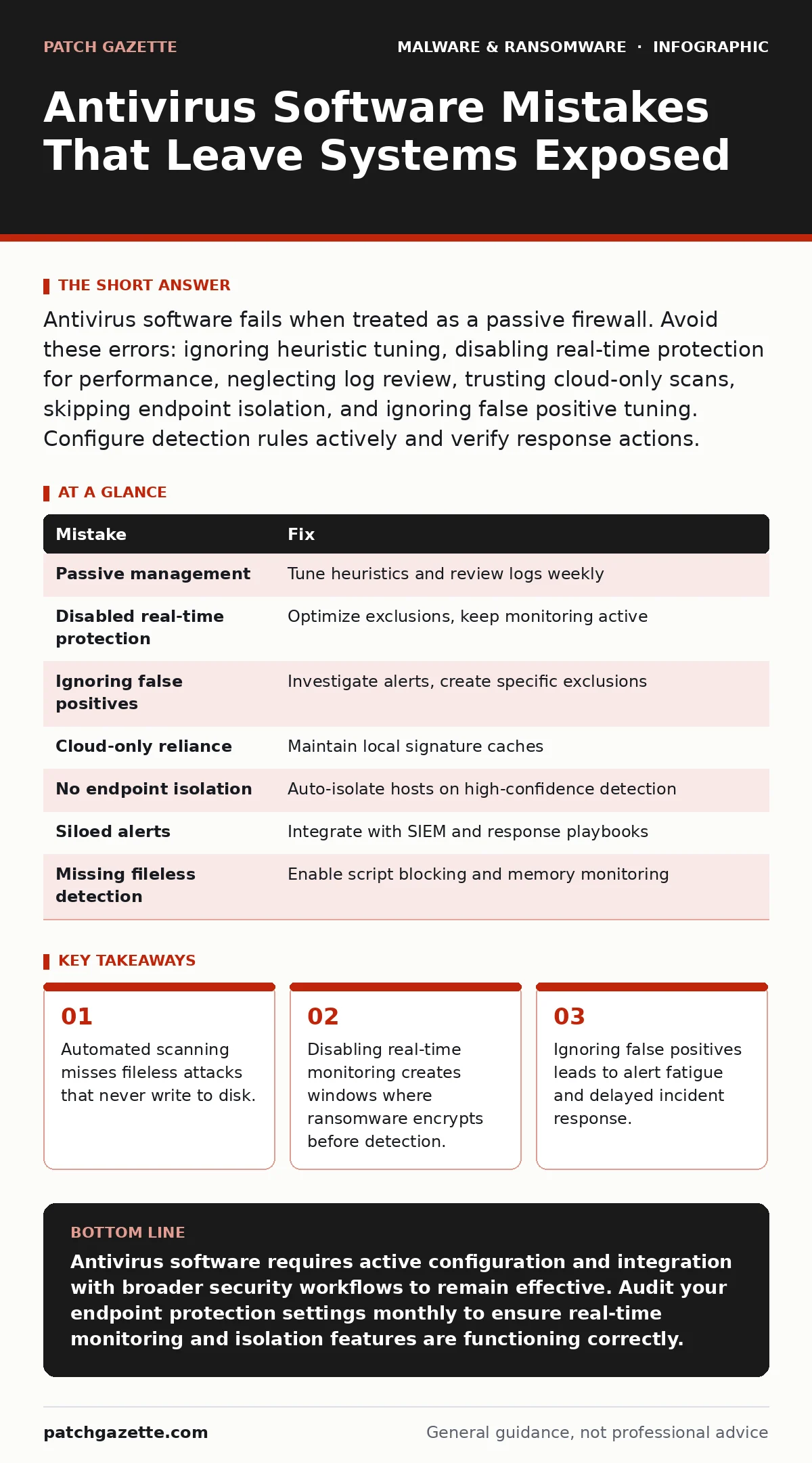
Antivirus software fails when treated as a passive firewall. Avoid these errors: ignoring heuristic tuning, disabling real-time protection for performance, neglecting log review, trusting cloud-only scans, skipping endpoint isolation, and ignoring false positive tuning. Configure detection rules actively and verify response actions.
Mistake 1: Treating Antivirus as a Set-and-Forget Appliance
Antivirus software requires active management, not just installation. Many administrators install the agent, update signatures, and assume the system is secure. This passive approach ignores the evolving nature of threats that bypass signature-based detection.
Why it hurts:
Modern malware often uses polymorphic code that changes its appearance with each infection. Signature-based engines rely on known patterns. If you do not tune heuristic settings, the software may miss novel variants that share behavioral traits with known threats but lack specific signature matches.
The fix:
Enable behavioral analysis and machine learning heuristics. Review detection logs weekly to identify patterns of missed events. Adjust sensitivity thresholds based on your environment’s tolerance for false positives versus missed detections.
Mistake 2: Disabling Real-Time Protection for Performance
System slowdowns often prompt IT staff to disable real-time scanning features. This feature monitors file access and execution in memory as they happen. Removing it to save CPU cycles creates a dangerous gap in defense.
Why it hurts:
Ransomware encrypts files rapidly. Without real-time protection, the software only detects the threat after the encryption process completes. By then, data is already locked. You trade minor performance gains for catastrophic data loss potential.
The fix:
Optimize scan schedules rather than disabling protection. Exclude non-executable directories like database logs or media assets from real-time scanning. Keep executable paths and user home directories under constant surveillance. Refer to our guide on real-time protection for configuration best practices.
Mistake 3: Ignoring False Positive Tuning
False positives occur when antivirus software flags legitimate files as malicious. Administrators often ignore these alerts or disable them globally to reduce noise. This creates a blind spot for genuine threats that mimic legitimate behavior.
Why it hurts:
Attackers craft malware to resemble legitimate system processes. If you disable alerts for specific folders or file types to stop noise, you also disable detection for malware hiding in those locations. Alert fatigue causes staff to overlook genuine warnings among the clutter.
The fix:
Investigate every false positive. Create specific exclusions for verified legitimate tools rather than broad category exclusions. Document the hash values of legitimate files to ensure future updates do not trigger unnecessary alerts.
Mistake 4: Relying on Cloud-Only Scanning Without Local Fallbacks
Some solutions offload signature matching to the cloud to save local resources. This approach depends entirely on internet connectivity. When the network fails, the endpoint loses its ability to verify file legitimacy.
Why it hurts:
Air-gapped systems or disconnected laptops become defenseless. If the cloud service is unreachable, the software cannot check new files against the latest threat database. Local caching of critical signatures prevents this gap.
The fix:
Ensure the endpoint agent maintains a local cache of recent signatures. Test the software’s behavior during simulated network outages. Verify that basic heuristics still function without cloud connectivity.
Mistake 5: Neglecting Endpoint Isolation Capabilities
Detecting malware is only half the battle. Containing it prevents lateral movement across the network. Many administrators configure antivirus to quarantine files but forget to isolate the entire host from the network.
Why it hurts:
Malware can communicate with command-and-control servers or spread to other systems before quarantine completes. Without network isolation, the infected machine remains a bridge for attackers to move deeper into your infrastructure.
The fix:
Configure the antivirus agent to automatically isolate infected endpoints from the network upon high-confidence detection. Verify that isolation blocks all inbound and outbound traffic except for management channels.
See also: Mobile Security Apps: Real Protection or Just Another Battery Drain? · Mobile Security App Mistakes That Leave Devices Vulnerable
Mistake 6: Failing to Integrate with Incident Response Plans
Antivirus software operates in a vacuum if not connected to broader security workflows. Alerts should trigger automated responses or notify security teams immediately. Siloed detection delays containment and remediation.
Why it hurts:
Manual investigation of alerts takes time. During this delay, malware can establish persistence mechanisms or exfiltrate data. Integration with security information and event management systems ensures faster reaction times.
The fix:
Connect antivirus alerts to your SIEM or ticketing system. Define automated playbooks for common threat types. Ensure your team follows a structured ransomware incident response plan when alerts indicate encryption activity.
Mistake 7: Overlooking Fileless Attack Detection
Traditional antivirus focuses on files stored on disk. Fileless malware operates entirely in memory, using legitimate system tools to execute code. This technique leaves no traditional file artifacts for scanners to find.
Why it hurts:
Memory-resident threats evade disk-based scanning. Attackers use scripts and living-off-the-land binaries to conduct operations without dropping malicious files. This bypasses conventional detection methods.
The fix:
Enable application control and script blocking features. Monitor for unusual process behavior, such as PowerShell executing encoded commands. Supplement antivirus with endpoint detection and response tools that analyze memory activity.
| Mistake | Fix |
|---|---|
| Passive management | Tune heuristics and review logs weekly |
| Disabled real-time protection | Optimize exclusions, keep monitoring active |
| Ignoring false positives | Investigate alerts, create specific exclusions |
| Cloud-only reliance | Maintain local signature caches |
| No endpoint isolation | Auto-isolate hosts on high-confidence detection |
| Siloed alerts | Integrate with SIEM and response playbooks |
| Missing fileless detection | Enable script blocking and memory monitoring |
Key takeaways
- Automated scanning misses fileless attacks that never write to disk.
- Disabling real-time monitoring creates windows where ransomware encrypts before detection.
- Ignoring false positives leads to alert fatigue and delayed incident response.
Antivirus software requires active configuration and integration with broader security workflows to remain effective. Audit your endpoint protection settings monthly to ensure real-time monitoring and isolation features are functioning correctly.
Frequently asked questions
Does antivirus software protect against all types of malware?
No. Antivirus software primarily detects known threats and behavioral anomalies. It may miss zero-day exploits, fileless attacks, or threats that mimic legitimate system behavior without proper configuration.
How often should I update antivirus signatures?
Updates should occur automatically and frequently. Ensure your endpoint agents are configured to check for updates at least hourly. Manual updates are insufficient for protecting against rapidly evolving threats.
Can antivirus software replace endpoint detection and response?
No. Antivirus focuses on prevention and basic detection. Endpoint detection and response provides deeper visibility into memory, network traffic, and user behavior. Use both tools for layered defense.
What should I do if antivirus flags a critical business application?
Investigate the alert before disabling protection. Verify the application’s legitimacy and add a specific exclusion for its hash value. Never disable global protections to accommodate a single application.
How this guide was produced: written by the Patch Gazette editorial team with AI assistance, checked against the public references listed below, and reviewed when the facts change. See our editorial policy or report an error.