
Stop SIM Swap Fraud: The Technical Controls That Actually Work
SIM swap fraud fails when you remove the phone number as a recovery vector, forcing attackers to find credentials instead of social engineering carriers.
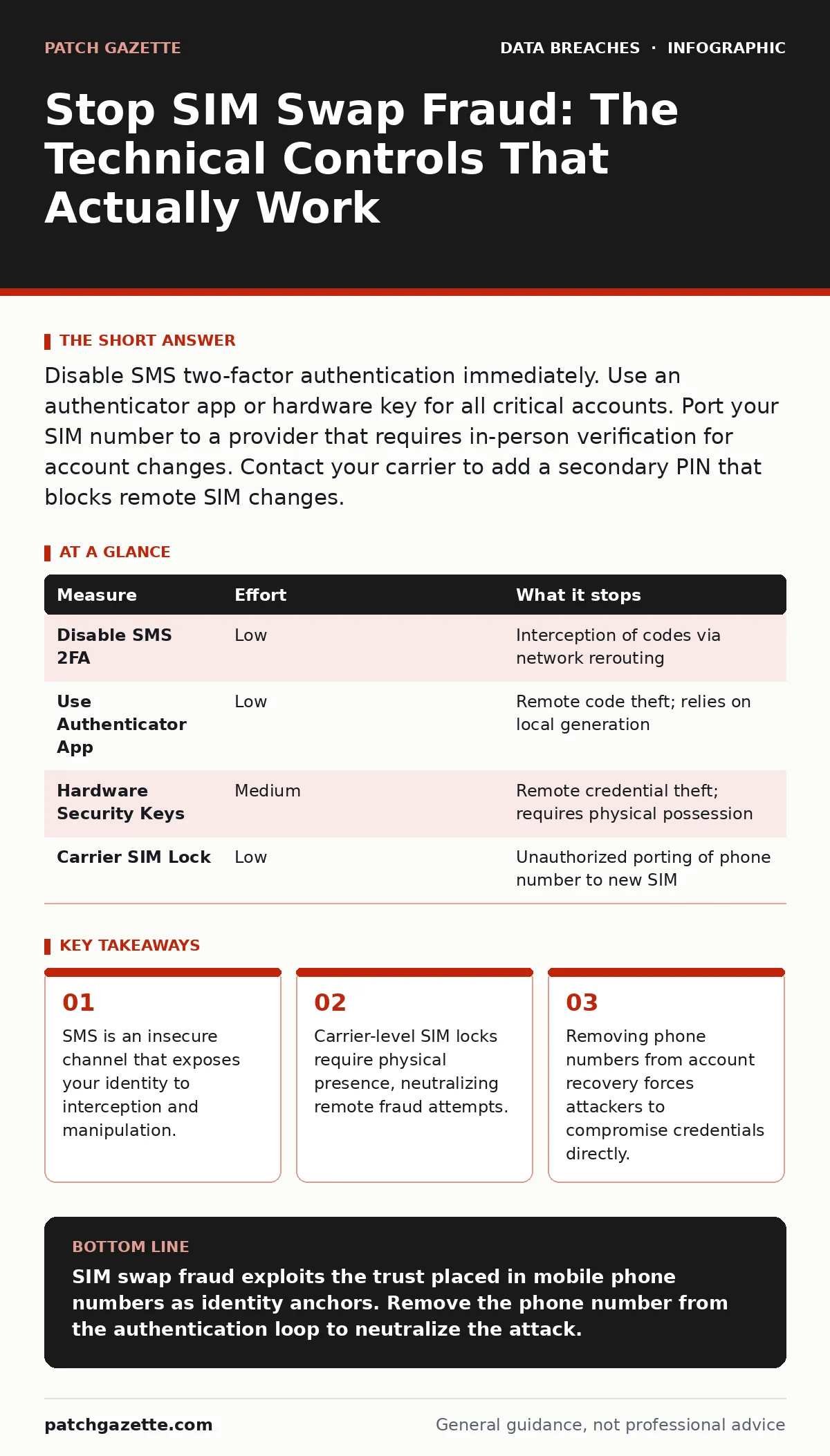
Disable SMS two-factor authentication immediately. Use an authenticator app or hardware key for all critical accounts. Port your SIM number to a provider that requires in-person verification for account changes. Contact your carrier to add a secondary PIN that blocks remote SIM changes.
The Weak Link in Your Identity Chain
Your mobile phone number is no longer just a contact method. It is a primary key for identity verification across banking, email, and enterprise systems. Attackers exploit this by social engineering mobile carriers into transferring your number to a SIM card they control. This process is known as a SIM swap. Once the transfer completes, you lose service. The attacker gains it. They then intercept one-time passwords sent via SMS.
This attack bypasses multi-factor authentication. It does not guess your password. It hijacks the second factor. The result is immediate access to any account that relies on text messages for verification. You must treat your phone number as a high-value credential. Protecting it requires technical controls, not just caution.
Why SMS Authentication Fails
Short Message Service (SMS) operates over signaling channels designed for call setup, not data security. These channels lack end-to-end encryption. They are readable by network operators and vulnerable to interception. More critically, the protocol allows for redirection. If an attacker convinces a carrier support agent to port your number, the network reroutes all SMS traffic to their device.
Imagine you receive a text code to reset your email password. You assume the code went to your phone. In a SIM swap scenario, it went to the attacker. You are locked out while they reset your credentials. This is not a flaw in your password. It is a flaw in the delivery mechanism. SMS assumes the recipient is the legitimate owner of the phone number. It cannot verify physical possession of the original device.
The Priority Control: Remove SMS 2FA
The most effective defense is to stop using SMS for authentication entirely. This is a quick win that removes the primary attack vector. Replace SMS two-factor authentication with an authenticator app. These apps generate time-based one-time passwords locally on your device. They do not rely on the cellular network. They do not require a phone number to function.
For higher-value accounts, use FIDO2 security keys. These hardware devices use public-key cryptography. They bind the authentication event to the physical device. An attacker cannot replicate a security key remotely. Even if they steal your credentials, they cannot log in without the physical key. This shifts the risk from network interception to physical theft. Physical theft is harder to execute at scale.
| Measure | Effort | What it stops |
|---|---|---|
| Disable SMS 2FA | Low | Interception of codes via network rerouting |
| Use Authenticator App | Low | Remote code theft; relies on local generation |
| Hardware Security Keys | Medium | Remote credential theft; requires physical possession |
| Carrier SIM Lock | Low | Unauthorized porting of phone number to new SIM |
Fortifying the Carrier Relationship
You cannot control the carrier's internal security. You can, however, make your account harder to manipulate. Contact your mobile provider and request a SIM lock or secondary PIN. This code must be entered before any changes to the account, including porting the number. This adds a friction point for attackers.
Be aware that this is a defensive layer, not a shield. If attackers have access to your personal data, they may guess or reset this PIN. This is why you must also practice strict password hygiene. Unique, complex passwords prevent attackers from using data from one breach to guess your carrier PIN. If your carrier allows it, set the secondary PIN to something unrelated to your personal information. Avoid birthdates or pet names.
Managing Account Recovery Options
Many users add their phone number as a recovery method for email and financial accounts. This creates a single point of failure. If the number is swapped, the attacker can reset the password for every linked service. You must audit your recovery settings. Remove the phone number as a primary recovery option.
Replace it with a recovery email address that is not linked to your main identity. Use a dedicated, secure email account for recovery purposes. Enable multi-factor authentication on this recovery account using an authenticator app or hardware key. This ensures that even if an attacker compromises your primary email, they cannot use the phone number to escalate privileges. This separation of duties limits the blast radius of a single compromise.
See also: Mobile Security App Mistakes That Leave Devices Vulnerable · Mobile Security Apps: Real Protection or Just Another Battery Drain?
The Hidden Cost of Convenience
Organizations often push SMS authentication because it is convenient for users. It requires no app installation. It works on any phone. This convenience comes at a high security cost. You are trading security for ease of use. In an enterprise context, this is an unacceptable risk.
Consider the impact on data exfiltration. If an attacker accesses your corporate email via a SIM swap, they can reset passwords for cloud storage and collaboration tools. They can then download sensitive files. The initial breach was not a technical exploit. It was a social engineering attack on your mobile carrier. Preventing this requires policy changes. Mandate non-SMS multi-factor authentication for all employees.
What Does Not Work
Relying on "out-of-band" verification via phone calls is insufficient. Attackers can also port voice calls. Once the SIM swap is complete, calls to your number ring on their device. They can intercept automated verification calls just as easily as SMS codes.
Blocking international roaming does not help. SIM swaps are domestic transactions. The attacker does not need to be overseas. They only need to convince a local support agent. Similarly, changing your number frequently is impractical and creates operational chaos. It does not address the root cause: the reliance on the phone number as an identity anchor.
Immediate Action Plan
You must act today to reduce your exposure. Start with your most critical accounts: email, banking, and enterprise admin consoles. Disable SMS two-factor authentication on these accounts. Set up an authenticator app or hardware key as the replacement.
Next, call your mobile carrier. Ask for a SIM lock or secondary PIN. Verify that this PIN is required for any account changes. Finally, audit your account recovery settings. Remove your phone number as a recovery option where possible. Replace it with a secure, secondary email address.
- Disable SMS 2FA on email and banking accounts
- Enable carrier SIM lock with a unique PIN
- Replace phone number recovery with secure email
Key takeaways
- SMS is an insecure channel that exposes your identity to interception and manipulation.
- Carrier-level SIM locks require physical presence, neutralizing remote fraud attempts.
- Removing phone numbers from account recovery forces attackers to compromise credentials directly.
SIM swap fraud exploits the trust placed in mobile phone numbers as identity anchors. Remove the phone number from the authentication loop to neutralize the attack.
Frequently asked questions
Can I use voice calls instead of SMS for two-factor authentication?
No. Voice calls are routed through the same cellular network. A SIM swap redirects voice calls to the attacker's device just as it does text messages.
Is an authenticator app safe if my phone is lost?
Yes, if you back up the app data securely. Use a device backup that is encrypted. Without the backup, you may lose access to accounts, but the codes themselves are not stolen remotely.
Do hardware keys work on mobile devices?
Yes. Modern smartphones support FIDO2 security keys via USB-C, Lightning, or NFC. This allows you to use hardware authentication on mobile apps and browsers.
What if my carrier does not offer a SIM lock?
Switch to a provider that offers robust account security features. Look for carriers that require in-person verification for porting requests. This is a significant deterrent to fraud.
How this guide was produced: written by the Patch Gazette editorial team with AI assistance, checked against the public references listed below, and reviewed when the facts change. See our editorial policy or report an error.