
Mobile Malware Myths: Why Your Phone Is Not Secure By Default
Operating system sandboxing fails when users grant excessive permissions, allowing malware to bypass isolation and access sensitive data without a traditional infection vector.
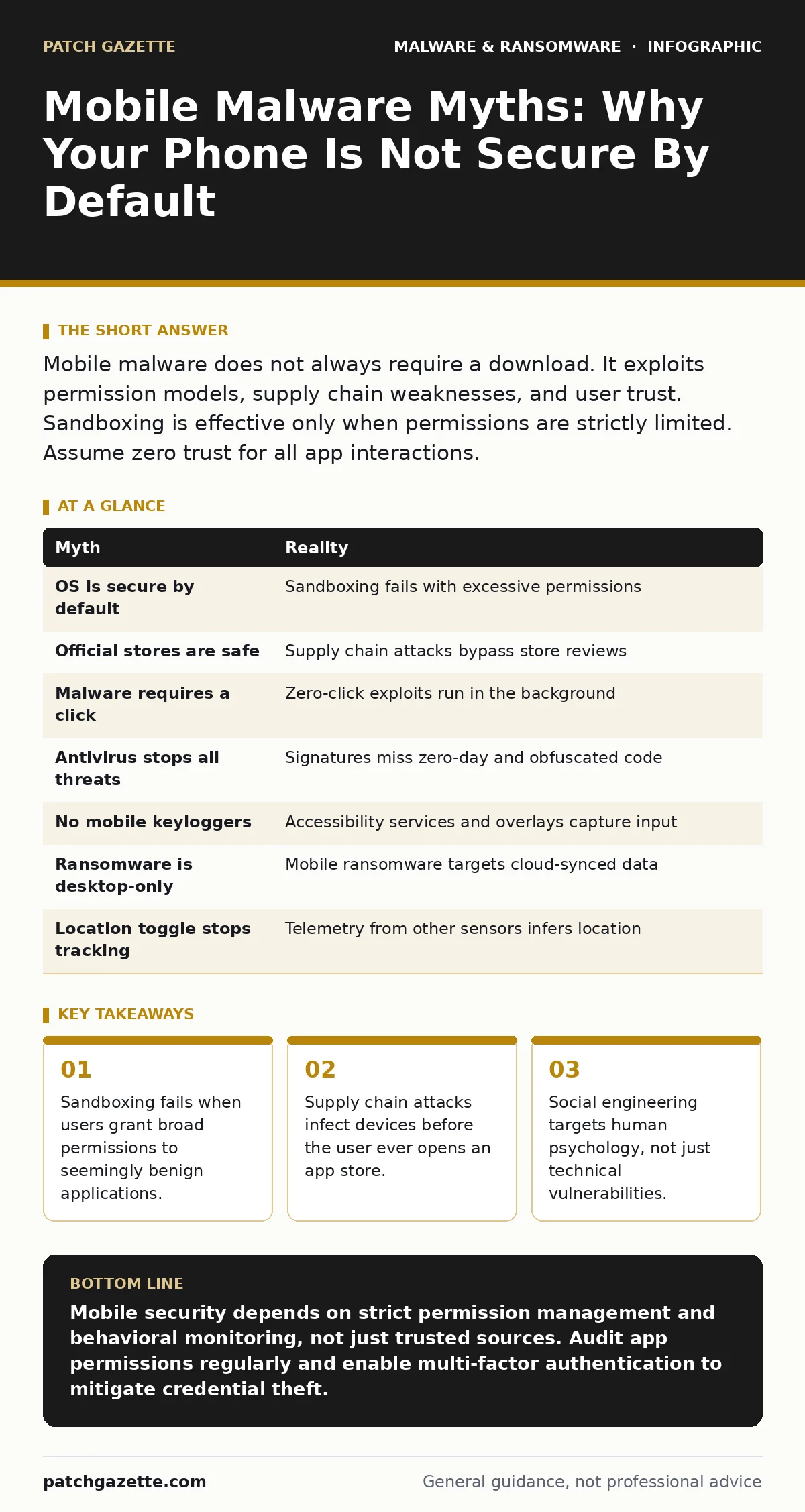
Mobile malware does not always require a download. It exploits permission models, supply chain weaknesses, and user trust. Sandboxing is effective only when permissions are strictly limited. Assume zero trust for all app interactions.
Myth: Mobile Operating Systems Are Secure By Default
Reality: The operating system provides a security boundary, but that boundary collapses when you grant excessive permissions. Modern mobile platforms use sandboxing, which isolates each application in its own container. This prevents one app from reading the data of another. However, the system asks you to grant permissions like camera, microphone, or storage access. When you accept these requests, you create a bridge between the sandbox and your private data. The OS cannot protect you from choices you make explicitly.
Imagine you install a flashlight app. It requests access to your contacts. The system allows this because you tapped "Allow." The app now has a legitimate path to your address book. Malware often hides inside utility apps that request broad permissions. The security model relies on user judgment, which is frequently absent.
Myth: I Only Download Apps From Official Stores
Reality: Official app stores perform automated and manual reviews, but they are not immune to compromise. Attackers use supply chain attacks to insert malicious code into legitimate applications. They may compromise the developer’s build environment or submit a clean version for review, then update it with malware once approved. This is known as a time-limited attack. The app looks legitimate, comes from a trusted source, and passes initial security checks.
You might trust the store because it screens for known viruses. This screening misses novel code or logic bombs that only activate under specific conditions. The trust you place in the storefront is misplaced. The security of the app depends on the integrity of the entire development pipeline, not just the final binary.
Myth: Mobile Malware Requires a Click or Download
Reality: Some threats exploit vulnerabilities in protocols or services that run in the background. These are known as zero-click exploits. The malware executes code on your device without any interaction from you. It may target the operating system’s handling of network packets or multimedia files. Your phone receives a specially crafted message or data stream. The system processes this data and executes arbitrary code.
This method bypasses the need for social engineering. You do not need to click a link or open an attachment. The vulnerability exists in the software stack itself. Until the vendor patches the hole, your device is vulnerable to remote compromise. This type of attack is difficult to detect because it leaves no user-initiated action trail.
Myth: Antivirus Software Protects Me From All Threats
Reality: Traditional antivirus software relies on signature matching. It compares files against a database of known malicious patterns. This approach fails against zero-day malware, which has no known signature. It also struggles with obfuscated code, where attackers alter the appearance of the malware to evade detection. Mobile security requires behavioral analysis, not just file scanning.
Behavioral monitoring watches what an app does, not just what it is. It looks for unusual network connections or attempts to access sensitive areas. This is more effective but can generate false positives. You must balance security with usability. Relying solely on antivirus leaves you blind to new threats. See our guide on antivirus software for details on layered defense strategies.
Myth: Mobile Devices Do Not Harbor Keyloggers
Reality: Keyloggers on mobile devices operate differently than on desktops. They do not always hook into the keyboard driver. Instead, they use accessibility services or overlay attacks. Accessibility services are designed to help users with disabilities, but they can also record screen content and input. An attacker can prompt you to enable these services under the guise of improving performance.
Overlay attacks place a transparent layer over legitimate login screens. You type your password into the fake layer. The malware captures the input and forwards it to the real app. You see no difference. This method bypasses encryption because the data is captured before it is encrypted. It targets the user interface, not the underlying system.
See also: Mobile Security Apps: Real Protection or Just Another Battery Drain? · Stop SIM Swap Fraud: The Technical Controls That Actually Work
Myth: Ransomware Cannot Affect Mobile Devices
Reality: Mobile ransomware exists, but it often takes a different form. Instead of encrypting files, it may lock the screen or demand payment to stop sending your data. It can also encrypt cloud-synced files. If your photos and documents sync to the cloud, encrypting the local device affects the cloud backup. This creates a double extortion scenario.
The attacker threatens to release your data or delete your cloud backups. You lose access to your device and your remote storage. This mirrors tactics used in enterprise environments. See our guide on the ransomware attack chain to understand how attackers escalate privileges. Mobile devices are no longer isolated from high-impact cyber threats.
Myth: Turning Off Location Services Stops Tracking
Reality: Location data is often bundled with other telemetry. Apps can infer your location from Wi-Fi networks, cell tower IDs, and IP addresses. Even if you disable GPS, other sensors provide clues. Accelerometers and gyroscopes can reveal movement patterns. Attackers correlate this data to build a profile of your habits.
Privacy settings are fragmented. You may turn off location for one app, but another app with similar permissions remains active. The data aggregates across services. You lose control of the narrative. Comprehensive privacy requires auditing all data streams, not just one setting. See our guide on malware persistence mechanisms to understand how apps maintain access.
| Myth | Reality |
|---|---|
| OS is secure by default | Sandboxing fails with excessive permissions |
| Official stores are safe | Supply chain attacks bypass store reviews |
| Malware requires a click | Zero-click exploits run in the background |
| Antivirus stops all threats | Signatures miss zero-day and obfuscated code |
| No mobile keyloggers | Accessibility services and overlays capture input |
| Ransomware is desktop-only | Mobile ransomware targets cloud-synced data |
| Location toggle stops tracking | Telemetry from other sensors infers location |
Key takeaways
- Sandboxing fails when users grant broad permissions to seemingly benign applications.
- Supply chain attacks infect devices before the user ever opens an app store.
- Social engineering targets human psychology, not just technical vulnerabilities.
Mobile security depends on strict permission management and behavioral monitoring, not just trusted sources. Audit app permissions regularly and enable multi-factor authentication to mitigate credential theft.
Frequently asked questions
How do I know if an app is using accessibility services maliciously?
Check your device settings for enabled accessibility services. Disable any service from apps that do not require it, such as games or utilities.
Can mobile malware spread to my computer?
Yes, if the malware steals credentials or exploits shared networks. It can use your phone as a pivot point to access corporate resources.
Is jailbreaking or rooting my phone dangerous?
Yes, it disables core security features like sandboxing and signature verification. This makes your device highly vulnerable to persistent threats.
How often should I update my mobile operating system?
Immediately. Updates patch known vulnerabilities that attackers exploit in zero-click and other advanced attacks. Delaying updates leaves you exposed.
How this guide was produced: written by the Patch Gazette editorial team with AI assistance, checked against the public references listed below, and reviewed when the facts change. See our editorial policy or report an error.