Phishing Explained: How Attackers Steal Trust and Data
Phishing works by exploiting human psychology rather than breaking software, making your expectations the primary target instead of your firewall.
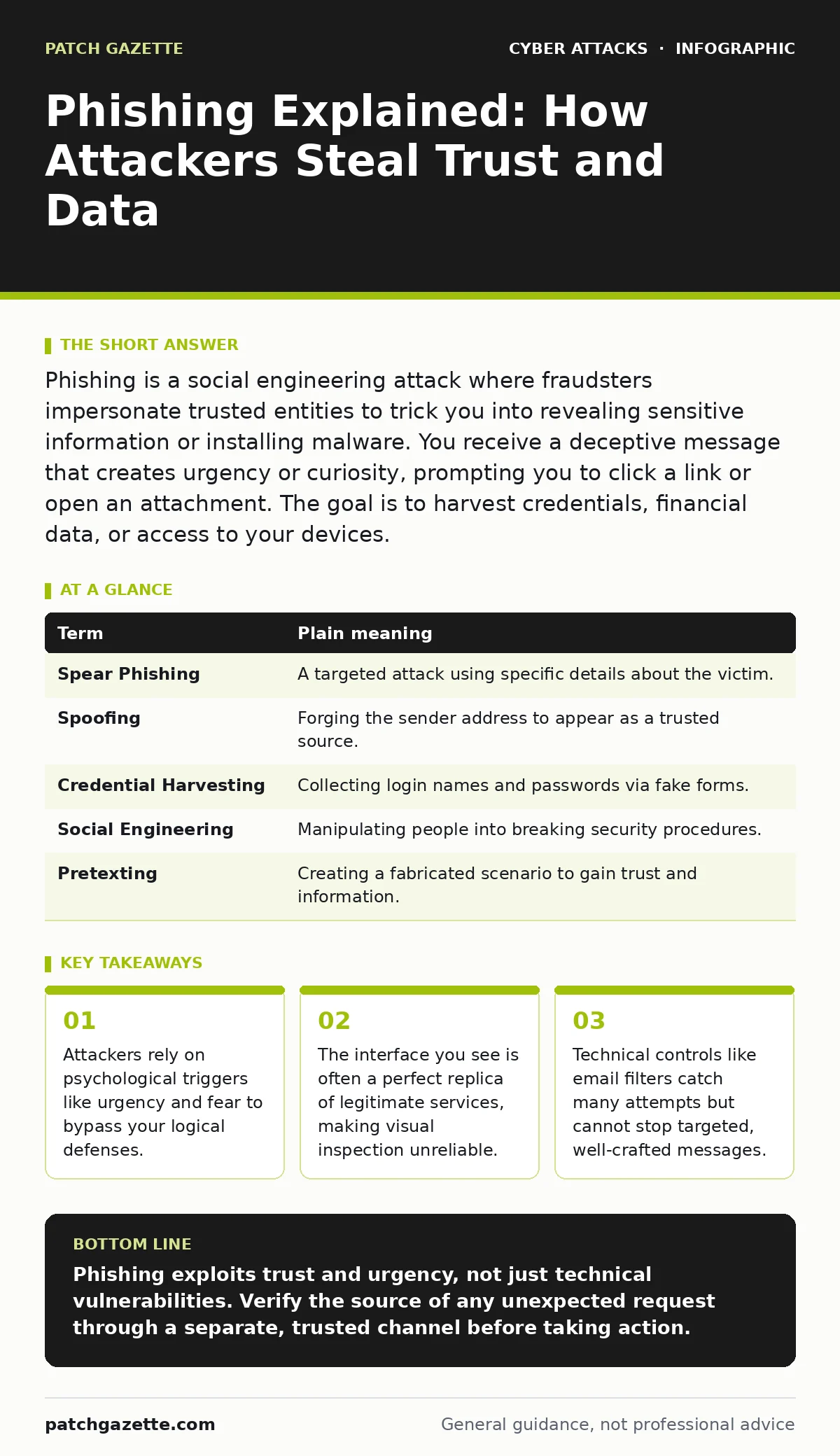
Phishing is a social engineering attack where fraudsters impersonate trusted entities to trick you into revealing sensitive information or installing malware. You receive a deceptive message that creates urgency or curiosity, prompting you to click a link or open an attachment. The goal is to harvest credentials, financial data, or access to your devices.
The Counterfeit Invoice Analogy
Imagine you run a small office. A supplier you trust sends an invoice. You pay it without question because the logo matches, the tone is professional, and the request seems normal. Now imagine someone prints a fake invoice on high-quality paper, uses the supplier’s logo, and mails it to you. You still pay it. The fraud succeeded not because they broke into your safe, but because they mimicked the context you trust.
Phishing operates on this exact principle. The attacker does not hack your computer directly. Instead, they create a fake scenario that looks like a routine interaction. You are the point of failure, not the software. The deception relies on your assumption that a message appearing to come from a known source is legitimate.
Anatomy of the Deception
The attacker begins with reconnaissance. They gather public information about you or your organization to tailor the message. This might include your job title, recent projects, or software tools you use. They then craft a message that aligns with your expectations.
The message usually contains a call to action. It asks you to click a link, download an attachment, or reply with information. The link leads to a spoofed website that looks identical to the real service. When you type your credentials, they go to the attacker, not the legitimate provider. This is why checking the URL bar is critical. Even a slight variation in the domain name indicates a trap.
| Term | Plain meaning |
|---|---|
| Spear Phishing | A targeted attack using specific details about the victim. |
| Spoofing | Forging the sender address to appear as a trusted source. |
| Credential Harvesting | Collecting login names and passwords via fake forms. |
| Social Engineering | Manipulating people into breaking security procedures. |
| Pretexting | Creating a fabricated scenario to gain trust and information. |
The Hidden Cost of Urgency
Attackers use urgency as a primary weapon. A message claiming your account will be locked in ten minutes triggers a fight-or-flight response. This physiological reaction shuts down critical thinking. You stop looking for inconsistencies and start acting to avoid the perceived threat.
This psychological bypass is the most dangerous aspect of phishing. It renders technical safeguards less effective because you willingly hand over access. Even with passkeys or multi-factor authentication, an attacker who controls the session can sometimes bypass these protections if you have already logged in on their fake site. Understanding this mental trap helps you recognize when you are being rushed.
Beyond Email: The Omnichannel Threat
Phishing is not limited to email. Attackers use SMS messages, known as smishing, and phone calls, known as vishing. They may also use social media direct messages. The medium changes, but the goal remains the same: to trick you into taking an action you would not normally take.
Consider OAuth consent phishing. This advanced technique tricks you into granting an attacker’s app access to your real account. You are not asked for a password. Instead, you are asked to approve a connection. You see the legitimate provider’s logo and assume the request is safe. You grant access, and the attacker can now read your emails or data without ever knowing your password. This highlights that clicking "Approve" can be as dangerous as typing a password.
Why Filters Are Not Enough
Email security filters use algorithms to detect suspicious patterns. They block messages with known malicious links or suspicious sender addresses. However, these systems are not infallible. Attackers constantly change their tactics to evade detection.
They use legitimate cloud services to send messages, making the sender appear authentic. They host their fake pages on temporary domains that are quickly deleted. By the time security systems flag the domain, the damage is done. This is why user vigilance is the final layer of defense. Technology can reduce the volume of attacks, but it cannot eliminate the need for human judgment.
See also: QR Code Phishing: Risks and Protection for Small Businesses · Detect API Abuse: Log Patterns, Blind Spots, and Detection Tactics
Try This Now: Three Defensive Habits
- Verify the sender independently. If you receive an urgent request, do not reply to the message. Call the person or organization using a known, trusted phone number. Check if they sent the message.
- Hover before you click. On most devices, hovering your mouse over a link reveals the actual destination URL in a tooltip. Compare this URL to the legitimate website address. Look for subtle misspellings or different domain extensions.
- Use application-specific passwords or passkeys. If you use passkeys, you eliminate the risk of credential harvesting for that service. Attackers cannot steal what they cannot type. This reduces the value of phishing attempts against that account.
The Role of Verification
Verification is the antidote to phishing. It requires a second step outside the communication channel. If an email asks you to reset your password, do not use the link in the email. Go directly to the service’s website by typing the address into your browser.
This breaks the chain of deception. The attacker controls the email and the link. They do not control the actual website. By going directly to the source, you ensure you are interacting with the real service. This habit takes extra time but prevents catastrophic data loss. It also protects you from replay attacks, where intercepted credentials are reused.
Understanding the Attack Surface
Your attack surface is not just your firewall. It is your behavior. Every time you click a link, open an attachment, or share information, you expose yourself to risk. Dumpster diving is a physical form of this, where attackers find discarded documents to gather information for tailored attacks.
Digital dumpster diving is more common. Attackers scrape social media profiles, public records, and corporate websites to build a profile of you. The more information you share publicly, the more realistic their impersonation can be. Limiting your digital footprint reduces the effectiveness of spear phishing attempts. It makes it harder for attackers to craft messages that appear personal and trustworthy.
Key takeaways
- Attackers rely on psychological triggers like urgency and fear to bypass your logical defenses.
- The interface you see is often a perfect replica of legitimate services, making visual inspection unreliable.
- Technical controls like email filters catch many attempts but cannot stop targeted, well-crafted messages.
Phishing exploits trust and urgency, not just technical vulnerabilities. Verify the source of any unexpected request through a separate, trusted channel before taking action.
Frequently asked questions
How can I tell if an email is phishing?
Look for generic greetings, urgent demands, mismatched sender addresses, and links that do not match the displayed text. Hover over links to reveal the true destination before clicking.
Is it safe to open attachments from known contacts?
No. Their account may have been compromised without their knowledge. Always verify via a separate communication method before opening unexpected attachments, even from trusted sources.
Does two-factor authentication stop phishing?
It adds a layer of security but does not prevent it entirely. Attackers can intercept codes in real-time or use session cookies if you log in to a fake site. Use hardware security keys or **passkeys** for stronger protection.
What should I do if I think I clicked a phishing link?
Immediately change your password for that account and any other account using the same credentials. Enable multi-factor authentication if it is not already active. Monitor your accounts for unauthorized activity.
How this guide was produced: written by the Patch Gazette editorial team with AI assistance, checked against the public references listed below, and reviewed when the facts change. See our editorial policy or report an error.