Real-Time Protection: How It Works, What It Misses, and Why It Fails
Real-time protection scans files only when they move, leaving static archives and memory-only threats invisible until they execute.
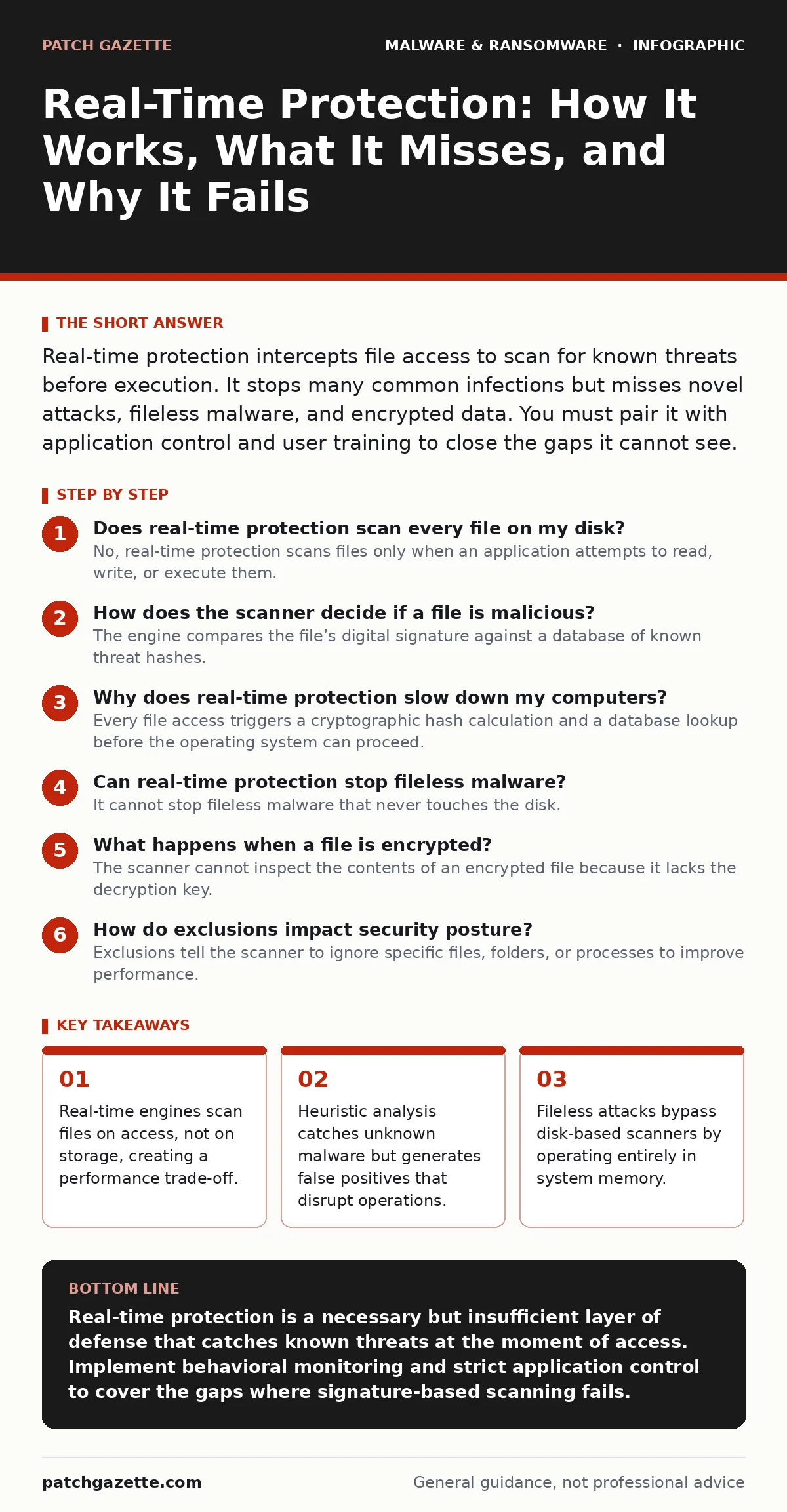
Real-time protection intercepts file access to scan for known threats before execution. It stops many common infections but misses novel attacks, fileless malware, and encrypted data. You must pair it with application control and user training to close the gaps it cannot see.
Does real-time protection scan every file on my disk?
No, real-time protection scans files only when an application attempts to read, write, or execute them. The engine intercepts the system call at the moment of access, halting the operation long enough to inspect the data. This on-demand approach prevents the system from crawling through terabytes of static data, which would cripple performance. If a file sits idle on a backup drive for years, the scanner ignores it completely.
How does the scanner decide if a file is malicious?
The engine compares the file’s digital signature against a database of known threat hashes. If the file matches a known bad pattern, the scanner blocks it immediately. For files that do not match any known signature, the engine applies heuristic analysis to look for suspicious behaviors, such as code that tries to modify system settings. This allows the system to catch new variants of old malware, but it also increases the risk of false positives.
Why does real-time protection slow down my computers?
Every file access triggers a cryptographic hash calculation and a database lookup before the operating system can proceed. This adds microseconds of latency to every document open, image load, and program launch. On high-performance storage systems, this constant interruption creates a bottleneck that users feel as lag. The trade-off is inherent: deeper inspection requires more processing power, which steals cycles from the primary workload.
Can real-time protection stop fileless malware?
It cannot stop fileless malware that never touches the disk. Fileless malware operates entirely in the computer’s memory, using legitimate system tools to execute commands. Since there is no file to scan, the traditional real-time engine has nothing to inspect. These attacks often exploit vulnerabilities in scripts or office applications to inject code directly into the RAM. You need behavioral monitoring or memory scanning capabilities to detect these threats.
What happens when a file is encrypted?
The scanner cannot inspect the contents of an encrypted file because it lacks the decryption key. If an attacker encrypts a malicious payload before it reaches the endpoint, the real-time protection sees only random noise. The file passes through the scanner because it does not match any known malicious signatures. This is why encrypted archives and secure messaging attachments are common delivery methods for ransomware.
See also: Mobile Security App Mistakes That Leave Devices Vulnerable · Mobile Security Apps: Real Protection or Just Another Battery Drain?
How do exclusions impact security posture?
Exclusions tell the scanner to ignore specific files, folders, or processes to improve performance. While necessary for large databases or virtual machine images, broad exclusions create blind spots. Attackers often place malicious files in excluded directories to avoid detection. If you exclude a folder because it causes lag, you have effectively disabled protection for everything inside it. You must balance speed with the risk of leaving high-value targets unprotected.
Does real-time protection replace antivirus software?
Real-time protection is a component of modern antivirus software, not a replacement for the entire suite. Traditional antivirus relied on scheduled scans of the entire system, which are inefficient and easily evaded. Real-time protection provides immediate defense at the point of entry. However, a full endpoint security solution includes remote management, threat intelligence feeds, and incident response tools that a simple scanner lacks. Relying solely on real-time scanning leaves you without visibility into past infections or lateral movement.
Why do zero-day attacks bypass real-time protection?
Zero-day attacks exploit previously unknown vulnerabilities, meaning no signature exists for them. The real-time engine has no reference point to compare the malicious code against. Until researchers analyze the attack and create a new signature or heuristic rule, the scanner treats the code as benign. This is why defense in depth is necessary; you must assume the scanner will miss the first instance of any new attack.
How does real-time protection handle cloud storage?
Cloud storage clients often cache files locally for offline access. The real-time scanner must intercept these cached files as they are downloaded or accessed. If the cloud provider encrypts files in transit, the scanner sees only encrypted data until the client decrypts it for local use. This creates a race condition where the file must be decrypted and scanned before the user can open it, adding to the latency. Misconfigured cloud sync settings can sometimes bypass local scanning entirely.
| Threat Type | Disk Presence | Scanner Visibility | Primary Detection Method |
|---|---|---|---|
| Traditional Trojan | Yes | High | Signature match |
| Fileless Script | No | None | Behavioral monitoring |
| Encrypted Archive | Yes | Low | Sandbox analysis |
| Memory Resident | No | None | Memory scanning |
Can real-time protection detect insider threats?
It cannot distinguish between a malicious actor and a user who has legitimate access. If an employee copies sensitive data to a USB drive, the scanner sees only a file copy operation, not the intent. Real-time protection looks for code patterns, not data exfiltration logic. You need data loss prevention tools to monitor and block the movement of sensitive information. The scanner protects the system from malware, not from authorized users acting with bad intent.
How does real-time protection interact with ransomware?
Real-time protection can block the initial ransomware binary if it matches known signatures. It can also stop the encryption process if the heuristic engine detects rapid file modification. However, if the ransomware uses a novel encryption routine or encrypts files slowly to avoid detection, the scanner may allow it to proceed. Once the encryption begins, the scanner cannot reverse the damage. You must have disaster recovery plans in place to restore data from backups if the initial prevention fails.
Does real-time protection work on mobile devices?
Mobile operating systems sandbox applications, limiting their ability to scan other apps in real-time. Mobile security apps can scan downloaded files and monitor network traffic, but they cannot inspect the internal code of other installed applications. This limitation means mobile malware often hides inside legitimate apps or exploits system vulnerabilities. You must rely on application store vetting and user behavior monitoring rather than deep file scanning.
Key takeaways
- Real-time engines scan files on access, not on storage, creating a performance trade-off.
- Heuristic analysis catches unknown malware but generates false positives that disrupt operations.
- Fileless attacks bypass disk-based scanners by operating entirely in system memory.
Real-time protection is a necessary but insufficient layer of defense that catches known threats at the moment of access. Implement behavioral monitoring and strict application control to cover the gaps where signature-based scanning fails.
Frequently asked questions
Is real-time protection the same as endpoint detection and response?
No, real-time protection focuses on blocking known threats at the file level, while endpoint detection and response monitors system behavior to identify and react to complex attacks that bypass initial filters.
Can I disable real-time protection for trusted applications?
You can add trusted applications to an exclusion list, but you should do so sparingly and only after verifying the application’s integrity, as exclusions create permanent blind spots for attackers.
How often are real-time protection signatures updated?
Signature updates occur frequently, often multiple times per day, to include newly identified threats, but zero-day attacks will always exist in the window before an update is deployed.
Does real-time protection protect against phishing emails?
It protects against malicious files attached to phishing emails, but it does not prevent the email from arriving or the user from clicking a link to a malicious website.
How this guide was produced: written by the Patch Gazette editorial team with AI assistance, checked against the public references listed below, and reviewed when the facts change. See our editorial policy or report an error.