Mobile Security Apps: Real Protection or Just Another Battery Drain?
Mobile security apps often monitor system behavior rather than scanning files, creating a hidden trade-off between detection accuracy and device performance that many administrators overlook.
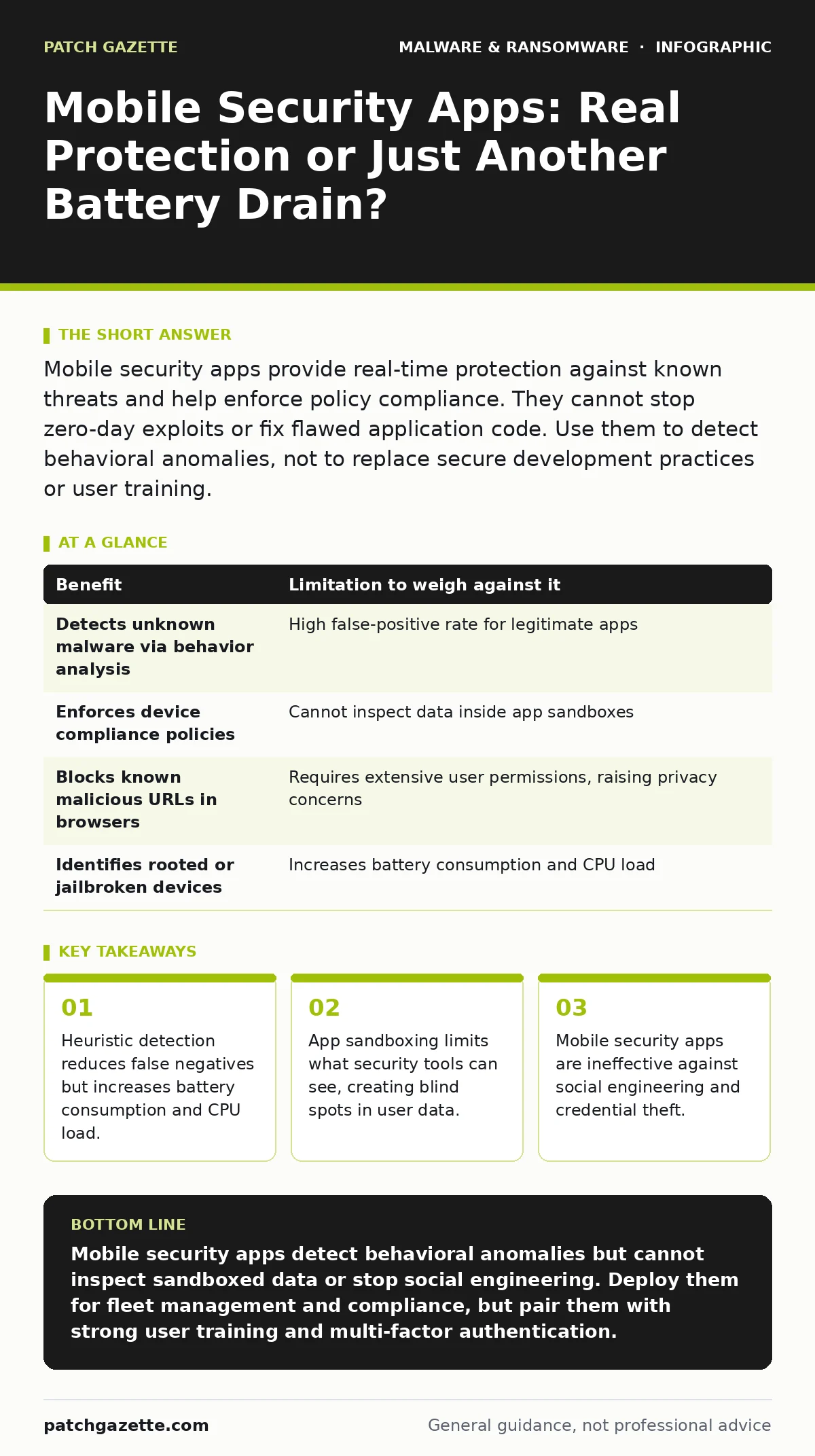
Mobile security apps provide real-time protection against known threats and help enforce policy compliance. They cannot stop zero-day exploits or fix flawed application code. Use them to detect behavioral anomalies, not to replace secure development practices or user training.
The Shift From Signature to Behavior
Traditional antivirus software relies on signature matching, comparing file hashes against a database of known threats. This method fails on mobile devices because operating systems like Android and iOS restrict deep file system access. Instead, modern mobile security apps use heuristic analysis. This approach monitors application behavior rather than inspecting file contents.
The app watches for actions that deviate from normal patterns. It flags an application that attempts to read contact lists without permission or sends data to an unknown server. This behavioral monitoring allows detection of new threats that lack a known signature. However, this method requires constant background processing, which impacts device performance.
The Sandbox Constraint
Mobile operating systems enforce strict sandboxing. This security model isolates each application, preventing it from accessing data belonging to other apps unless explicitly permitted. While this protects users, it also blinds security applications. A mobile security app cannot see inside the sandbox of another application.
It can only observe the entry and exit points of data. If a malicious app encrypts files within its own sandbox, the security app may not detect the encryption until the app tries to send the encrypted data out. This limitation means that mobile security apps are better at detecting exfiltration than they are at preventing initial infection.
Understanding this constraint is vital for managing expectations. The security app is a sensor, not a wall. It alerts you to anomalies, but it cannot prevent every malicious action within the isolated environment of a compromised application.
Performance and Privacy Trade-offs
Continuous monitoring requires resources. Mobile security apps run background services that check network traffic, monitor application launches, and scan for rooted or jailbroken devices. This activity consumes battery life and processing power. On older devices, this can lead to noticeable lag and reduced battery longevity.
Privacy concerns also arise. To function effectively, these apps require extensive permissions. They may request access to call logs, SMS messages, and location data to detect phishing attempts or stalkerware. Granting these permissions to a security vendor creates a new trust relationship. You are giving one entity deep visibility into your device to protect against others.
| Benefit | Limitation to weigh against it |
|---|---|
| Detects unknown malware via behavior analysis | High false-positive rate for legitimate apps |
| Enforces device compliance policies | Cannot inspect data inside app sandboxes |
| Blocks known malicious URLs in browsers | Requires extensive user permissions, raising privacy concerns |
| Identifies rooted or jailbroken devices | Increases battery consumption and CPU load |
Integration With Broader Defense Strategies
Mobile security apps do not operate in a vacuum. They must integrate with broader organizational defenses. For instance, if a mobile app detects a suspicious login attempt, it should trigger alerts that align with your disaster recovery plans. This ensures that a mobile compromise does not escalate into a wider infrastructure failure.
Consider the ransomware attack chain. Mobile devices are often the initial entry point for phishing attempts. A mobile security app can block the malicious link or the download of malicious documents. However, if the user has already entered credentials, the security app cannot undo the breach. The focus must shift to containment and credential rotation.
When It Is Worth It
You should deploy mobile security apps when managing a fleet of devices with varying levels of user expertise. In these environments, the risk of users downloading untrusted applications is high. The app provides a safety net that catches mistakes before they cause damage.
It is also valuable when handling sensitive data that could be exfiltrated via SMS or email. The app can monitor for unusual data transfers and alert administrators. This is particularly relevant for industries with strict compliance requirements. The ability to prove that security controls are active and monitoring behavior is often a regulatory necessity.
If your organization uses Bring Your Own Device (BYOD) policies, mobile security apps allow you to enforce minimum security standards without full device management. You can require that a device has a security app installed and that it is up to date before allowing access to corporate resources.
See also: Stop SIM Swap Fraud: The Technical Controls That Actually Work · Mobile Malware Myths: Why Your Phone Is Not Secure By Default
When It Is Not Worth It
Mobile security apps are less valuable in highly controlled environments where devices are fully managed and restricted. If you use Mobile Device Management (MDM) to whitelist applications, users cannot install unauthorized apps. In this case, the additional layer of a security app adds complexity without significant benefit.
They are also not a substitute for secure coding practices. If your internal applications have vulnerabilities, no security app can fix them. Focusing on mobile security apps while ignoring application security is a misallocation of resources. You must address the root cause of vulnerabilities in the code itself.
Addressing the Limits of Detection
No security tool can catch everything. Mobile security apps struggle with zero-day exploits, which are vulnerabilities unknown to the vendor. They also have limited ability to detect sophisticated malware that mimics legitimate behavior. This is why defense in depth is necessary.
Consider the threat of keyloggers. These programs record keystrokes to capture passwords. While some mobile security apps can detect known keylogger signatures, they may miss custom ones. If a keylogger operates within a legitimate app’s sandbox, it may remain undetected. This highlights the need for multi-factor authentication. Even if a keylogger captures a password, the attacker cannot access the account without the second factor.
The Human Element Remains Critical
Technology cannot solve human error. Mobile security apps can block malicious links, but they cannot stop a user from calling a support number provided in a phishing SMS. They can detect unusual data transfers, but they cannot prevent a user from taking a photo of a sensitive document.
Training users to recognize social engineering attacks is just as important as deploying security software. Educate users on the risks of downloading apps from unofficial sources. Teach them to verify the identity of requests for sensitive information. The most advanced security app is ineffective if the user bypasses it willingly.
Conclusion on Mobile Security Value
Mobile security apps provide a necessary layer of defense, but they are not a silver bullet. They excel at detecting behavioral anomalies and enforcing compliance. They fall short in inspecting sandboxed data and preventing social engineering.
Evaluate your specific risk profile. If you manage a diverse fleet of devices with high user autonomy, these apps are a valuable investment. If your devices are tightly controlled, focus your resources on application security and user training. Always remember that security is a process, not a product.
Key takeaways
- Heuristic detection reduces false negatives but increases battery consumption and CPU load.
- App sandboxing limits what security tools can see, creating blind spots in user data.
- Mobile security apps are ineffective against social engineering and credential theft.
Mobile security apps detect behavioral anomalies but cannot inspect sandboxed data or stop social engineering. Deploy them for fleet management and compliance, but pair them with strong user training and multi-factor authentication.
Frequently asked questions
Do mobile security apps slow down my phone?
Yes, continuous monitoring consumes battery and processing power, which can be noticeable on older devices or during intensive tasks.
Can mobile security apps protect against ransomware?
They can detect known ransomware behavior and block malicious downloads, but they cannot stop all variants, especially those that exploit zero-day vulnerabilities.
Are mobile security apps necessary for iOS devices?
iOS sandboxing provides strong inherent security, but apps can still help enforce compliance, detect phishing, and manage device configuration in corporate environments.
How do mobile security apps handle false positives?
They rely on heuristic analysis, which can flag legitimate apps as malicious. Regular tuning and user feedback are necessary to reduce these errors.
How this guide was produced: written by the Patch Gazette editorial team with AI assistance, checked against the public references listed below, and reviewed when the facts change. See our editorial policy or report an error.