Exposed Admin Panels: 6 Myths That Leave Systems Wide Open
Hiding admin interfaces behind obscure URLs provides no security, as automated tools map these paths regardless of obscurity.
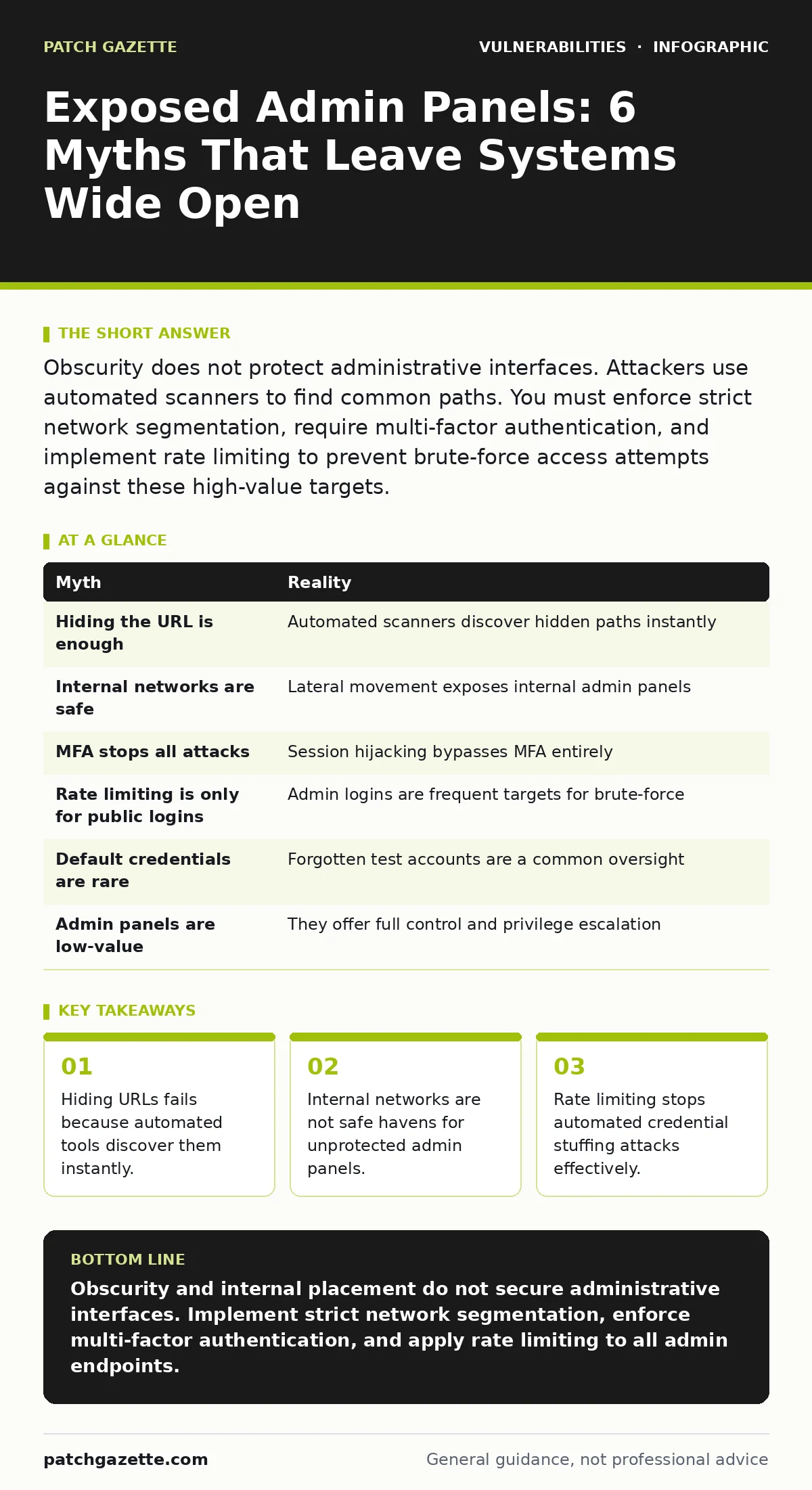
Obscurity does not protect administrative interfaces. Attackers use automated scanners to find common paths. You must enforce strict network segmentation, require multi-factor authentication, and implement rate limiting to prevent brute-force access attempts against these high-value targets.
Myth: Hiding the URL is enough protection
Reality: Obscurity offers zero security value against modern attack tools. You might change the default path from /admin to a complex string like /secure-access-point-99, assuming this hides the interface from casual viewers. Automated vulnerability scanning tools do not rely on human intuition. They execute dictionary attacks against thousands of common and guessed paths simultaneously.
This approach creates a false sense of security. You spend time renaming directories while leaving the underlying authentication mechanisms weak. The interface remains accessible to anyone who guesses the path or uses a standard scanner. The effort required to hide the URL is wasted if the backend lacks proper access controls.
Myth: Internal networks are safe from external attacks
Reality: The internal network is rarely a trusted environment. You may assume that because the admin panel is only accessible via the corporate LAN, it is shielded from the internet. This belief ignores the reality of lateral movement. Once an attacker compromises a single workstation through phishing or a dependency confusion attack, they gain a foothold inside your perimeter.
From that compromised host, the attacker can pivot toward high-value targets. An exposed admin panel on the internal network becomes an easy prize. It often requires fewer security controls than public-facing applications. You must treat internal traffic with the same suspicion as external traffic. Network segmentation limits the blast radius of such compromises.
Myth: Multi-factor authentication stops all admin attacks
Reality: Multi-factor authentication (MFA) is a strong control, but it is not a silver bullet. You might believe that requiring a second factor eliminates the risk of unauthorized access. This ignores the threat of session hijacking. If an attacker steals a valid session cookie or token, they bypass the login screen entirely. MFA only protects the initial authentication step.
Attackers use various methods to capture these tokens, including cross-site scripting flaws or malware on user devices. Once they have the token, they act as the legitimate administrator. Your system sees a valid session, not a login attempt. You must implement short token expiration times and bind sessions to specific client fingerprints. This reduces the window of opportunity for stolen credentials.
Myth: Rate limiting only matters for public logins
Reality: Brute-force attacks target administrative interfaces aggressively. You might think that because the admin panel is hidden or internal, it does not need protection against repeated login attempts. This is incorrect. Automated scripts can test thousands of credential combinations against an admin login form in minutes. Without rate limiting, these tools operate without friction.
Rate limiting restricts the number of login attempts from a single source within a specific timeframe. This slows down automated attacks, making them detectable and less effective. It does not stop a determined human attacker, but it defeats the majority of automated credential stuffing campaigns. You should apply this control to all authentication endpoints, regardless of their visibility.
Myth: Default credentials are rarely used in production
Reality: Default credentials remain a widespread vulnerability. You might assume that installation wizards force you to change default passwords, or that your team always updates them. In many cases, developers leave default accounts active for testing purposes. These accounts are often forgotten when the application moves to production.
Attackers know the default usernames and passwords for popular software. They do not need to guess; they simply try the known defaults. If you do not disable or rename these accounts, they provide an easy entry point. This is a form of security technical debt that accumulates silently. Auditing installed software for default accounts is a necessary maintenance task.
See also: SAML vs OAuth: Which Protocol Fits Your Cloud Architecture? · Spot Privilege Escalation Warning Signs Before Breach
Myth: Admin panels are not valuable targets for attackers
Reality: Administrative interfaces provide powerful capabilities. You might view the admin panel as a low-value target compared to the main application. This underestimates the damage an attacker can do with elevated privileges. An admin panel often allows user creation, configuration changes, and system updates.
Compromising an admin account enables privilege escalation vulnerabilities that are difficult to detect. The attacker can create new accounts, modify security settings, or inject malicious code. They can also access sensitive data that regular users cannot see. The administrative interface is the control room of your application. Protecting it with the highest level of security is non-negotiable.
| Myth | Reality |
|---|---|
| Hiding the URL is enough | Automated scanners discover hidden paths instantly |
| Internal networks are safe | Lateral movement exposes internal admin panels |
| MFA stops all attacks | Session hijacking bypasses MFA entirely |
| Rate limiting is only for public logins | Admin logins are frequent targets for brute-force |
| Default credentials are rare | Forgotten test accounts are a common oversight |
| Admin panels are low-value | They offer full control and privilege escalation |
Key takeaways
- Hiding URLs fails because automated tools discover them instantly.
- Internal networks are not safe havens for unprotected admin panels.
- Rate limiting stops automated credential stuffing attacks effectively.
Obscurity and internal placement do not secure administrative interfaces. Implement strict network segmentation, enforce multi-factor authentication, and apply rate limiting to all admin endpoints.
Frequently asked questions
How do I find hidden admin panels on my own network?
Use internal vulnerability scanning tools to map all accessible endpoints. Compare these against a whitelist of known administrative interfaces.
Does changing the port number help hide an admin panel?
No. Port scanning is a standard part of reconnaissance. Attackers will discover open ports regardless of how unusual the number is.
Should I disable remote access to admin panels entirely?
If possible, restrict access to a dedicated management network. This reduces the attack surface significantly compared to allowing remote access from the general corporate network.
How often should I review admin access logs?
Review logs continuously with automated alerting. Look for unusual login times, failed authentication spikes, and access from unfamiliar IP addresses.
How this guide was produced: written by the Patch Gazette editorial team with AI assistance, checked against the public references listed below, and reviewed when the facts change. See our editorial policy or report an error.