
Stop Keyloggers: Detection, Prevention, and What Actually Works
Standard antivirus often misses modern keyloggers because they hide in memory, making hardware input isolation and strict permission controls your most reliable defense layers.
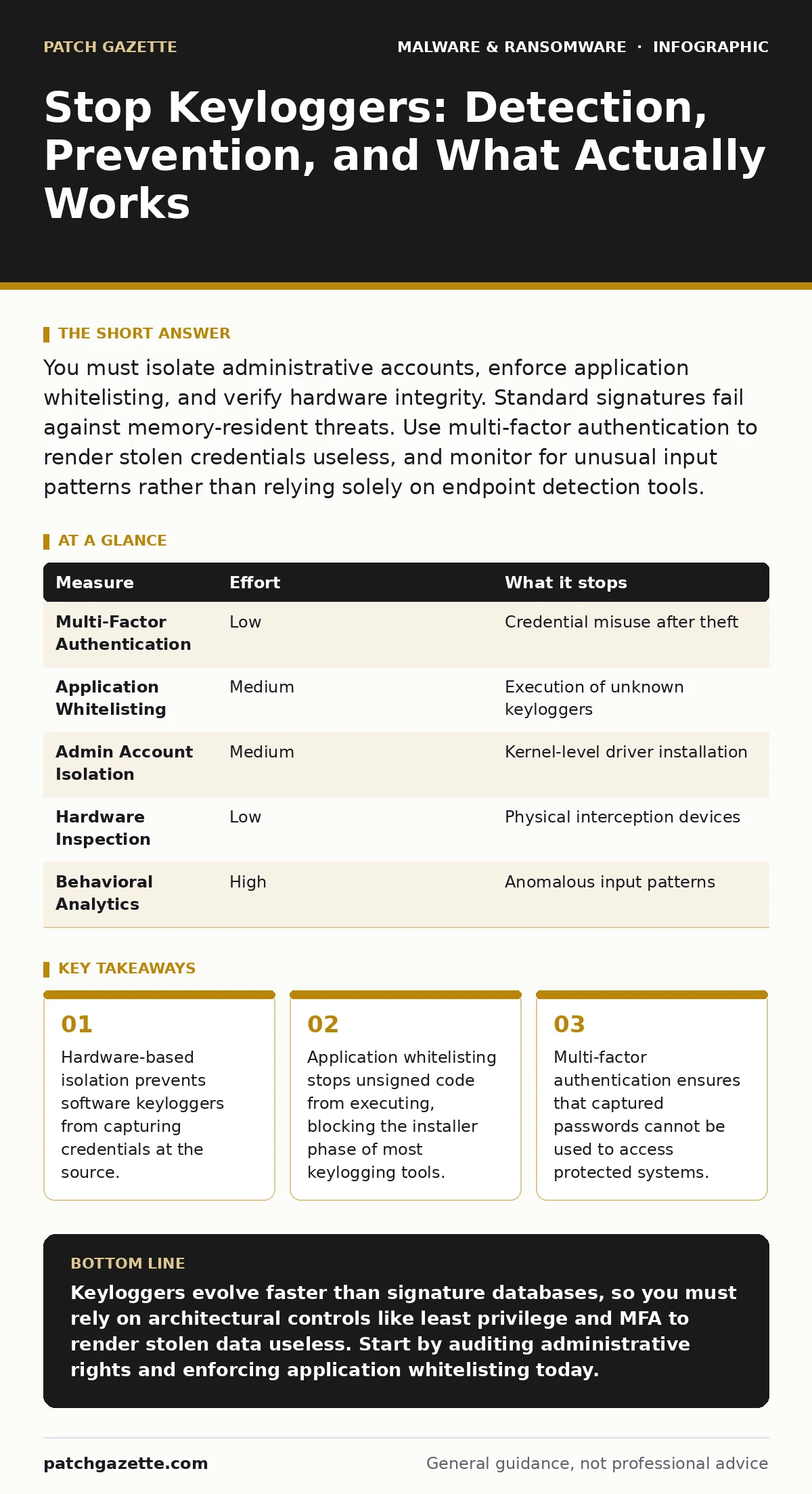
You must isolate administrative accounts, enforce application whitelisting, and verify hardware integrity. Standard signatures fail against memory-resident threats. Use multi-factor authentication to render stolen credentials useless, and monitor for unusual input patterns rather than relying solely on endpoint detection tools.
The Anatomy of Silent Capture
Keyloggers are software or hardware tools that record every keystroke you type. They do not care if you are entering a password, writing an email, or typing code. The goal is data exfiltration, often to support ransomware or espionage operations.
These tools operate at different layers of the operating system. Some run as standard applications, while others embed themselves in the kernel, the core of the operating system. Kernel-level keyloggers have direct access to input buffers before the operating system processes them. This makes them invisible to standard user-space monitoring tools.
Understanding where the capture happens dictates how you stop it. If the capture happens at the application level, you can block the app. If it happens at the driver level, you must block the driver. If it is hardware, you must physically inspect the device.
Why Signature Scanning Fails
Traditional antivirus software relies on known signatures, which are unique identifiers of known malicious files. This approach works for common viruses but fails against custom keyloggers. Attackers can modify the code slightly, creating a new variant that does not match any known signature.
Polymorphic code changes its appearance every time it replicates, evading static analysis. Modern keyloggers often use legitimate system utilities to perform their tasks, a technique known as "living off the land." This means the malicious activity looks like normal system behavior.
Isolating Administrative Privileges
The most effective way to limit damage is to prevent keyloggers from gaining high-level access. Standard users have limited permissions, meaning a keylogger installed by a standard user cannot easily install a kernel driver.
You should enforce the principle of least privilege. This means users operate with standard accounts for daily tasks and only elevate to administrative rights when necessary. This limits the attack surface available to malware.
If a keylogger captures credentials for a standard user, the attacker gains limited access. If it captures admin credentials, they can install persistent backdoors and disable security controls. Separating these accounts is a high-impact, low-cost measure.
Enforcing Application Whitelisting
Application whitelisting allows only approved software to run on your systems. Unlike blacklisting, which blocks known bad items, whitelisting blocks everything except known good items. This stops unknown keyloggers from executing in the first place.
This measure requires initial effort to catalog and approve all legitimate software. However, it prevents the execution of new, unsigned, or modified binaries. It is particularly effective against drive-by downloads and malicious documents that attempt to launch secondary payloads.
Detecting Anomalous Input Behavior
You cannot always prevent a keylogger from installing, but you can detect it by looking for unusual activity. Behavioral analytics monitor input patterns rather than file signatures. This includes the timing of keystrokes and the sequence of commands.
Imagine a user who typically types slowly but suddenly exhibits rapid, machine-like input patterns. Or consider an account that accesses sensitive files at unusual hours. These anomalies suggest automated tooling rather than human behavior.
Endpoint Detection and Response platforms can flag these deviations. They do not stop the keylogger, but they alert you to its presence. This allows you to isolate the affected machine and investigate before data is exfiltrated.
See also: Mobile Security App Mistakes That Leave Devices Vulnerable · Mobile Security Apps: Real Protection or Just Another Battery Drain?
Hardware Verification and Isolation
Software solutions cannot stop hardware keyloggers. These are small devices inserted between the keyboard and the computer, or embedded within the keyboard itself. They record keystrokes at the electrical signal level, bypassing all software defenses.
Regular physical inspections of workstations are necessary. Look for unusual devices attached to USB ports or PS/2 connectors. Check for signs of tampering on keyboards, such as loose casing or extra components.
For high-security environments, consider using encrypted keyboards. These devices encrypt keystrokes at the source and decrypt them only at the operating system level. This prevents intermediate hardware from reading the data in plain text.
Mitigating Credential Theft
Even if a keylogger captures your password, you can render it useless. Multi-factor authentication requires a second form of verification, such as a code from a phone or a hardware token. The keylogger cannot capture this second factor if it is not typed on the compromised machine.
Use password managers to auto-fill credentials. This prevents the keylogger from seeing the password as you type it. The password manager interacts with the application directly, bypassing the keyboard input stream.
| Measure | Effort | What it stops |
|---|---|---|
| Multi-Factor Authentication | Low | Credential misuse after theft |
| Application Whitelisting | Medium | Execution of unknown keyloggers |
| Admin Account Isolation | Medium | Kernel-level driver installation |
| Hardware Inspection | Low | Physical interception devices |
| Behavioral Analytics | High | Anomalous input patterns |
Immediate Action Checklist
You need to verify your current defenses against these specific vectors. Start by auditing your administrative accounts. Ensure that daily users do not have local admin rights. This limits the ability of malware to install persistent drivers.
Next, review your application control policies. If you do not have whitelisting, implement strict execution policies for scripts and binaries. This blocks the initial execution of most keylogging tools.
- Audit local administrator groups on all endpoints.
- Enable multi-factor authentication for all remote access.
- Verify that password managers are enforced for critical applications.
Key takeaways
- Hardware-based isolation prevents software keyloggers from capturing credentials at the source.
- Application whitelisting stops unsigned code from executing, blocking the installer phase of most keylogging tools.
- Multi-factor authentication ensures that captured passwords cannot be used to access protected systems.
Keyloggers evolve faster than signature databases, so you must rely on architectural controls like least privilege and MFA to render stolen data useless. Start by auditing administrative rights and enforcing application whitelisting today.
Frequently asked questions
Can a keylogger steal data from a password manager?
Most password managers do not send keystrokes to the operating system when auto-filling. They interact directly with the browser or application, bypassing standard keylogging hooks.
Do virtual keyboards prevent keylogging?
Virtual keyboards can defeat simple keyboard hooks, but they are vulnerable to screen scraping and mouse-tracking keyloggers. They are not a complete solution.
How do I know if my keyboard has a hardware keylogger?
Check for physical abnormalities like extra weight, loose casing, or unknown USB devices. Replace keyboards from untrusted sources or those that have been left unattended.
Is encryption enough to stop keyloggers?
Encryption protects data at rest, but keyloggers capture data before it is encrypted. You need to protect the input phase, not just the storage phase.
How this guide was produced: written by the Patch Gazette editorial team with AI assistance, checked against the public references listed below, and reviewed when the facts change. See our editorial policy or report an error.