
Parameterized Queries Best Practices: Stop Injection Attacks
Binding data separately from logic prevents the database from misinterpreting user input as executable commands, closing the most common entry point for attackers.
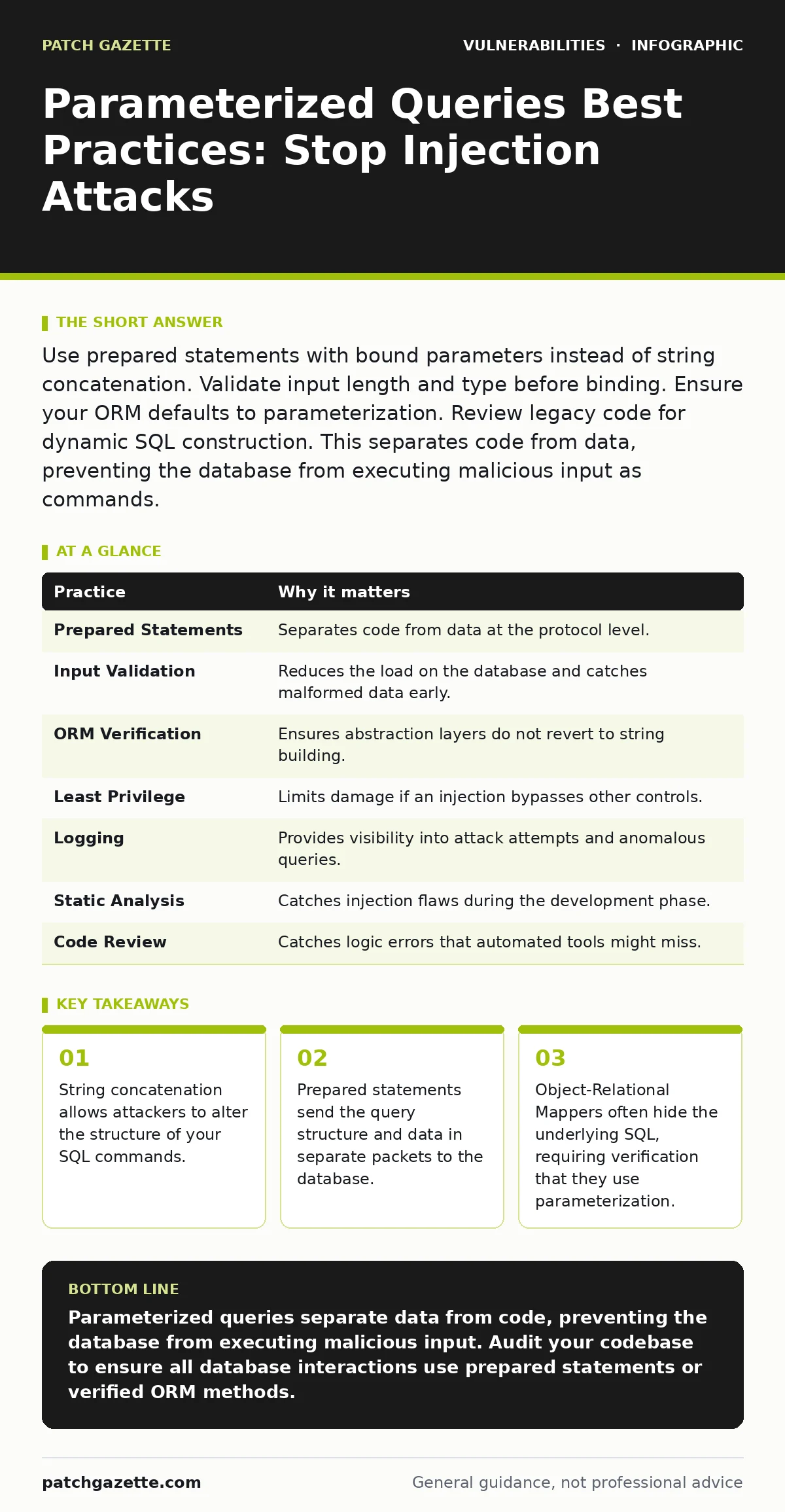
Use prepared statements with bound parameters instead of string concatenation. Validate input length and type before binding. Ensure your ORM defaults to parameterization. Review legacy code for dynamic SQL construction. This separates code from data, preventing the database from executing malicious input as commands.
The Mechanism of Separation
Attackers exploit SQL injection by inserting code into input fields. The database executes this code because it cannot distinguish between the intended command and the injected data. Parameterized queries solve this by sending the query template and the data in separate network packets. The database compiles the template first. It then treats the incoming data strictly as literal values. This structural separation prevents the database from interpreting user input as executable logic. You gain protection against injection without needing to sanitize every character.
1. Enforce Prepared Statements Everywhere
Prepared statements are the standard defense against injection. They ensure that the database engine parses the query structure before any data is applied. If you concatenate strings to build queries, you create a path for injection. Even if you sanitize input, a missed edge case can expose your system. Consistency is key. If one module uses concatenation, an attacker may target that specific entry point.
- Audit your codebase for string concatenation in SQL statements.
- Replace these instances with prepared statements or bound parameters.
| Practice | Why it matters |
|---|---|
| Prepared Statements | Separates code from data at the protocol level. |
| Input Validation | Reduces the load on the database and catches malformed data early. |
| ORM Verification | Ensures abstraction layers do not revert to string building. |
| Least Privilege | Limits damage if an injection bypasses other controls. |
| Logging | Provides visibility into attack attempts and anomalous queries. |
| Static Analysis | Catches injection flaws during the development phase. |
| Code Review | Catches logic errors that automated tools might miss. |
2. Verify ORM Parameterization
Many developers rely on Object-Relational Mappers to handle database interactions. These tools abstract the SQL syntax, making code cleaner. However, not all ORMs use parameterized queries by default. Some allow raw SQL execution or use string interpolation for dynamic queries. You must verify that your specific ORM and version use prepared statements. Do not assume safety based on the tool’s reputation. Check the documentation for your framework.
- Test your ORM’s output with a database profiler.
- Confirm that parameters are sent as binary data, not text.
3. Apply Strict Input Validation
Parameterization protects the database, but it does not protect your application logic. Malformed data can still cause errors, crashes, or logic bugs. Validate input length, type, and format before it reaches the database layer. This reduces the attack surface and improves performance. It also helps catch data quality issues early. Validation should happen at the boundary of your application.
- Define strict schemas for all incoming data.
- Reject data that does not match expected patterns.
4. Limit Database Account Privileges
Even with perfect parameterization, other vulnerabilities exist. If an attacker finds a way to execute arbitrary commands, limited privileges reduce the impact. Use least privilege principles for database accounts. The application account should only have permission to read and write specific tables. It should not have rights to create tables, drop databases, or execute system commands. This containment strategy limits lateral movement.
- Create separate database users for read-only and read-write operations.
- Regularly review and revoke unnecessary permissions.
See also: Security Technical Debt: How to Measure and Pay It Down
5. Log Query Execution Context
Logging helps you detect attacks and troubleshoot issues. Log the execution of queries, including the parameters used. Do not log sensitive data like passwords or credit card numbers. Mask or hash these values before logging. This balance provides visibility without compromising privacy. Logs can reveal patterns of injection attempts. They also help in forensic analysis after an incident.
- Configure your logging framework to mask sensitive fields.
- Monitor logs for unusual query patterns or high error rates.
6. Use Static Analysis Tools
Manual code review is error-prone. Static analysis tools can scan your code for potential injection flaws. These tools identify places where string concatenation is used in SQL statements. They also flag unsafe use of ORM features. Integrate these tools into your continuous integration pipeline. This catches issues before they reach production. It shifts security left in the development lifecycle.
- Run static analysis scans on every code commit.
- Treat high-severity findings as blockers for deployment.
7. Conduct Regular Code Reviews
Automated tools miss context. Human reviewers can spot logic errors that tools overlook. Peer reviews ensure that security practices are followed consistently. Reviewers should look for dynamic SQL construction. They should also verify that input validation is comprehensive. This collaborative approach builds a culture of security. It catches subtle flaws that automated checks might miss.
- Include security-focused questions in your code review checklist.
- Rotate reviewers to bring fresh perspectives to the code.
Handling Dynamic Queries
Some queries require dynamic elements, such as column names or table names. These cannot be parameterized because they are part of the query structure, not the data. For these cases, use allowlisting. Define a set of valid column names or table names. Map user input to these allowed values. If the input does not match, reject it. This approach maintains safety while allowing flexibility.
- Create a mapping table for dynamic identifiers.
- Reject any input that does not exist in the mapping.
Integration with Other Defenses
Parameterized queries are not a silver bullet. They must be part of a broader security strategy. Combine them with vulnerability scanning to find other weaknesses. Protect against command injection by validating inputs before passing them to system shells. Secure exposed admin panels with strict access controls. Monitor for privilege escalation vulnerabilities that could bypass application logic. Stay aware of dependency confusion attacks that might compromise your libraries. Review proof-of-concept exploits to understand new attack vectors. Watch for path traversal vulnerabilities that could expose sensitive files. Be cautious of LDAP injection if you use directory services.
- Layer multiple defenses to protect against diverse threats.
- Regularly update your security tools and knowledge.
Key takeaways
- String concatenation allows attackers to alter the structure of your SQL commands.
- Prepared statements send the query structure and data in separate packets to the database.
- Object-Relational Mappers often hide the underlying SQL, requiring verification that they use parameterization.
Parameterized queries separate data from code, preventing the database from executing malicious input. Audit your codebase to ensure all database interactions use prepared statements or verified ORM methods.
Frequently asked questions
Can I use parameterized queries for column names?
No, column names are part of the query structure. You must use allowlisting to validate column names before including them in the query.
Do parameterized queries protect against all SQL injection?
They protect against most injection by separating data from code. However, they do not protect against logic bugs or injection in dynamic structural elements like table names.
Is it safe to use string concatenation if I sanitize the input?
Sanitization is error-prone and complex. Parameterization is more reliable because it relies on the database protocol rather than custom filtering logic.
How do I check if my ORM uses parameterization?
Use a database profiler or logging tool to inspect the actual SQL sent to the database. Look for bound parameters rather than interpolated strings.
How this guide was produced: written by the Patch Gazette editorial team with AI assistance, checked against the public references listed below, and reviewed when the facts change. See our editorial policy or report an error.