
Hardening Self-Hosted GitLab: 9 Critical Security Questions Answered
Most GitLab breaches occur because administrators trust default configurations that expose administrative interfaces to the public internet without additional authentication layers.
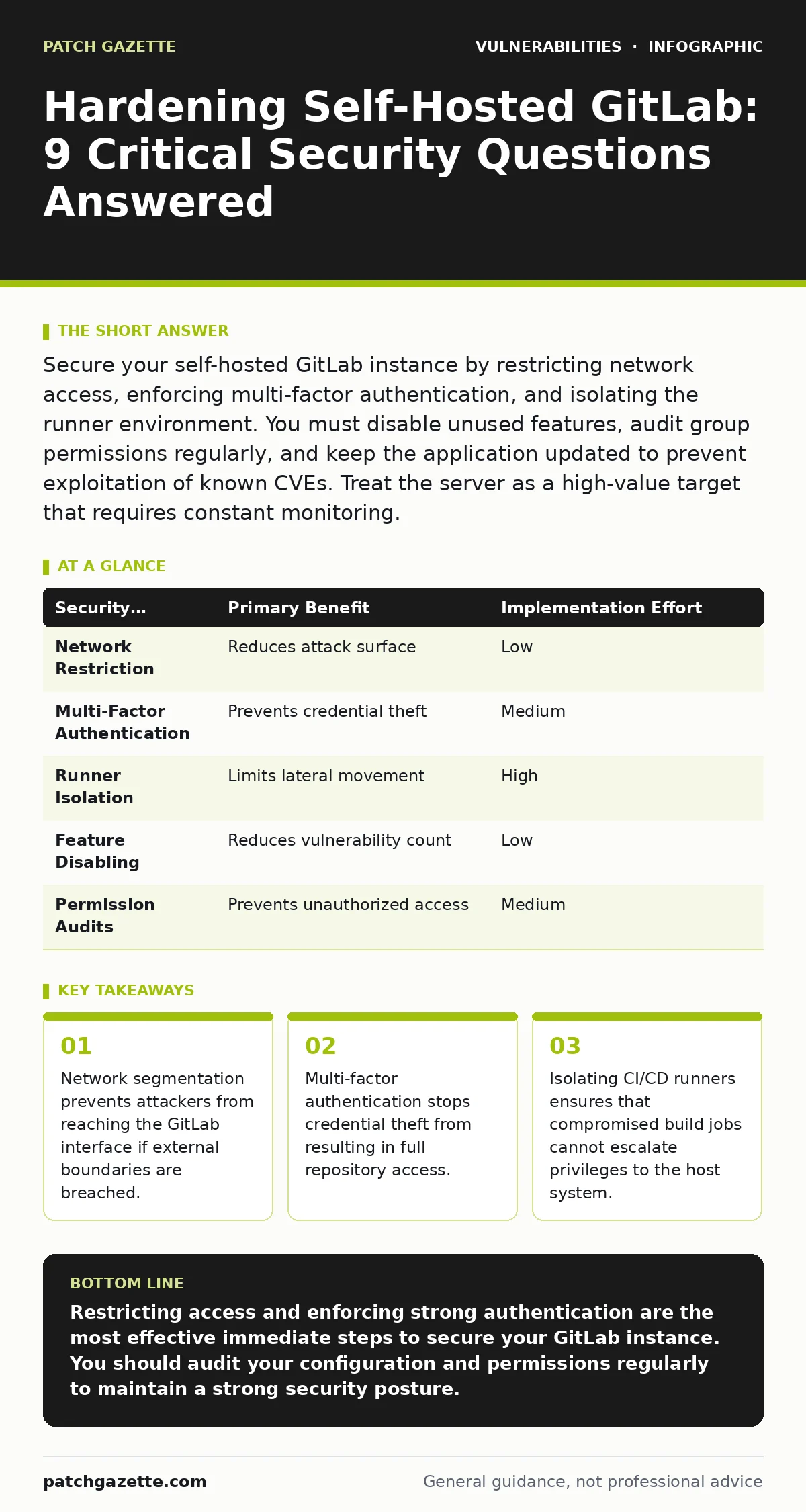
Secure your self-hosted GitLab instance by restricting network access, enforcing multi-factor authentication, and isolating the runner environment. You must disable unused features, audit group permissions regularly, and keep the application updated to prevent exploitation of known CVEs. Treat the server as a high-value target that requires constant monitoring.
Why should you restrict network access to the GitLab instance?
You should restrict network access to ensure that only authorized users and systems can reach the GitLab interface. Exposing the application to the public internet increases the attack surface significantly. Attackers scan for exposed admin panels and attempt brute-force attacks against default credentials. By placing GitLab behind a reverse proxy or within a private network, you add a layer of defense. This configuration forces all traffic through a controlled entry point where you can apply additional security rules. It does not eliminate risk but reduces the volume of automated scanning and exploitation attempts.
How do you enforce strong authentication for all users?
You enforce strong authentication by enabling multi-factor authentication for every account, including administrators. Passwords alone are insufficient because they can be guessed, stolen, or reused from other breaches. Multi-factor authentication requires a second form of verification, such as a hardware key or an authenticator app. This mechanism ensures that even if an attacker obtains a password, they cannot access the account. You must configure the application to require this second factor for login and for sensitive actions like merging code. This adds friction to the login process but drastically reduces the success rate of credential stuffing attacks.
What is the risk of leaving CI/CD runners exposed?
Leaving CI/CD runners exposed allows attackers to execute arbitrary code on the build infrastructure. Runners process jobs defined in configuration files, which may contain malicious commands if a repository is compromised. If runners have direct access to the host system or other internal services, an attacker can move laterally. You must isolate runners in separate virtual machines or containers with minimal permissions. This isolation prevents a compromised job from affecting the GitLab server or other network segments. It treats each build job as untrusted input, which is a fundamental security principle for continuous integration systems.
Why must you disable unused features and services?
You must disable unused features to reduce the number of potential entry points for attackers. Every enabled service adds complexity and potential vulnerabilities. Features like guest access, anonymous cloning, or unused integrations may have known security technical debt that you do not need to manage. Disabling these options simplifies the configuration and reduces the likelihood of misconfiguration. You should audit the feature list regularly and turn off anything that does not support a specific business requirement. This practice aligns with the principle of least privilege, ensuring that only necessary functions are active.
How do you manage group permissions effectively?
You manage group permissions by assigning the least privilege necessary for each user and group. Overly permissive settings allow users to access repositories or settings they should not see. This leads to broken access control issues where users can perform actions beyond their intended role. You should review group memberships quarterly and remove users who no longer need access. Use granular roles to separate read-only users from those who can push code or change settings. This structure prevents accidental or malicious changes to critical repositories. Regular audits ensure that permission creep does not undermine your security posture.
See also: Output Encoding Errors: 6 Misconceptions Blocking Secure Code
What is the impact of not updating the GitLab application?
Not updating the application leaves you vulnerable to known exploits that have public patches. Attackers actively scan for outdated versions and exploit documented weaknesses. Each new release addresses security issues, performance bugs, and compatibility problems. Delaying updates increases the window of exposure. You should test updates in a staging environment before applying them to production. This process ensures that the update does not break existing workflows. Keeping the software current is a basic but often neglected step in maintaining a secure environment. It directly reduces the risk of successful exploitation.
How can you protect against dependency confusion attacks?
You protect against dependency confusion attacks by ensuring that internal package registries are private and not accessible from the public internet. Attackers can register packages with the same name as internal libraries on public repositories. If the internal registry is misconfigured, the application may pull the malicious public package instead of the internal one.
You must verify that the package resolution logic prioritizes internal sources. Additionally, restrict write access to the internal registry to authorized personnel only. This prevents unauthorized users from publishing malicious packages. Regularly audit the packages in your registry to ensure they match expected versions and checksums.
| Security Measure | Primary Benefit | Implementation Effort |
|---|---|---|
| Network Restriction | Reduces attack surface | Low |
| Multi-Factor Authentication | Prevents credential theft | Medium |
| Runner Isolation | Limits lateral movement | High |
| Feature Disabling | Reduces vulnerability count | Low |
| Permission Audits | Prevents unauthorized access | Medium |
Why is output encoding critical in your environment?
Output encoding is critical because it prevents cross-site scripting attacks where malicious scripts are injected into the application. If user input is displayed without proper encoding, an attacker can execute JavaScript in the browser of other users. This can lead to session hijacking or data theft. You must ensure that all dynamic content is encoded before being rendered. This includes repository names, commit messages, and user profiles. The application should handle this automatically, but you must verify that custom integrations or scripts do not bypass these protections. Proper encoding neutralizes the threat of injected scripts.
How do you monitor for privilege escalation vulnerabilities?
You monitor for privilege escalation vulnerabilities by logging all administrative actions and reviewing them regularly. Privilege escalation occurs when a user gains higher-level access than intended. This can happen through misconfigurations or exploits in the application. You should set up alerts for unusual activity, such as changes to user roles or repository settings. Regularly review the audit logs for patterns that indicate unauthorized access attempts. This proactive monitoring helps you detect and respond to incidents quickly. It also provides evidence for forensic analysis if a breach occurs.
What is the role of CVSS scores in your update strategy?
CVSS scores help you prioritize which vulnerabilities to patch first. The Common Vulnerability Scoring System provides a standardized rating for the severity of a vulnerability. Higher scores indicate more severe risks that require immediate attention. You should use these scores to determine the urgency of updates. However, do not ignore lower-scoring vulnerabilities, as they may still be exploitable in your specific environment. Combine CVSS scores with contextual risk assessment to create a balanced patching schedule. This approach ensures that you address the most critical threats without neglecting other security needs.
Key takeaways
- Network segmentation prevents attackers from reaching the GitLab interface if external boundaries are breached.
- Multi-factor authentication stops credential theft from resulting in full repository access.
- Isolating CI/CD runners ensures that compromised build jobs cannot escalate privileges to the host system.
Restricting access and enforcing strong authentication are the most effective immediate steps to secure your GitLab instance. You should audit your configuration and permissions regularly to maintain a strong security posture.
Frequently asked questions
Can I use a public GitLab instance for sensitive projects?
No, public instances lack the necessary control over access and data retention. You should host sensitive projects on a private, self-hosted instance with strict security controls.
How often should I update my GitLab server?
You should update your server as soon as critical security patches are released. Test updates in a staging environment before applying them to production to ensure stability.
What is the best way to back up GitLab data?
Use automated backup scripts that store copies in a secure, offsite location. Verify the backups regularly to ensure they can be restored in case of a disaster.
Do I need a separate server for GitLab runners?
Yes, separating runners from the main server improves security and performance. It isolates build processes and prevents resource contention or privilege escalation.
How this guide was produced: written by the Patch Gazette editorial team with AI assistance, checked against the public references listed below, and reviewed when the facts change. See our editorial policy or report an error.