
Linux Server Hardening: Reduce Attack Surface and Secure Systems
Hardening transforms a default Linux installation from an open house into a locked facility by removing unnecessary services and tightening access controls before deployment.
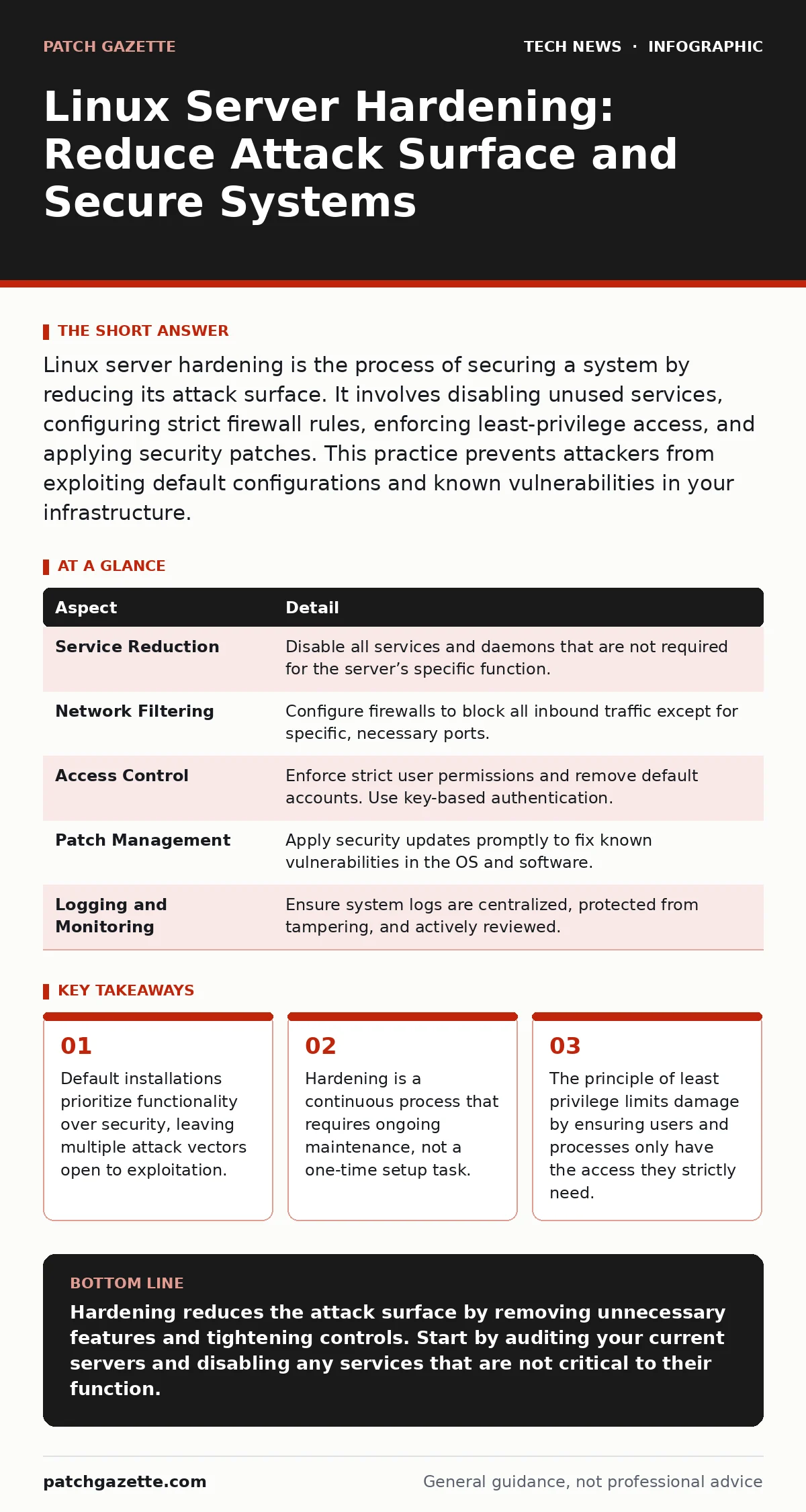
Linux server hardening is the process of securing a system by reducing its attack surface. It involves disabling unused services, configuring strict firewall rules, enforcing least-privilege access, and applying security patches. This practice prevents attackers from exploiting default configurations and known vulnerabilities in your infrastructure.
The Open Door Analogy
Imagine buying a new office building. The developer installs every type of lock, every window, and every door possible to show off the building’s versatility. They leave the back door unlocked for delivery trucks and leave the master key with the cleaning crew. If you move in without changing anything, you inherit all those risks. Linux server hardening is the process of locking that back door, revoking the master key, and removing windows that do not need to be opened. It turns a generic, feature-rich system into a specific, secure tool.
What Hardening Actually Solves
Most Linux distributions are built to work out of the box for a wide variety of users. This means they come with many services, ports, and user accounts enabled by default. A web server does not need a print spooler. A database does not need SSH access from the public internet. Every enabled service is a potential entry point for an attacker. Hardening solves the problem of excess. It removes the noise so you can monitor the signal. It ensures that the system does exactly what it is supposed to do and nothing else.
The Core Components of Hardening
Hardening is not a single tool. It is a collection of practices that work together. You must address the operating system, the network, and the applications.
| Aspect | Detail |
|---|---|
| Service Reduction | Disable all services and daemons that are not required for the server’s specific function. |
| Network Filtering | Configure firewalls to block all inbound traffic except for specific, necessary ports. |
| Access Control | Enforce strict user permissions and remove default accounts. Use key-based authentication. |
| Patch Management | Apply security updates promptly to fix known vulnerabilities in the OS and software. |
| Logging and Monitoring | Ensure system logs are centralized, protected from tampering, and actively reviewed. |
Where Hardening Fits in Defense
Hardening is the foundation of your security strategy. It does not replace other controls, but it makes them more effective. If you have a weak perimeter, hardening reduces the chance of an intrusion. If an intruder bypasses the firewall, a hardened system limits what they can do. It works alongside Secure Boot, which ensures the kernel has not been tampered with during startup. It complements code signing, which verifies that software comes from a trusted source. It supports strong password policies by ensuring that even if a password is guessed, the account has minimal privileges. Hardening also reduces the risk associated with USB security breaches by disabling USB ports on servers that do not need them. It is the layer that sits beneath everything else.
The Hidden Cost of Complexity
Many administrators focus on complex tools while ignoring basic hygiene. They install advanced intrusion detection systems but leave default user accounts active. This is a mistake. Complexity creates blind spots. The more tools you use, the more you need to monitor and maintain. Simple measures often provide the greatest return. Disabling unused network interfaces is more effective than tuning a firewall that allows all traffic by default. Removing unused packages reduces the number of potential vulnerabilities. You do not need every security feature enabled. You need the right features, configured correctly.
See also: IP Address Mechanics: 10 Questions Network Engineers Actually Ask · Software Updates Best Practices: Secure Patching Without Downtime
Common Misconceptions About Hardening
People often believe that hardening is a one-time task. They secure a server at deployment and then forget about it. This is dangerous. New vulnerabilities are discovered every day. New services are installed over time. Hardening must be continuous. Another common error is assuming that hardening slows down performance. In reality, disabling unused services often improves performance by freeing up resources. The only real cost is time. You must invest time in understanding your system. You must document your changes. You must test your configurations. If you treat hardening as a checklist, you will miss the nuances. Each server is different. A database server needs different hardening than a web proxy.
Integrating with Broader Security
Hardening does not exist in a vacuum. It works best when combined with other security practices. For example, using virtual machines allows you to isolate different services. If one VM is compromised, the others remain safe. Hardening each VM individually adds another layer of protection. You should also consider IP addresses and network segmentation. A hardened server on a flat network is still at risk from lateral movement. Segmenting the network limits the spread of an attack. Additionally, consider FileVault or similar disk encryption for servers that might be stolen or physically accessed. Encryption protects data at rest, while hardening protects data in use.
Maintaining Your Hardened State
The final step is maintenance. You must have a process for reviewing and updating your hardening measures. This includes regular audits of user accounts and permissions. It includes checking for new security patches. It includes reviewing logs for suspicious activity. Automation can help here. Use configuration management tools to enforce your hardening standards. This ensures that every server is configured consistently. It also allows you to detect drift, where a server’s configuration changes over time. Drift is a common cause of security failures. By automating enforcement, you reduce the risk of human error.
Key takeaways
- Default installations prioritize functionality over security, leaving multiple attack vectors open to exploitation.
- Hardening is a continuous process that requires ongoing maintenance, not a one-time setup task.
- The principle of least privilege limits damage by ensuring users and processes only have the access they strictly need.
Hardening reduces the attack surface by removing unnecessary features and tightening controls. Start by auditing your current servers and disabling any services that are not critical to their function.
Frequently asked questions
How long does it take to harden a Linux server?
Initial hardening can take a few hours for a simple server. Complex systems with many dependencies may take days. Ongoing maintenance requires regular time investment.
Does hardening affect application performance?
It often improves performance by freeing resources used by unused services. However, misconfigured security tools can cause latency. Test thoroughly before deploying to production.
Can I harden a server after it has been compromised?
No. If a server is compromised, you should rebuild it from a known-good image. Hardening a compromised system is ineffective because you cannot trust the current state.
Is hardening different for cloud servers?
The principles are the same, but cloud environments may have additional shared responsibility models. You must harden the OS, while the provider secures the underlying infrastructure.
How this guide was produced: written by the Patch Gazette editorial team with AI assistance, checked against the public references listed below, and reviewed when the facts change. See our editorial policy or report an error.