
Spot Cryptomining on Exposed Servers: Hidden Signs and Response Steps
Cryptomining attacks often hide in plain sight by mimicking legitimate background processes, making standard CPU alerts unreliable for early detection without deeper process analysis.
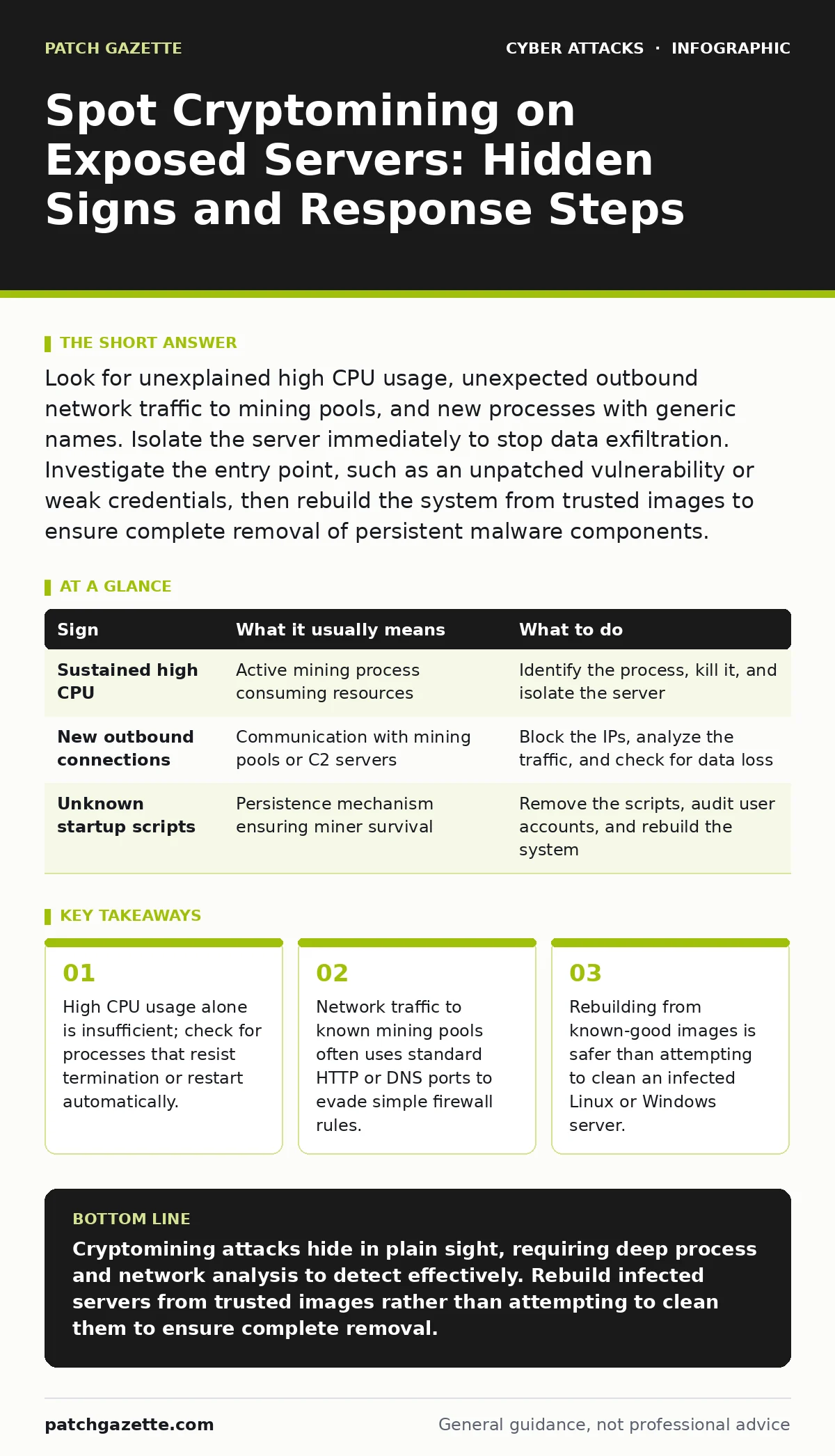
Look for unexplained high CPU usage, unexpected outbound network traffic to mining pools, and new processes with generic names. Isolate the server immediately to stop data exfiltration. Investigate the entry point, such as an unpatched vulnerability or weak credentials, then rebuild the system from trusted images to ensure complete removal of persistent malware components.
Recognize the Obvious Performance Degradation
The most common sign of cryptomining on exposed servers is a sudden drop in application performance. Users experience slow response times, and monitoring dashboards show sustained high CPU utilization. This occurs because mining algorithms consume significant processing power to solve cryptographic puzzles. You might notice the server struggling during off-peak hours when legitimate load should be low.
Standard monitoring tools often flag this anomaly quickly. However, attackers sometimes configure miners to throttle activity during business hours. This evasion technique allows the malware to avoid detection while still generating profit. You must compare current baseline metrics against historical data to spot these subtle deviations. If the CPU spikes only at night, investigate the process responsible for the load.
Identify Subtle Resource Anomalies
Cryptomining attacks can be difficult to detect if they hide within normal system operations. One hidden sign is increased memory usage without a corresponding increase in application threads. Miners often allocate large memory blocks for hash calculations. Another indicator is unexpected outbound network connections to unknown IP addresses. These connections transmit work to mining pools and receive new blocks.
Check for processes with generic names like "svchost" or "system" running with elevated privileges. Attackers use these names to blend in with legitimate system services. Verify the digital signature of such processes. If the signature is missing or invalid, treat the process as suspicious. This step helps distinguish between a legitimate service and a disguised miner.
Analyze Network Traffic Patterns
Network analysis reveals signs that system logs might miss. Cryptominers communicate with pool servers using specific protocols. Look for sustained, low-volume outbound traffic to ports commonly used for mining, such as 3333 or 8080. Attackers may also use DNS tunneling to hide their traffic. This technique encapsulates mining data within DNS queries, making it look like normal domain resolution.
Imagine a server that suddenly sends thousands of DNS requests to a single domain. This behavior suggests data exfiltration or command-and-control communication. Inspect the payload of these requests if possible. Standard firewalls may allow this traffic if it appears to be legitimate DNS. You need deep packet inspection to identify the malicious payload. Refer to our guide on replay attacks to understand how session data can also be compromised during this phase.
Investigate Process Persistence Mechanisms
Attackers ensure their miners survive reboots by installing persistence mechanisms. Look for new entries in system startup scripts, cron jobs, or Windows registry run keys. These entries launch the miner automatically when the server restarts. Check for modified system binaries or added user accounts with administrative privileges. These changes allow the attacker to maintain access even after you remove the initial malware.
Examine the integrity of critical system files. Any unexpected changes to system binaries indicate a deeper compromise. Use file integrity monitoring tools to detect these modifications. If you find unauthorized changes, assume the system is no longer trustworthy. Cleaning such a system is rarely successful. The attacker likely has backdoors that remain hidden. See our guide on passkeys for better access control methods to prevent unauthorized account creation.
| Sign | What it usually means | What to do |
|---|---|---|
| Sustained high CPU | Active mining process consuming resources | Identify the process, kill it, and isolate the server |
| New outbound connections | Communication with mining pools or C2 servers | Block the IPs, analyze the traffic, and check for data loss |
| Unknown startup scripts | Persistence mechanism ensuring miner survival | Remove the scripts, audit user accounts, and rebuild the system |
Execute Immediate Containment Steps
When you suspect cryptomining, act quickly to limit damage. Isolate the affected server from the network immediately. This stops the miner from communicating with its control server and prevents lateral movement. Do not shut down the server unless necessary. Keeping it running preserves volatile memory evidence for later analysis.
Document all observed symptoms and timestamps. Take screenshots of monitoring dashboards and process lists. This information helps in understanding the attack timeline. If the server hosts critical services, switch traffic to a backup system. This ensures business continuity while you investigate the incident. Refer to our guide on watering hole attacks to see how initial compromises often begin before the server is exposed.
Rebuild and Harden the Environment
Cleaning an infected server is risky and often ineffective. Attackers may leave rootkits or backdoors that survive standard removal tools. The safest approach is to rebuild the server from trusted, known-good images. This ensures all malicious components are removed. Before rebuilding, investigate how the attacker gained access.
Common entry points include unpatched vulnerabilities, weak passwords, or misconfigured services. Apply all necessary patches and enforce strong authentication. Consider implementing application whitelisting to prevent unauthorized executables from running. Review your network segmentation strategy. Ensure that exposed servers cannot communicate with internal databases or other critical assets. See our guide on phishing to understand how attackers often gain initial credentials through social engineering.
Prevent Future Exposure
Prevention requires a multi-layered approach. Regularly update and patch all server software. Unpatched vulnerabilities are the easiest entry point for attackers. Use intrusion detection systems to monitor for suspicious behavior. Configure alerts for unusual outbound traffic or new process executions.
Limit the attack surface by closing unnecessary ports and services. Use firewalls to restrict inbound connections to only required IPs. Implement least privilege principles for all user accounts. Regular audits help identify misconfigurations before attackers can exploit them. See our guide on callback phishing to learn how attackers might target your staff to gain initial access. By combining technical controls with user awareness, you reduce the risk of successful cryptomining attacks.
Key takeaways
- High CPU usage alone is insufficient; check for processes that resist termination or restart automatically.
- Network traffic to known mining pools often uses standard HTTP or DNS ports to evade simple firewall rules.
- Rebuilding from known-good images is safer than attempting to clean an infected Linux or Windows server.
Cryptomining attacks hide in plain sight, requiring deep process and network analysis to detect effectively. Rebuild infected servers from trusted images rather than attempting to clean them to ensure complete removal.
Frequently asked questions
Can cryptomining damage hardware?
Sustained high CPU and GPU usage generates excessive heat, which can shorten the lifespan of server components and increase cooling costs.
How do miners evade antivirus detection?
Attackers use obfuscation techniques and pack their malware to avoid signature-based detection, often changing the code slightly for each infection.
Is it safe to just kill the mining process?
Killing the process stops the immediate activity, but the attacker likely has persistence mechanisms. The server remains compromised until fully rebuilt.
What is the best way to detect miners early?
Monitor for unexpected outbound network connections and changes in baseline CPU usage, especially during off-peak hours when legitimate load is low.
How this guide was produced: written by the Patch Gazette editorial team with AI assistance, checked against the public references listed below, and reviewed when the facts change. See our editorial policy or report an error.