
Linux Server Hardening: A Step-by-Step Implementation Plan
Most hardening efforts fail because administrators apply controls without understanding how default Linux kernel behaviors amplify risk during routine maintenance tasks.
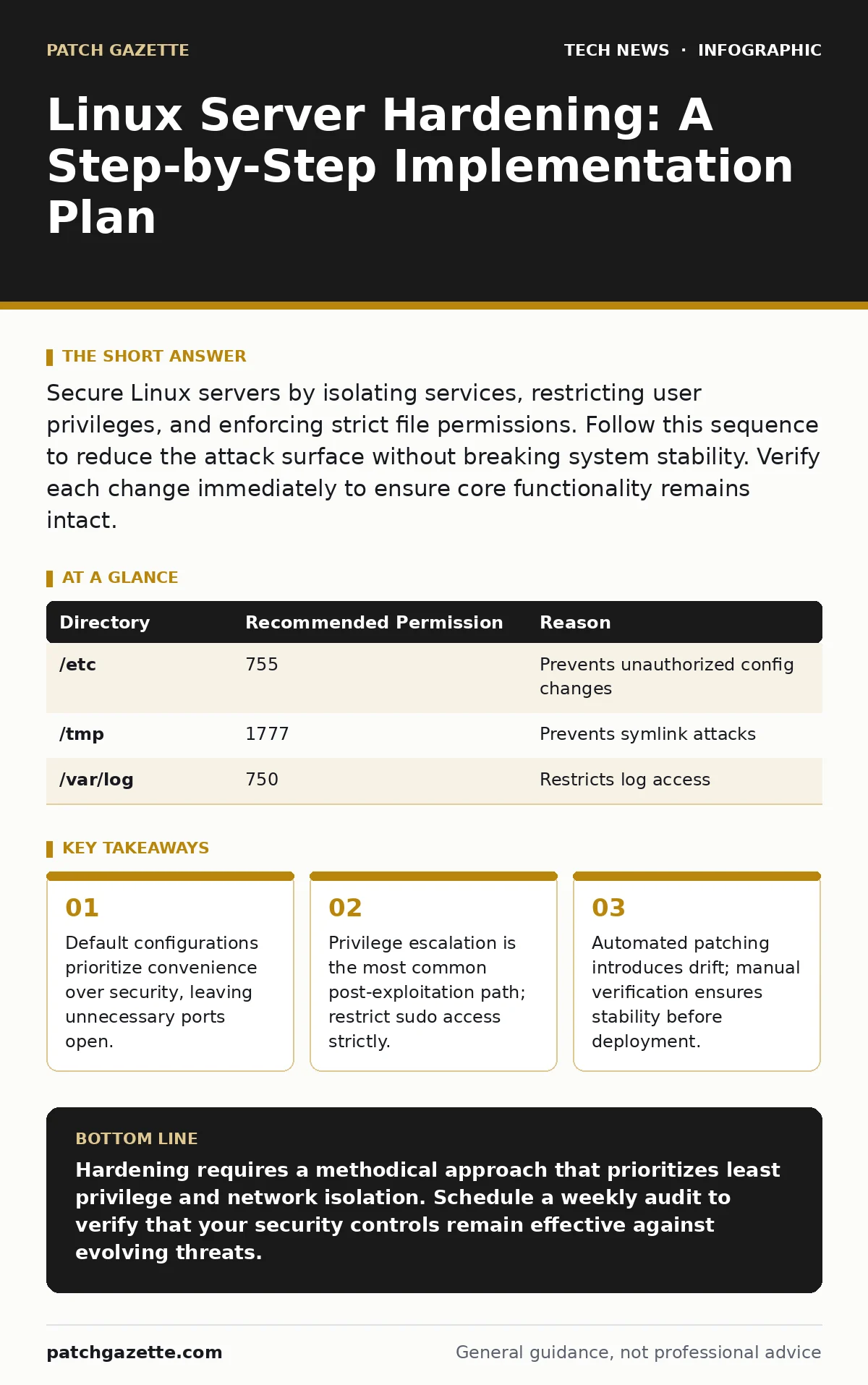
Secure Linux servers by isolating services, restricting user privileges, and enforcing strict file permissions. Follow this sequence to reduce the attack surface without breaking system stability. Verify each change immediately to ensure core functionality remains intact.
Audit the Default Configuration
Before changing a single setting, you must understand what the system is already doing. Most Linux distributions ship with services enabled that you do not need. Each active service is a potential entry point for an attacker. Run a network scan from an external host to identify open ports. Compare this list against your business requirements.
Disable any service that does not support a documented business function. This reduces the attack surface immediately. Use the system’s init system to mask these services so they cannot restart after a reboot. This action is permanent until you explicitly unmask the service.
Restrict User Privileges and Access
Default user accounts often have more power than necessary. The root account is the superuser with unrestricted access to all system resources. Direct login as root should be disabled. Instead, create individual user accounts for each administrator.
Configure the sudoers file to grant specific commands rather than full root access. This principle of least privilege ensures that an compromised account cannot immediately control the entire system. Define which users can run which commands. This prevents accidental system damage and limits the impact of credential theft.
Imagine an attacker gains access to a low-privilege user account. If that user cannot elevate privileges, the attacker must find a separate vulnerability to gain root access. This adds a layer of friction that many automated attacks cannot overcome.
Step 1: Disable Root SSH Login
Edit the SSH daemon configuration file. Set the PermitRootLogin directive to no. This prevents direct remote login as the root user. Restart the SSH service to apply the change. Verify you can still log in with your administrative user account before closing the current session.
Harden File System Permissions
File permissions determine who can read, write, or execute a file. Incorrect permissions allow users to modify system binaries or read sensitive configuration files. Audit critical directories such as /etc and /usr/bin. Ensure that only the owner and necessary groups have write access.
Use immutable attributes on critical system files. This prevents even the root user from modifying or deleting these files unless the attribute is removed. This protects against malware that attempts to replace system utilities with malicious versions. Check for files with world-writable permissions and correct them immediately.
| Directory | Recommended Permission | Reason |
|---|---|---|
| /etc | 755 | Prevents unauthorized config changes |
| /tmp | 1777 | Prevents symlink attacks |
| /var/log | 750 | Restricts log access |
Isolate Network Services
Network segmentation limits the blast radius of a compromise. If one server is breached, the attacker should not have direct access to other systems. Configure a host-based firewall to deny all incoming traffic by default. Then, open only the specific ports required for your services.
Use iptables or nftables to define these rules. Chain rules together to ensure that traffic is inspected at multiple layers. Log dropped packets to detect scanning activity. This visibility helps you identify attackers before they find a weakness. Regularly review these logs to refine your rules.
Implement Kernel Hardening
The Linux kernel controls how the operating system interacts with hardware. Many kernel parameters have default values that favor performance over security. Adjust these parameters to mitigate specific classes of attacks. For example, disable IP forwarding if the server is not a router. This prevents the server from being used to route malicious traffic.
Enable ASLR (Address Space Layout Randomization). This security feature randomizes the memory locations of key program components. It makes it difficult for attackers to predict where code resides in memory. This significantly complicates exploit development. Verify that ASLR is enabled by checking the randomize_va_space parameter.
See also: IP Address Mechanics: 10 Questions Network Engineers Actually Ask · Software Updates Best Practices: Secure Patching Without Downtime
Verify and Maintain Security Posture
Hardening is not a one-time event. Systems drift from their secure baseline over time. New packages introduce new dependencies. Configuration files change. Establish a routine to verify that your hardening measures are still effective. Use compliance checking tools to audit the system against a known secure baseline.
Integrate security checks into your deployment pipeline. This ensures that every new server instance starts with the correct security settings. Refer to our guide on DevOps security for strategies to automate this verification. Automation reduces human error and ensures consistency across your infrastructure.
Step 2: Run Compliance Audits
Schedule weekly automated scans. These scans should check for file integrity, permission changes, and unauthorized services. Alert your team immediately if a deviation is detected. Investigate any alert within twenty-four hours. This rapid response minimizes the window of exposure.
Review Related Security Controls
Linux server hardening works best when combined with other security measures. Ensure that your password policies are strict and enforced. Weak credentials can bypass even the most technical hardening measures. See our article on password policies for implementation details.
Consider the role of your server in the broader infrastructure. If it hosts virtual machines, the security of the hypervisor is critical. A breach in the host can compromise all guest systems. Review our guide on virtualization security to protect the underlying platform.
Finally, ensure that your software updates are managed effectively. Unpatched vulnerabilities are the easiest target for attackers. Automate updates where possible, but test them in a staging environment first. Our guide on software updates provides a framework for safe patch management.
Key takeaways
- Default configurations prioritize convenience over security, leaving unnecessary ports open.
- Privilege escalation is the most common post-exploitation path; restrict sudo access strictly.
- Automated patching introduces drift; manual verification ensures stability before deployment.
Hardening requires a methodical approach that prioritizes least privilege and network isolation. Schedule a weekly audit to verify that your security controls remain effective against evolving threats.
Frequently asked questions
Does hardening affect server performance?
Minimal impact is expected for most workloads. Enabling ASLR and strict permissions adds negligible overhead. Network filtering may slightly increase CPU usage, but modern processors handle this easily.
How often should I review my hardening configuration?
Review configurations quarterly or after any major system change. Immediate reviews are necessary after security patches are applied to ensure no new vulnerabilities are introduced.
Can I automate the entire hardening process?
Yes, configuration management tools can apply hardening settings automatically. However, initial setup and periodic manual verification remain necessary to detect drift and misconfigurations.
What is the first thing I should check on a new server?
Check for unnecessary open ports and disabled services. These are the most common entry points for attackers and are often overlooked in default installations.
How this guide was produced: written by the Patch Gazette editorial team with AI assistance, checked against the public references listed below, and reviewed when the facts change. See our editorial policy or report an error.