
OAuth vs SSO: How to Choose the Right Identity Protocol
OAuth delegates permission for data access while SSO manages login sessions, meaning you often need both to secure modern enterprise environments effectively.
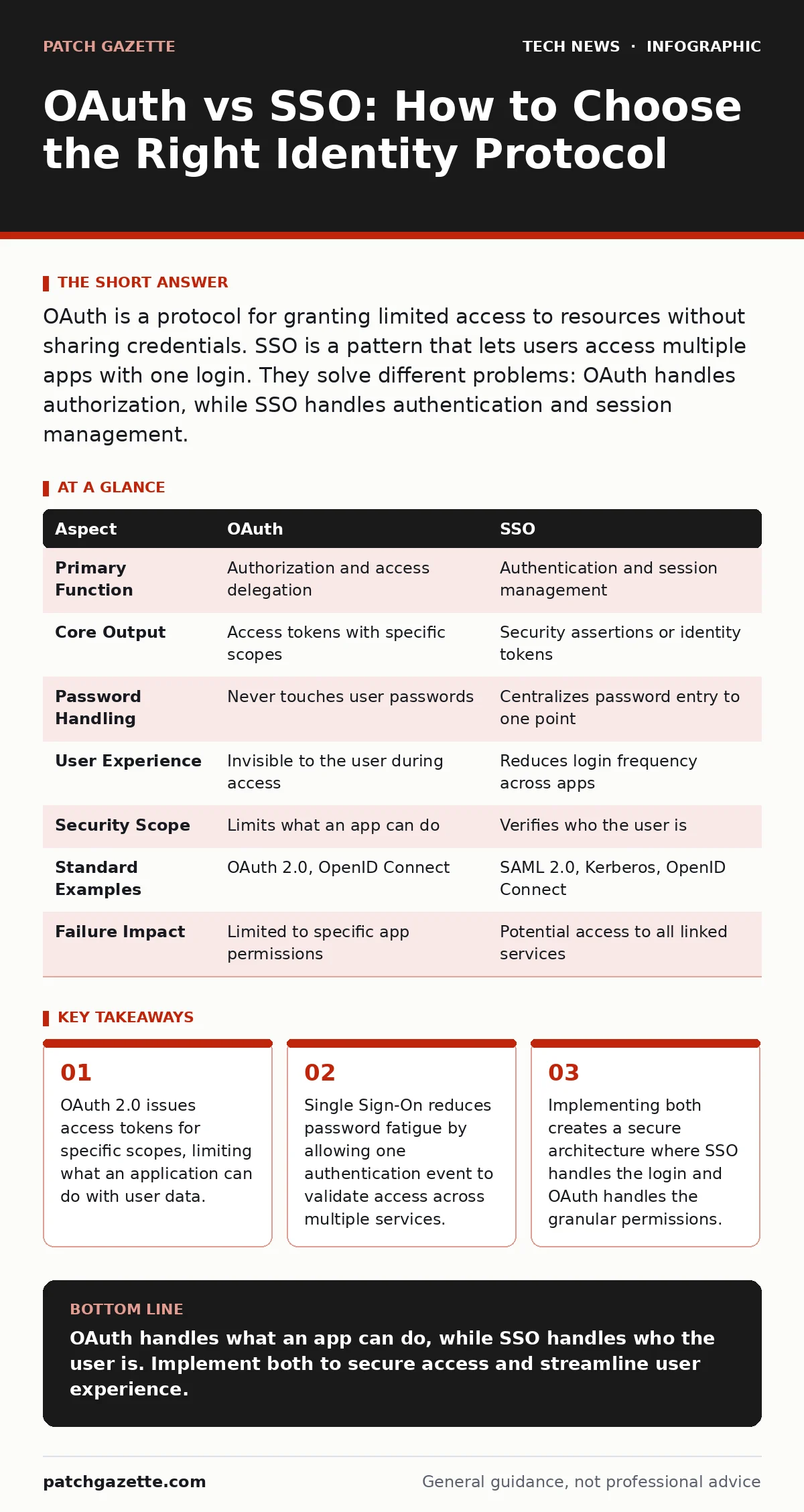
OAuth is a protocol for granting limited access to resources without sharing credentials. SSO is a pattern that lets users access multiple apps with one login. They solve different problems: OAuth handles authorization, while SSO handles authentication and session management.
OAuth vs SSO: The Core Difference
OAuth and SSO address distinct layers of identity management. OAuth is an authorization framework that allows third-party applications to obtain limited access to user resources without exposing passwords. SSO is an authentication scheme that enables users to log in once and gain access to multiple systems. Confusing these two leads to architectural flaws. You use OAuth to tell an app what it can do. You use SSO to prove who the user is. Imagine a hotel: SSO is the key card that opens your door. OAuth is the permission slip that allows the valet to move your car but not enter your room.
What OAuth Actually Does
OAuth 2.0 defines how applications request and receive access tokens. These tokens act as temporary credentials for specific actions. The resource owner grants permission to the client application. The client then uses the token to access the resource server. This mechanism prevents password sharing. If the token is compromised, the attacker only gains access to the scoped permissions, not the user’s entire account. OAuth does not verify identity. It assumes the user is already authenticated elsewhere. It focuses strictly on authorization boundaries.
How SSO Streamlines Access
Single Sign-On centralizes the authentication process. A user logs into an identity provider once. The provider issues a security assertion or token. Other services trust this assertion and grant access without asking for credentials again. This reduces the attack surface by eliminating multiple password storage points. It also improves user experience by removing repeated login prompts. SSO relies on standards like SAML or OpenID Connect. OpenID Connect sits on top of OAuth 2.0 to add identity layers. This combination allows SSO to function securely over existing OAuth infrastructure.
Point-by-Point Comparison
| Aspect | OAuth | SSO |
|---|---|---|
| Primary Function | Authorization and access delegation | Authentication and session management |
| Core Output | Access tokens with specific scopes | Security assertions or identity tokens |
| Password Handling | Never touches user passwords | Centralizes password entry to one point |
| User Experience | Invisible to the user during access | Reduces login frequency across apps |
| Security Scope | Limits what an app can do | Verifies who the user is |
| Standard Examples | OAuth 2.0, OpenID Connect | SAML 2.0, Kerberos, OpenID Connect |
| Failure Impact | Limited to specific app permissions | Potential access to all linked services |
When to Choose OAuth
Choose OAuth when you need to grant third-party applications access to your data. This is common in API integrations. You want to allow a calendar app to read events but not modify contacts. OAuth provides the granularity for this. It ensures that if the third-party app is compromised, the damage is contained to the granted scope. You also choose OAuth when you are building a platform where other developers create apps. It gives you control over how much access each app receives. This approach aligns with open port management principles by restricting exposure.
See also: SAML vs OAuth: Which Protocol Fits Your Cloud Architecture? · Service Account Security: Stop Invisible Breaches Before They Start
When to Choose SSO
Choose SSO when you manage multiple internal or external applications. Users struggle with remembering dozens of passwords. SSO solves this by centralizing identity. It is ideal for enterprise environments with many SaaS tools. You reduce help desk tickets related to password resets. It also simplifies user offboarding. Revoking access at the identity provider immediately cuts off all connected services. This reduces the risk of orphaned accounts. Implementing SSO complements laptop security measures by ensuring that device theft does not grant access to cloud services if the session is not active.
Where They Overlap
Modern identity systems rarely use one in isolation. OpenID Connect uses OAuth 2.0’s token framework to carry identity information. This allows SSO to function using OAuth mechanics. You often deploy both together. SSO handles the initial login. OAuth handles the subsequent access requests. This layered approach provides both convenience and security. It ensures that users are who they say they are and that apps only do what they are allowed to do. This integration is standard in cloud identity providers. It replaces older, less secure methods like password sharing or basic authentication headers.
Implementation Trade-offs
Centralizing identity creates a single point of failure. If the identity provider goes down, users cannot access any connected services. You must design for high availability. This requires load balancers to distribute traffic and failover clusters to maintain uptime. You also need to monitor the provider’s health closely. Another trade-off is complexity.
Configuring trust relationships between providers and services takes time. Misconfigurations can lead to access leaks. Regular audits of connected applications are necessary. You must review which apps have active tokens and revoke those that are no longer needed. This process mirrors DNSSEC validation, where trust must be explicitly established and maintained.
Securing the Identity Layer
Identity is the new perimeter. Protecting it requires more than just strong credentials. You should enforce multi-factor authentication at the identity provider. This adds a layer of defense even if passwords are stolen. Consider using one-time passwords or hardware security keys for high-privilege users. These methods resist phishing and replay attacks.
You must also monitor for anomalous login patterns. Sudden access from new locations or devices should trigger step-up authentication. This dynamic approach balances security and usability. It ensures that legitimate users are not blocked while suspicious activity is halted. This strategy works alongside guest Wi-Fi networks by isolating untrusted devices from the core identity infrastructure.
Managing Token Lifespan
Access tokens should have short lifespans. This limits the window of opportunity for attackers who steal tokens. Refresh tokens allow users to maintain access without re-authenticating. However, refresh tokens are high-value targets. You must store them securely and rotate them regularly. Implementing token binding adds another layer of security. It ties the token to the specific client or device.
This prevents token reuse from different contexts. You must balance security with user convenience. Too-short lifespans cause frequent re-authentication. Too-long lifespans increase risk. Find the right balance for your environment. This practice aligns with digital certificates management, where validity periods are strictly controlled.
Future-Proofing Your Identity
Identity standards evolve. Stick to widely adopted protocols like OAuth 2.0 and SAML 2.0. Avoid proprietary solutions that lock you into a single vendor. This ensures interoperability and easier migration. As new threats emerge, update your policies. Zero Trust architectures rely heavily on continuous verification. OAuth and SSO provide the foundation for this. They allow you to verify identity and permissions at every request. This shifts security from the network edge to the application layer. You gain finer control over access. You reduce the blast radius of any breach. This approach is sustainable for long-term security strategy.
Key takeaways
- OAuth 2.0 issues access tokens for specific scopes, limiting what an application can do with user data.
- Single Sign-On reduces password fatigue by allowing one authentication event to validate access across multiple services.
- Implementing both creates a secure architecture where SSO handles the login and OAuth handles the granular permissions.
OAuth handles what an app can do, while SSO handles who the user is. Implement both to secure access and streamline user experience.
Frequently asked questions
Can I use OAuth for logging in?
Not directly. Use OpenID Connect, which is built on OAuth 2.0, to handle identity and login securely.
Is SSO more secure than individual passwords?
SSO centralizes security controls, allowing for stronger authentication methods like multi-factor authentication across all services.
What happens if the identity provider goes down?
Users cannot log in to any connected services. Ensure high availability and have a contingency plan for critical access.
Do I need OAuth if I have SSO?
Yes, if third-party apps need access to user data. SSO handles the login, while OAuth handles the specific permissions for data access.
How this guide was produced: written by the Patch Gazette editorial team with AI assistance, checked against the public references listed below, and reviewed when the facts change. See our editorial policy or report an error.