
Digital certificates examples: real-world uses and hidden risks
Digital certificates bind public keys to identities, but expired chains and weak algorithms often bypass security controls before users notice.
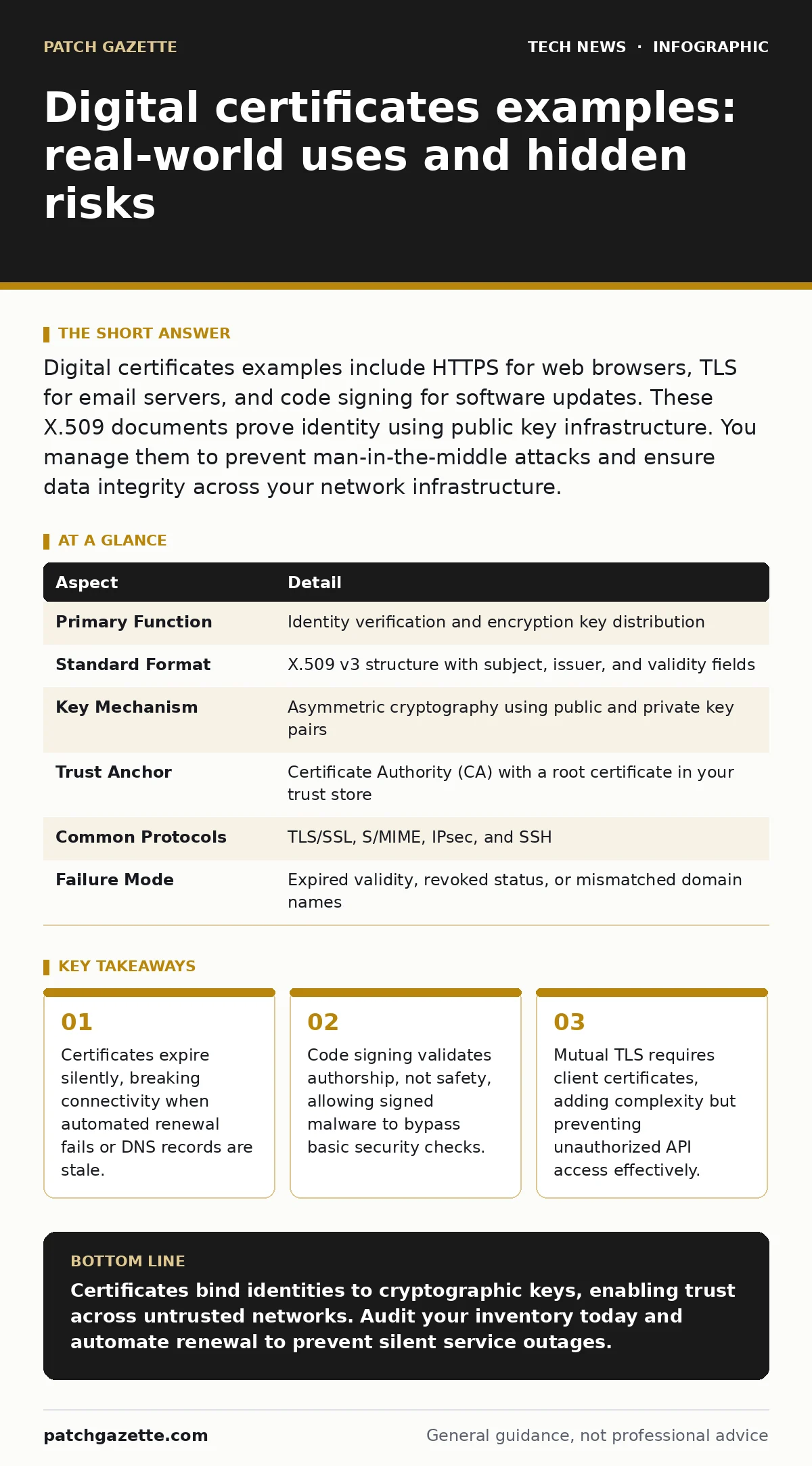
Digital certificates examples include HTTPS for web browsers, TLS for email servers, and code signing for software updates. These X.509 documents prove identity using public key infrastructure. You manage them to prevent man-in-the-middle attacks and ensure data integrity across your network infrastructure.
Everyday analogy for trust
Imagine you receive a letter from a bank. The envelope has a wax seal bearing the bank’s crest. You trust the letter because the seal matches the known crest. If someone cuts the seal and replaces the letter, you notice the damage. Digital certificates work like that wax seal. They bind a cryptographic key to an identity. The seal proves the sender is who they claim to be. The envelope protects the message from tampering.
This analogy helps you visualize the function of a certificate. It is not just a lock. It is a statement of identity backed by a trusted authority. You rely on this trust for every secure connection. The difference is that digital seals are mathematical. They cannot be forged without breaking complex cryptography. You must manage these seals carefully.
What are digital certificates examples?
Digital certificates examples span every major protocol on the internet. You encounter them constantly, even if you never see the certificate itself. The most common example is the SSL certificate for websites. This enables HTTPS, encrypting traffic between your browser and a server. Another example is the S/MIME certificate for email. This signs and encrypts individual messages, proving the sender’s identity.
Code signing certificates are another key example. Developers use them to sign software binaries. This assures your operating system that the code has not changed since it was signed. Client certificates provide another example. These authenticate users or devices to servers, often in corporate environments. Each example serves a distinct trust model.
| Aspect | Detail |
|---|---|
| Primary Function | Identity verification and encryption key distribution |
| Standard Format | X.509 v3 structure with subject, issuer, and validity fields |
| Key Mechanism | Asymmetric cryptography using public and private key pairs |
| Trust Anchor | Certificate Authority (CA) with a root certificate in your trust store |
| Common Protocols | TLS/SSL, S/MIME, IPsec, and SSH |
| Failure Mode | Expired validity, revoked status, or mismatched domain names |
How certificates establish trust
A certificate contains a public key and identity information. A Certificate Authority signs this data with its private key. Your device holds a list of trusted root certificates. When you connect to a server, it presents its certificate. Your device checks the signature against the trusted roots. It verifies the chain of trust. It checks the expiration date. It validates the domain name. If any check fails, the connection drops. This process prevents man-in-the-middle attacks. An attacker cannot present a valid certificate for a domain they do not control. The mathematical proof ensures integrity. You rely on this chain for secure communications.
The trust model depends on the root store. Your operating system and browser maintain these stores. They update them automatically. You rarely manage them directly. However, internal corporate certificates require manual installation. You must deploy these roots to all managed devices. This is where laptop security policies become critical. If a rogue root is installed, you can intercept all traffic. You must audit your trust stores regularly.
Who certificates affect and why
Everyone using the internet is affected by certificates. Users see padlock icons or warning pages. Developers embed certificates in applications. System administrators manage certificate lifecycles. Attackers target certificates to bypass security. They issue fraudulent certificates for domains they compromise. They exploit weak validation processes. They use expired certificates to disrupt services. You are affected if your organization issues or relies on certificates. A single expired certificate can break a production system. A misconfigured certificate can leak sensitive data. You must treat certificates as critical infrastructure.
Suppose you deploy a new internal web portal. You generate a self-signed certificate for testing. You forget to replace it before launch. Users see security warnings. They ignore the warnings to access the tool. You have trained users to bypass security alerts. This behavior spreads to other systems. You have created a culture of ignoring warnings. This undermines your entire security posture. You must use valid certificates from the start.
What people usually get wrong
Many assume a certificate means a site is safe. This is incorrect. A certificate only proves identity. It does not scan for malware. A site can have a valid certificate and host malicious content. You must verify the reputation of the site separately. Another common error is ignoring expiration dates. Certificates have fixed lifespans. Usually, they last one year or less. If you forget to renew them, services stop working. Automated renewal helps, but DNS misconfigurations can break it. You must monitor expiration proactively.
People also misunderstand code signing. A signed executable proves who created it. It does not prove the code is benign. Attackers steal signing keys or bribe developers. They sign malware with valid certificates. Your antivirus may block it, but the certificate itself is valid. You must combine certificate validation with behavioral analysis. This layered approach catches signed threats.
See also: Service Account Security: Stop Invisible Breaches Before They Start · AI Data Center Security: Architecture, Risks, and Mitigation
Managing certificate lifecycle
You must track the entire lifecycle of every certificate. This includes generation, issuance, deployment, renewal, and revocation. Use a centralized inventory system. Automate renewal where possible. Set alerts for approaching expiration dates. Monitor Certificate Transparency logs. These public logs record every issued certificate. You can detect unauthorized certificates for your domains. Revocation is equally important. If a private key is compromised, you must revoke the certificate immediately. Use Certificate Revocation Lists or OCSP. Ensure your clients check these revocation sources.
You should also consider one-time passwords for accessing certificate management systems. The private keys are high-value targets. Restrict access to authorized personnel only. Use hardware security modules for root keys. This physical separation adds a layer of protection. You cannot manage what you cannot see. Inventory is the first step.
Integrating with other security controls
Certificates do not work in isolation. They integrate with other security measures. For instance, video conferencing security relies on certificates to encrypt streams. You must ensure endpoints validate server certificates. This prevents eavesdropping on meetings. Mobile device security policies should enforce certificate pinning for sensitive apps. This prevents attackers from intercepting traffic even if they compromise a CA. Guest Wi-Fi networks often use captive portals with self-signed certificates. You should use valid certificates here too. Users expect secure connections everywhere.
You should also review load balancers for certificate distribution. They often terminate SSL connections. You must manage certificates on these devices carefully. Ensure they present the correct certificate for each virtual host. Misconfiguration can lead to mixed content errors. This breaks trust for users. You must test thoroughly before deployment.
Practical steps for implementation
Start by auditing your current certificates. List all domains and services. Check expiration dates. Identify any self-signed certificates in production. Plan to replace them with CA-issued certificates. Implement automated renewal for public-facing services. Use standard protocols like ACME. For internal services, use a private CA. Deploy root certificates to all devices. Test certificate validation regularly. Include it in your penetration testing. Verify that applications reject invalid certificates. Do not allow exceptions.
Review your open port management policies. Ensure only necessary ports accept connections. Reduce the attack surface. Certificates protect the data in transit. They do not protect the service if the port is open to attackers. Combine network segmentation with strong encryption. This limits the impact of a breach. You must maintain a holistic view of security.
Key takeaways
- Certificates expire silently, breaking connectivity when automated renewal fails or DNS records are stale.
- Code signing validates authorship, not safety, allowing signed malware to bypass basic security checks.
- Mutual TLS requires client certificates, adding complexity but preventing unauthorized API access effectively.
Certificates bind identities to cryptographic keys, enabling trust across untrusted networks. Audit your inventory today and automate renewal to prevent silent service outages.
Frequently asked questions
What is a digital certificate example in email?
S/MIME certificates allow you to sign and encrypt emails, verifying your identity and keeping content private.
Can a digital certificate expire?
Yes, certificates have fixed validity periods, usually one year, and must be renewed before they expire.
How do I know if a certificate is valid?
Your browser or OS checks the signature, expiration date, and revocation status against trusted root certificates.
Are self-signed certificates secure?
They provide encryption but not trusted identity, causing warnings and requiring manual installation on all clients.
How this guide was produced: written by the Patch Gazette editorial team with AI assistance, checked against the public references listed below, and reviewed when the facts change. See our editorial policy or report an error.