Is It Safe to Email Social Security Number? Risks and Secure Alternatives
Standard email encryption often protects only the message body, leaving the subject line and recipient addresses visible to network intermediaries and service providers.
It is not safe to email a social security number using standard email protocols. Plain text transmission exposes sensitive data to interception, unauthorized access, and accidental forwarding. Use encrypted file transfers, password-protected archives, or dedicated secure portals to share this information securely.
Is it safe to email social security number?
Sending a social security number via standard email is unsafe because the data travels in plain text or weakly encrypted formats that intermediaries can read. Email protocols were designed for speed and compatibility, not for securing high-value personal identifiers. When you send an email, the content passes through multiple servers before reaching the recipient. Each server stores a copy of the message. If any server is compromised, your data is exposed. You must treat email as an insecure channel for sensitive personal information.
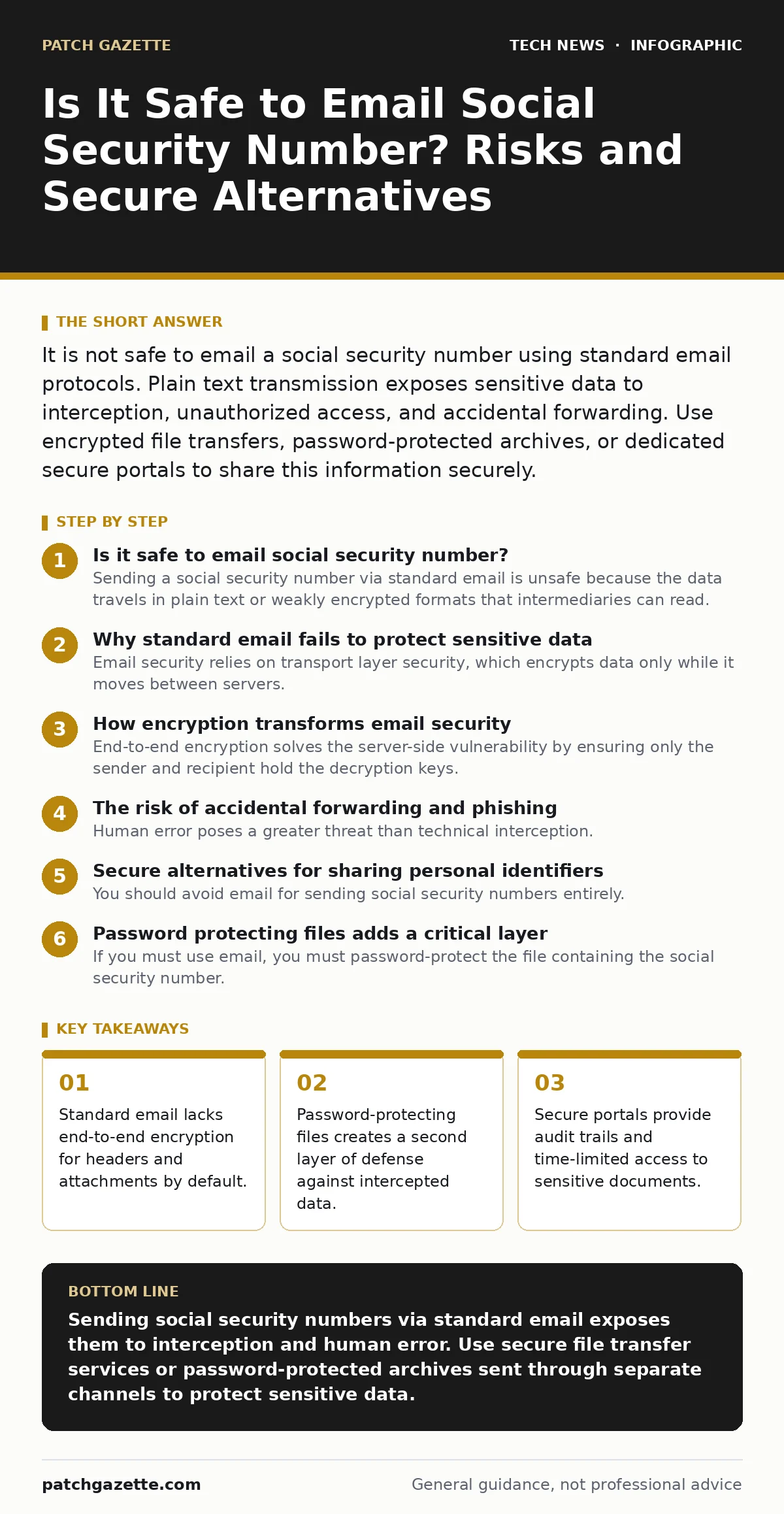
Why standard email fails to protect sensitive data
Email security relies on transport layer security, which encrypts data only while it moves between servers. This encryption stops at the final mail server, where the message sits in clear text until the recipient downloads it. This gap leaves data vulnerable to server-side attacks. Additionally, email headers, including subject lines and recipient addresses, are never encrypted by default. A network observer can see who received sensitive data, even if they cannot read the body. This metadata leakage reveals the nature of the transaction without exposing the content.
How encryption transforms email security
End-to-end encryption solves the server-side vulnerability by ensuring only the sender and recipient hold the decryption keys. RSA encryption is a public-key algorithm that allows anyone to encrypt a message, but only the holder of the private key can decrypt it. When you use this method, the mail server sees only scrambled data. It cannot read the message, nor can any intermediate network operator. This approach requires both parties to manage keys correctly. Key management adds complexity, but it eliminates the risk of server-side exposure.
The risk of accidental forwarding and phishing
Human error poses a greater threat than technical interception. Recipients often forward emails without checking attachments or content. A social security number sent in an email body is easily copied and pasted into a new message. Phishing attacks exploit this trust by mimicking legitimate requests for personal data. Attackers create convincing emails that ask you to reply with sensitive information. Once you send the data, it is immediately compromised. You cannot control how the recipient handles the information after it leaves your outbox.
Secure alternatives for sharing personal identifiers
You should avoid email for sending social security numbers entirely. Use a dedicated secure file transfer service instead. These services encrypt data at rest and in transit. They provide temporary access links that expire after a set time. The recipient must authenticate before downloading the file. This method ensures that only the intended person accesses the data. It also creates an audit trail, showing who accessed the file and when. This accountability reduces the risk of unauthorized distribution.
| Method | Security Level | Audit Trail | User Convenience |
|---|---|---|---|
| Standard Email | Low | None | High |
| Encrypted Email | Medium | Limited | Medium |
| Secure Portal | High | Full | Low |
| Password Protected File | High | None | Medium |
See also: OAuth vs SSO: How to Choose the Right Identity Protocol
Password protecting files adds a critical layer
If you must use email, you must password-protect the file containing the social security number. This creates two factors of authentication: access to the email account and knowledge of the password. Send the password through a different channel, such as a text message or a phone call. Never send the password in the same email as the file. This separation ensures that an attacker who intercepts the email cannot open the attachment. The password acts as a second key that the email server never sees.
Managing metadata and digital signatures
Email clients often attach metadata to files, including author names, creation dates, and software versions. This data can reveal more about you than the file itself. Strip metadata before sending any document. Digital signatures verify the identity of the sender and ensure the file has not been altered. They do not encrypt the content, but they provide non-repudiation. The recipient can prove that you sent the file and that it remains unchanged. This is vital for legal and compliance purposes.
Integrating security into daily workflows
Security measures must fit into your daily routine to be effective. Complex steps lead to shortcuts and errors. Train your team to use approved secure channels for all sensitive data. Implement automated policies that block emails containing social security numbers. These policies can scan for patterns and prevent accidental sends. Regular audits ensure that staff follow the correct procedures. Consistency builds a culture of security, reducing the likelihood of human error.
Comparing email security to other technologies
Understanding email limitations helps you appreciate other security mechanisms. Network address translation hides internal IP addresses, but it does not encrypt content. OAuth allows secure authorization without sharing passwords, but it does not protect data in transit. Video conferencing security often relies on encryption, but metadata leakage remains a risk. Laptop security protects physical devices, but cloud data remains vulnerable. Each technology addresses a specific threat vector. You must combine them for comprehensive protection.
Key takeaways
- Standard email lacks end-to-end encryption for headers and attachments by default.
- Password-protecting files creates a second layer of defense against intercepted data.
- Secure portals provide audit trails and time-limited access to sensitive documents.
Sending social security numbers via standard email exposes them to interception and human error. Use secure file transfer services or password-protected archives sent through separate channels to protect sensitive data.
Frequently asked questions
Can I use end-to-end encryption for all my emails?
Yes, but both you and the recipient must support the same encryption protocol. Compatibility issues may prevent delivery if the recipient uses a non-compatible client.
Is it safe to send a social security number in a PDF?
No, unless the PDF is encrypted and the password is sent separately. A standard PDF is just a file format and offers no inherent security against interception.
What if the recipient insists on receiving the number via email?
Refuse the request and offer a secure alternative. Explain that sending sensitive data via email violates security best practices and exposes both parties to risk.
Does deleting the email remove the data from servers?
No, mail servers often retain copies for backup or legal compliance. Deleting the email from your outbox does not remove it from the provider's infrastructure.
How this guide was produced: written by the Patch Gazette editorial team with AI assistance, checked against the public references listed below, and reviewed when the facts change. See our editorial policy or report an error.