Mobile Device Security Checklist for Enterprise Control
Device management often overlooks the physical supply chain, allowing hardware-level compromises to bypass software encryption and remote wipe capabilities entirely.
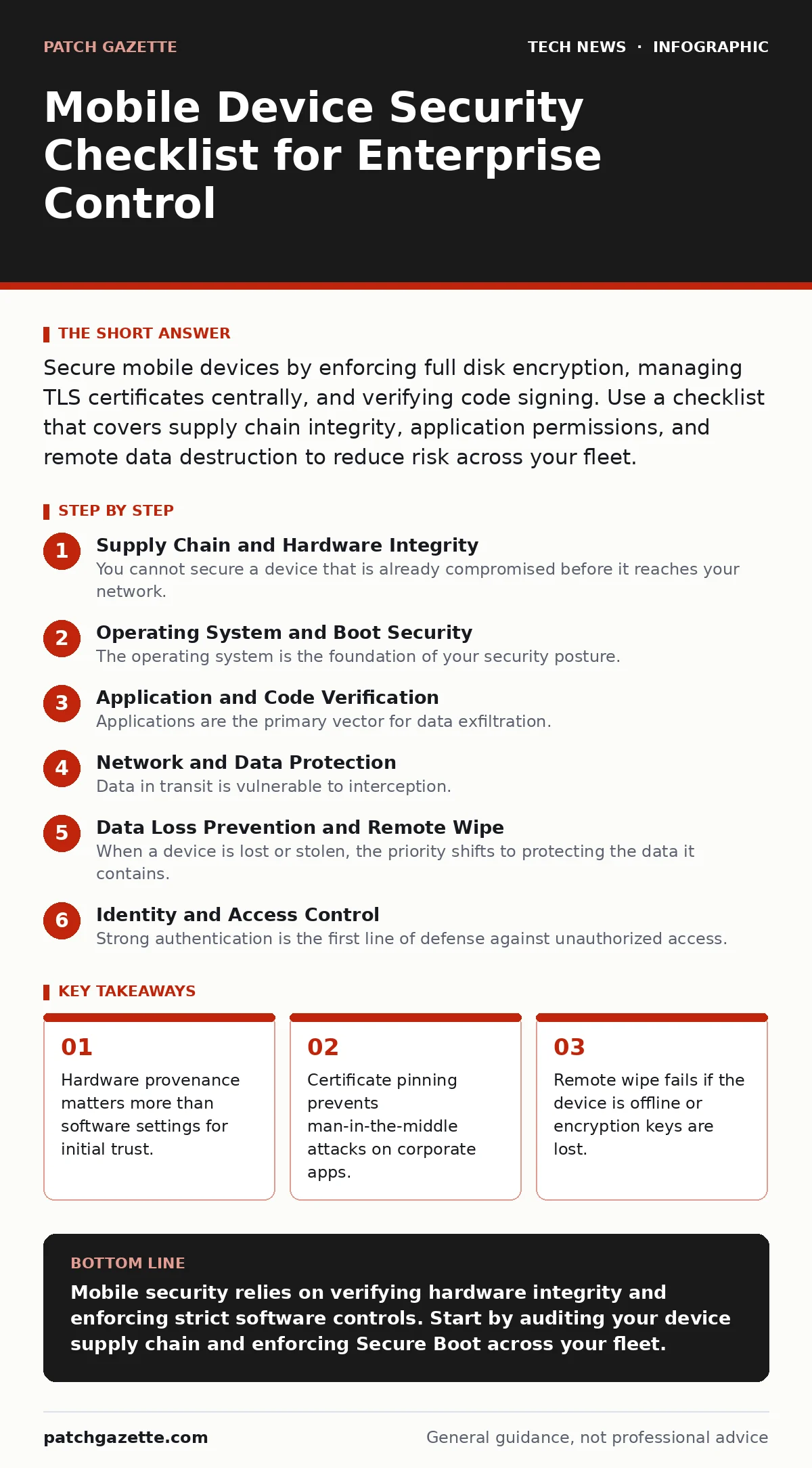
Secure mobile devices by enforcing full disk encryption, managing TLS certificates centrally, and verifying code signing. Use a checklist that covers supply chain integrity, application permissions, and remote data destruction to reduce risk across your fleet.
Supply Chain and Hardware Integrity
You cannot secure a device that is already compromised before it reaches your network. Standard security frameworks often assume the hardware is trustworthy, but this assumption fails when devices are sourced from unverified distributors. Counterfeit devices may contain hidden hardware that records keystrokes or intercepts network traffic.
- Verify device provenance: Ensure devices come directly from manufacturers or authorized distributors to prevent hardware tampering.
- Inspect for physical modifications: Check for signs of disassembly, such as mismatched screws or adhesive residue, which indicate potential hardware implants.
- Enable hardware-backed key storage: Use the device’s secure element or trusted platform module to store cryptographic keys separately from the main operating system.
Operating System and Boot Security
The operating system is the foundation of your security posture. If an attacker can modify the boot process, they can load malicious drivers before your security software starts. Secure Boot ensures that the operating system loads only verified code, preventing rootkits from gaining control.
- Enforce Secure Boot: Verify that the device’s firmware only loads operating system components with valid digital signatures.
- Disable unauthorized debug ports: Turn off USB debugging and other diagnostic interfaces that allow direct access to the system’s command line.
- Manage OS updates centrally: Ensure that all devices receive security patches immediately to close known vulnerabilities in the kernel and system libraries.
Application and Code Verification
Applications are the primary vector for data exfiltration. You must ensure that only verified software runs on your devices. Code signing confirms that an application has not been altered since the developer released it. Without this verification, users may install modified versions of legitimate apps that contain malware.
- Restrict app sources: Block installation from unknown sources and require all apps to come from verified enterprise repositories.
- Verify code signing certificates: Ensure that every installed application has a valid signature from a trusted authority.
- Monitor runtime behavior: Use endpoint detection tools to identify apps that attempt to access sensitive data or communicate with unknown servers.
Network and Data Protection
Data in transit is vulnerable to interception. TLS certificates encrypt the connection between the device and your servers, but they are useless if the device cannot verify the server’s identity. You must manage these certificates carefully to prevent man-in-the-middle attacks where an attacker impersonates your corporate server.
- Deploy trusted root certificates: Install only necessary corporate root certificates to validate TLS connections, avoiding the installation of unknown or public Wi-Fi certificates.
- Enforce certificate pinning: Configure critical applications to accept only specific server certificates, preventing attackers from using fraudulent certificates.
- Segment network access: Use IP addresses to restrict device access to specific network segments, limiting exposure to broader network threats.
Data Loss Prevention and Remote Wipe
When a device is lost or stolen, the priority shifts to protecting the data it contains. Full disk encryption ensures that data is unreadable without the correct key. However, encryption is only effective if you can revoke access. Remote wipe capabilities allow you to erase data, but they fail if the device is offline or the encryption key is stored locally without a backup.
- Enforce full disk encryption: Ensure that all data on the device is encrypted at rest using strong, hardware-backed keys.
- Configure remote wipe policies: Set up automated triggers to erase data after a certain number of failed login attempts or when a device is reported lost.
- Verify wipe success: Confirm that the remote wipe command executed successfully and that the device is no longer accessible to your systems.
See also: Software Updates Best Practices: Secure Patching Without Downtime · Why Digital Signatures Matter for Code Integrity and Trust
Identity and Access Control
Strong authentication is the first line of defense against unauthorized access. Password policies often fail because users choose weak passwords or reuse them across services. Multi-factor authentication adds a layer of security that is difficult to bypass, even if credentials are stolen.
- Enforce multi-factor authentication: Require a second form of verification, such as a biometric scan or hardware token, for accessing corporate resources.
- Implement conditional access policies: Restrict access based on device health, location, and user role to ensure that only compliant devices can connect.
- Review access logs regularly: Monitor for unusual login patterns that may indicate compromised credentials or unauthorized access attempts.
Key takeaways
- Hardware provenance matters more than software settings for initial trust.
- Certificate pinning prevents man-in-the-middle attacks on corporate apps.
- Remote wipe fails if the device is offline or encryption keys are lost.
Mobile security relies on verifying hardware integrity and enforcing strict software controls. Start by auditing your device supply chain and enforcing Secure Boot across your fleet.
Frequently asked questions
Does full disk encryption protect against all data breaches?
No, it only protects data at rest. If the device is unlocked, an attacker can access files. Encryption does not prevent malware from copying data while the device is active.
Can I use personal devices for corporate work securely?
Yes, but only with strict containerization that separates corporate data from personal apps. This prevents personal apps from accessing corporate information and allows remote wiping of only the corporate container.
How this guide was produced: written by the Patch Gazette editorial team with AI assistance, checked against the public references listed below, and reviewed when the facts change. See our editorial policy or report an error.