Mobile Device Management Should Be Able To Enforce Zero Trust
Proper MDM prevents data exfiltration by controlling the container, not just the device, ensuring corporate secrets survive a lost phone.
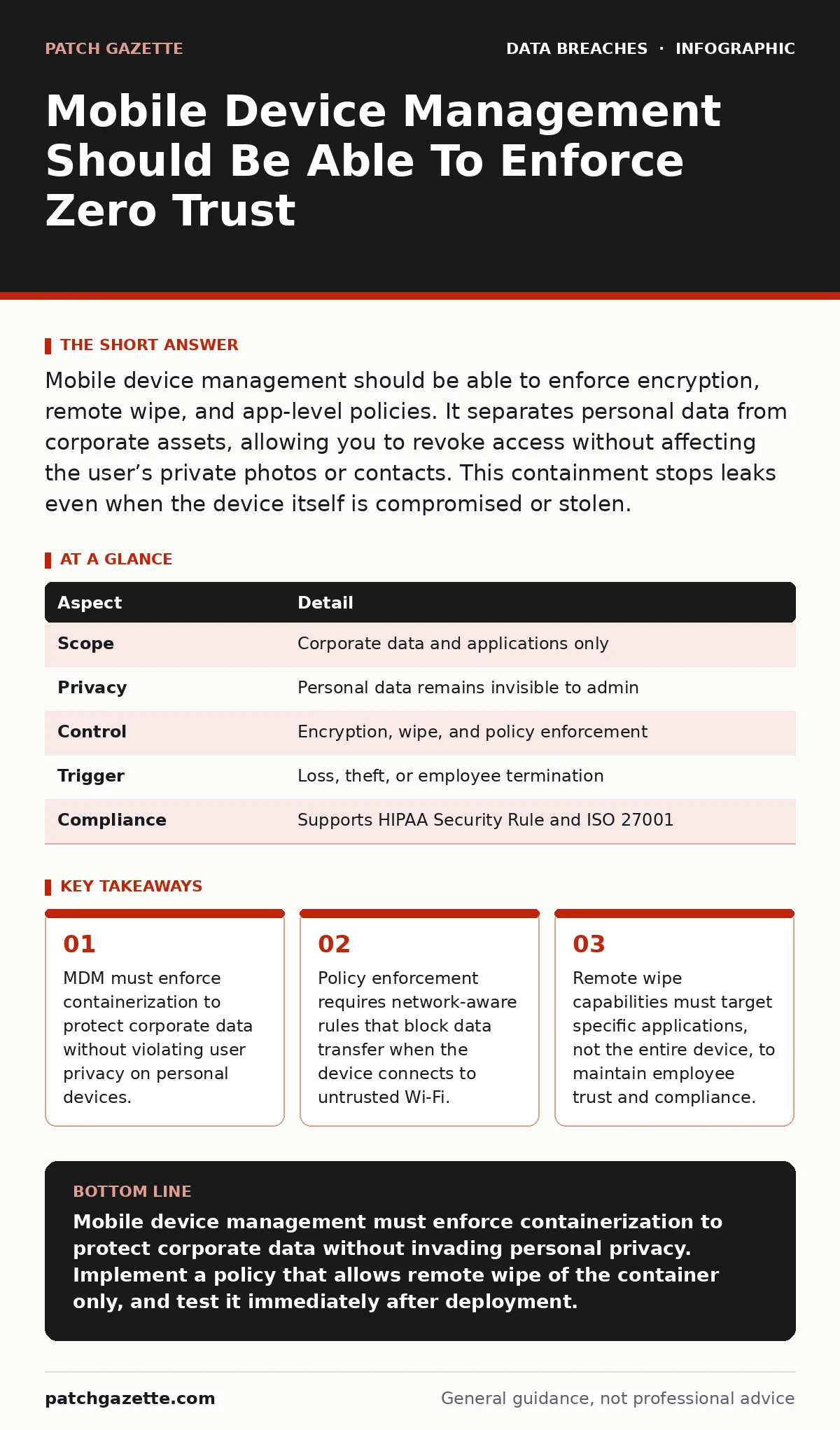
Mobile device management should be able to enforce encryption, remote wipe, and app-level policies. It separates personal data from corporate assets, allowing you to revoke access without affecting the user’s private photos or contacts. This containment stops leaks even when the device itself is compromised or stolen.
The Library Card Analogy
Imagine a library where you lend out a card rather than the book itself. The card grants access to specific sections, but you retain the right to cancel that access instantly if the card is lost. The book remains in the library, safe and untouched. Mobile device management operates on this principle. You do not own the employee’s smartphone. You own the access rights and the data containers that reside on that phone. This distinction defines the entire security posture.
| Aspect | Detail |
|---|---|
| Scope | Corporate data and applications only |
| Privacy | Personal data remains invisible to admin |
| Control | Encryption, wipe, and policy enforcement |
| Trigger | Loss, theft, or employee termination |
| Compliance | Supports HIPAA Security Rule and ISO 27001 |
What Mobile Device Management Should Be Able To
The phrase mobile device management should be able to implies a set of mandatory capabilities. First, it must enforce full-disk encryption or container-level encryption. This ensures that if the hardware falls into the wrong hands, the data remains unreadable without the key. Second, it must support remote wipe of corporate data. This action deletes business emails and documents while leaving personal photos intact. Third, it must enforce passcode complexity and lockout policies. These measures prevent brute-force attacks on the device itself.
A system that cannot perform these three actions is merely a directory list, not a management tool. You need active enforcement, not passive monitoring. The tool must push policies to the device and verify compliance. If the device fails to meet the policy, the system must block access to corporate resources. This automated response removes human error from the equation.
How Containerization Protects Privacy
Containerization creates a secure sandbox on the operating system. This sandbox holds all corporate applications and data. The rest of the phone operates outside this sandbox. The management system cannot see into the personal apps. It cannot read personal messages or view personal photos. This separation is critical for Bring Your Own Device programs. Employees will not adopt a tool that invades their privacy.
The container enforces its own rules. It can prevent copy-paste from corporate apps to personal apps. It can block screenshots within the secure workspace. It can require a separate PIN for accessing the corporate container. This adds a layer of friction that stops casual data leakage. If the employee loses the phone, you wipe only the container. The personal data remains safe. This balance drives adoption and compliance.
Who It Affects and Why
This technology affects every organization that issues hardware or allows personal devices for work. It impacts IT staff who must maintain the policy infrastructure. It impacts legal teams who must ensure compliance with data protection laws. It impacts employees who must adapt to new security constraints. The scope is universal in modern business.
Remote work has expanded the attack surface. Devices connect to untrusted Wi-Fi networks in cafes and airports. These networks are prone to eavesdropping. Mobile device management can detect untrusted networks and block data transmission. It can require a VPN connection before allowing access to sensitive resources. This dynamic adjustment protects data in transit. It reduces the risk of interception by malicious actors on the same network.
What People Usually Get Wrong
Many organizations treat mobile device management as a one-time setup. They install the agent and forget it. This approach fails because threats evolve. New vulnerabilities appear in operating systems. New malware targets specific applications. Policies must be reviewed and updated regularly. Static policies become obsolete quickly.
Another common error is focusing only on the device. The device is just the endpoint. The real risk is the data flow. You must monitor where data goes. Does it leave the device via email? Does it sync to personal cloud storage? Mobile device management should integrate with data loss prevention tools. This integration provides visibility into data movement. It allows you to block unauthorized transfers. Without this integration, you are blind to exfiltration attempts.
See also: Mobile Security App Mistakes That Leave Devices Vulnerable
Integrating With Broader Security
Mobile device management does not operate in isolation. It must communicate with identity providers. When an employee leaves the company, their identity is disabled. The mobile device management system must receive this signal immediately. It should then revoke access to corporate resources on all their devices. This synchronization prevents former employees from accessing sensitive data.
It should also integrate with secure file sharing platforms. If a user tries to upload a corporate document to an unauthorized cloud service, the integration blocks the action. This stops shadow IT data exposure. Users often use unauthorized apps to share files because they are easier to use. By blocking these paths, you force users to use approved, secure channels. This reduces the attack surface significantly.
The Hidden Cost of Poor Policy
Poorly designed policies create friction. If the security measures are too strict, employees will find ways around them. They may use personal devices for work to avoid the restrictions. This creates shadow IT. Shadow IT is invisible to security teams. It is a major source of data breaches. You must balance security with usability.
The goal is to make the secure path the easy path. If the corporate container is fast and reliable, employees will use it. If it is slow and buggy, they will bypass it. Test the user experience before deploying. Gather feedback from a pilot group. Adjust the policies based on real-world usage. This iterative approach ensures high adoption and effective security.
Maintaining Compliance Standards
Regulatory frameworks like the HIPAA Security Rule require specific safeguards for mobile devices. These safeguards include access controls and audit logs. Mobile device management provides the technical means to meet these requirements. It generates logs of who accessed what data and when. These logs are essential for audits.
ISO 27001 also requires control over mobile devices. The standard demands that you identify risks and implement controls to mitigate them. Mobile device management is a key control. It demonstrates due care in protecting information assets. Without it, you cannot claim compliance with these standards. Auditors will look for evidence of policy enforcement. The logs from your mobile device management system provide this evidence.
Key takeaways
- MDM must enforce containerization to protect corporate data without violating user privacy on personal devices.
- Policy enforcement requires network-aware rules that block data transfer when the device connects to untrusted Wi-Fi.
- Remote wipe capabilities must target specific applications, not the entire device, to maintain employee trust and compliance.
Mobile device management must enforce containerization to protect corporate data without invading personal privacy. Implement a policy that allows remote wipe of the container only, and test it immediately after deployment.
Frequently asked questions
Does mobile device management track my location?
Most systems do not track location by default. Some advanced features can use location to enforce geofencing, but this requires explicit policy configuration and user consent.
Can I use mobile device management on personal phones?
Yes, through containerization. The management system only controls the corporate workspace, leaving personal apps and data untouched. This supports Bring Your Own Device programs.
What happens if the device loses connection to the server?
The device caches the last known policies. It continues to enforce encryption and access controls locally. When it reconnects, it syncs its status with the server.
How does this help with identity theft?
By enforcing strong passcodes and remote wipe, it reduces the window of opportunity for attackers to steal credentials. It limits the damage if a device is lost or stolen.
How this guide was produced: written by the Patch Gazette editorial team with AI assistance, checked against the public references listed below, and reviewed when the facts change. See our editorial policy or report an error.