Detect Shadow IT Data Exposure: Signals, Logs and Blind Spots
Unmanaged applications bypass standard controls, creating silent data leaks that only network flow analysis and identity logs can reveal before exfiltration occurs.
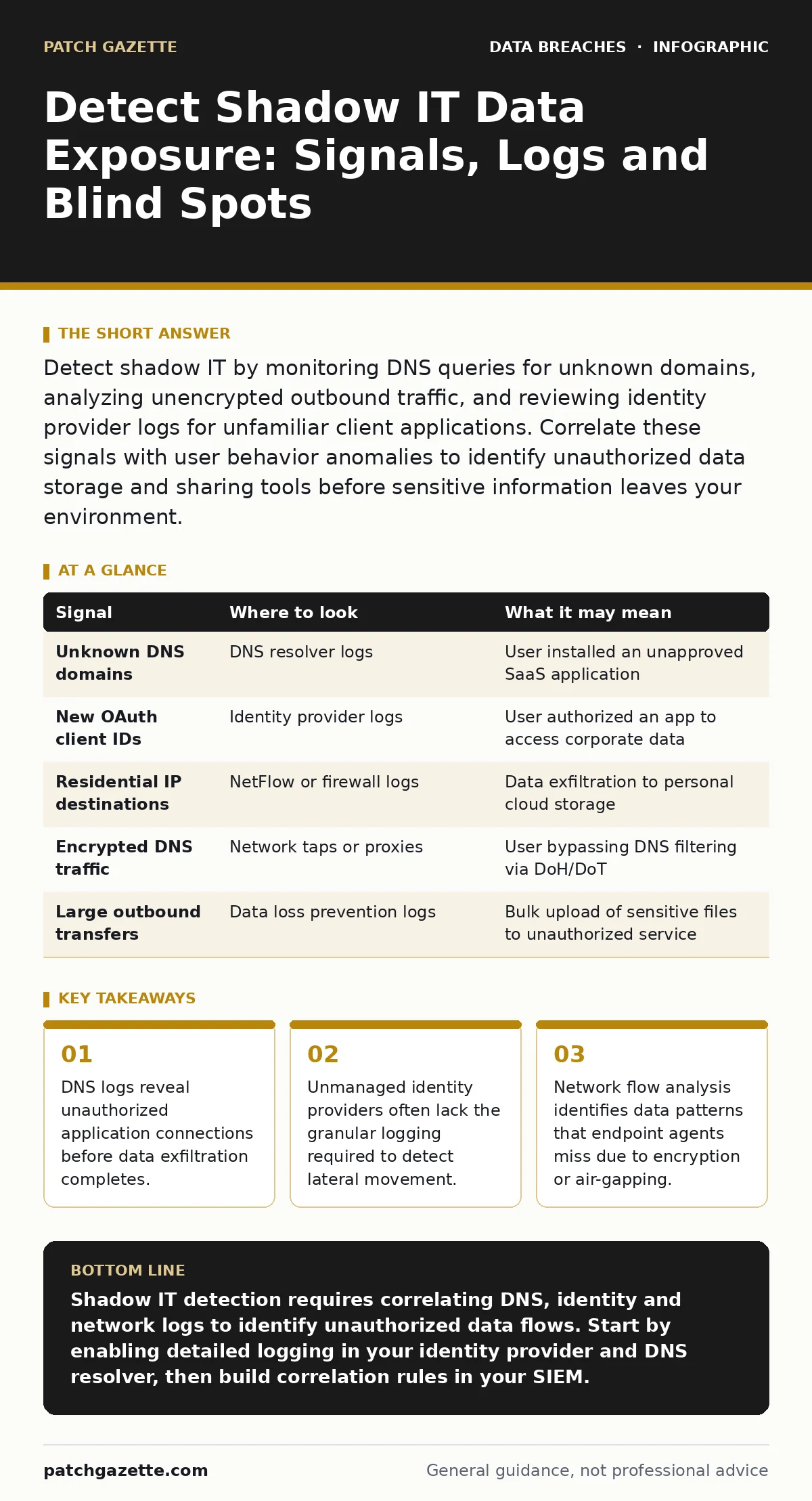
Detect shadow IT by monitoring DNS queries for unknown domains, analyzing unencrypted outbound traffic, and reviewing identity provider logs for unfamiliar client applications. Correlate these signals with user behavior anomalies to identify unauthorized data storage and sharing tools before sensitive information leaves your environment.
DNS Queries Reveal Hidden Connections
Domain Name System (DNS) logs are the first place unauthorized applications announce themselves. When a user installs an unapproved tool, that tool must resolve a domain name to communicate with its backend servers. If your organization uses a centralized DNS resolver, you can inspect query logs for domains that do not match your approved application inventory.
Look for high-frequency queries to domains with random-looking subdomains. Many modern software-as-a-service platforms use dynamic subdomains to host individual tenant data. A sudden spike in queries to a specific provider’s infrastructure often indicates a user has onboarded a new service.
Check for DNS-over-HTTPS (DoH) or DNS-over-TLS (DoT) traffic. These protocols encrypt DNS queries, hiding the destination domain from standard network monitoring. If you see significant encrypted DNS traffic to public resolvers like Cloudflare or Google, users may be bypassing your DNS filtering controls to access shadow IT services.
Identity Provider Logs Show Unmanaged Clients
Your identity provider (IdP) is the gatekeeper for application access. Even if a user accesses a shadow IT tool via a web browser, the login attempt often passes through your IdP if they use single sign-on (SSO). Review the IdP logs for client application IDs that are not in your approved list.
Many SaaS applications register unique client IDs for different integrations or mobile apps. A new client ID appearing in your logs suggests a user has authorized an application to access their corporate account. Pay attention to the scopes requested. If a simple note-taking app requests permission to read all files in your enterprise cloud storage, that is a significant risk.
Examine the login location and device posture. Shadow IT users often access tools from personal devices or unmanaged operating systems. If your IdP supports conditional access, review logs for sessions that bypassed device compliance checks. A successful login from a device that failed modern authentication requirements is a strong indicator of shadow IT usage.
Network Flow Analysis Catches Encrypted Traffic
Endpoint detection and response (EDR) agents can miss shadow IT if the application runs in a browser or uses encrypted channels. Network flow analysis looks at the volume and pattern of data moving across your borders. Identify connections to IP addresses that do not resolve to known business partners or vendors.
Look for large outbound data transfers to residential IP ranges. Legitimate cloud services typically operate from data centers with registered Autonomous System Numbers (ASNs). Traffic flowing to unregistered IP blocks often indicates peer-to-peer file sharing or personal cloud storage usage.
Analyze the time of day and duration of connections. Shadow IT usage often occurs outside of standard business hours or during breaks. Long-duration connections to non-standard ports may indicate tunneling techniques used to bypass firewalls. If you see consistent data flows to a specific IP address that does not match any known service, investigate the source host immediately.
| Signal | Where to look | What it may mean |
|---|---|---|
| Unknown DNS domains | DNS resolver logs | User installed an unapproved SaaS application |
| New OAuth client IDs | Identity provider logs | User authorized an app to access corporate data |
| Residential IP destinations | NetFlow or firewall logs | Data exfiltration to personal cloud storage |
| Encrypted DNS traffic | Network taps or proxies | User bypassing DNS filtering via DoH/DoT |
| Large outbound transfers | Data loss prevention logs | Bulk upload of sensitive files to unauthorized service |
User Behavior Anomalies Indicate Risk
Technical logs provide the data, but human behavior provides the context. Shadow IT users often exhibit specific patterns that distinguish them from normal users. Look for users who frequently visit search engines for tutorials on how to use specific software. This indicates they are learning to use a tool that is not supported by IT.
Monitor for users who frequently copy and paste data between applications. If a user copies sensitive data from an approved system and pastes it into a browser tab that is not monitored, they may be transferring it to a shadow IT tool. Data loss prevention (DLP) solutions can flag this behavior by detecting sensitive data patterns in clipboard events.
Review help desk tickets for requests related to specific software. If multiple users ask for help with the same unapproved tool, it indicates widespread shadow IT adoption. This is an opportunity to engage with users and understand their needs before data exposure occurs.
Common Blind Spots in Detection
Many organizations fail to detect shadow IT because they focus only on endpoints and network perimeters. They neglect the identity layer, where unauthorized applications often authenticate. If your IdP logs are not integrated with your security information and event management (SIEM) system, you will miss critical signals.
Another blind spot is mobile device management (MDM). If employees use personal devices for work, your network controls cannot see the applications installed on those devices. Mobile traffic often bypasses corporate proxies, making it difficult to inspect content. Ensure your MDM policies require containerization or app wrapping to monitor mobile data flows.
Cloud storage misconfigurations are a frequent companion to shadow IT. Users often create personal cloud storage accounts and upload corporate data. If you do not monitor for exposed cloud storage buckets, you may miss data that has already left your control. See our guide on misconfigured cloud storage leaks for details on securing these environments.
See also: Password Hygiene Mechanics: How Systems Verify Credentials Behind the Scenes · Stop SIM Swap Fraud: The Technical Controls That Actually Work
Integrating Signals for Detection
No single tool provides complete visibility into shadow IT. You must correlate signals from DNS, identity, network and endpoint logs. A user accessing a new domain via DNS is low risk. That same user accessing a new domain, logging in with their corporate credentials, and transferring large amounts of data is high risk.
Use a security orchestration, automation and response (SOAR) platform to automate this correlation. Create rules that trigger alerts when multiple signals align. For example, alert when a user logs in from a new device, accesses a non-approved domain and initiates a large outbound transfer.
Regularly review your approved application inventory. Shadow IT evolves as new tools emerge. Update your detection rules to include new risks and exclude false positives. Engage with business units to understand their workflow needs and provide approved alternatives that meet those needs securely.
See our guide on secure file sharing for approved methods that balance user convenience with security controls.
Key takeaways
- DNS logs reveal unauthorized application connections before data exfiltration completes.
- Unmanaged identity providers often lack the granular logging required to detect lateral movement.
- Network flow analysis identifies data patterns that endpoint agents miss due to encryption or air-gapping.
Shadow IT detection requires correlating DNS, identity and network logs to identify unauthorized data flows. Start by enabling detailed logging in your identity provider and DNS resolver, then build correlation rules in your SIEM.
Frequently asked questions
How do I distinguish between personal and professional use of unapproved apps?
Look for corporate credentials used to log in to the application. Personal use typically involves personal accounts, while professional use involves corporate identity integration.
Can endpoint detection tools find all shadow IT?
No. Endpoint tools miss browser-based applications and traffic that bypasses the endpoint, such as mobile data or encrypted tunnels. Network and identity logs are necessary complements.
Should I block all shadow IT immediately?
Blocking without understanding the business need can disrupt operations. Identify the usage first, assess the risk and then decide whether to block, secure or approve the tool.
What is the biggest risk of shadow IT?
The primary risk is uncontrolled data exposure. Users may upload sensitive corporate data to unsecured personal accounts, leading to breaches and compliance violations.
How this guide was produced: written by the Patch Gazette editorial team with AI assistance, checked against the public references listed below, and reviewed when the facts change. See our editorial policy or report an error.