
Conditional Access Policies: Concrete Benefits and Hidden Limits
Conditional access reduces the attack surface by verifying context, but it cannot stop credential theft or internal misuse without deeper identity controls.
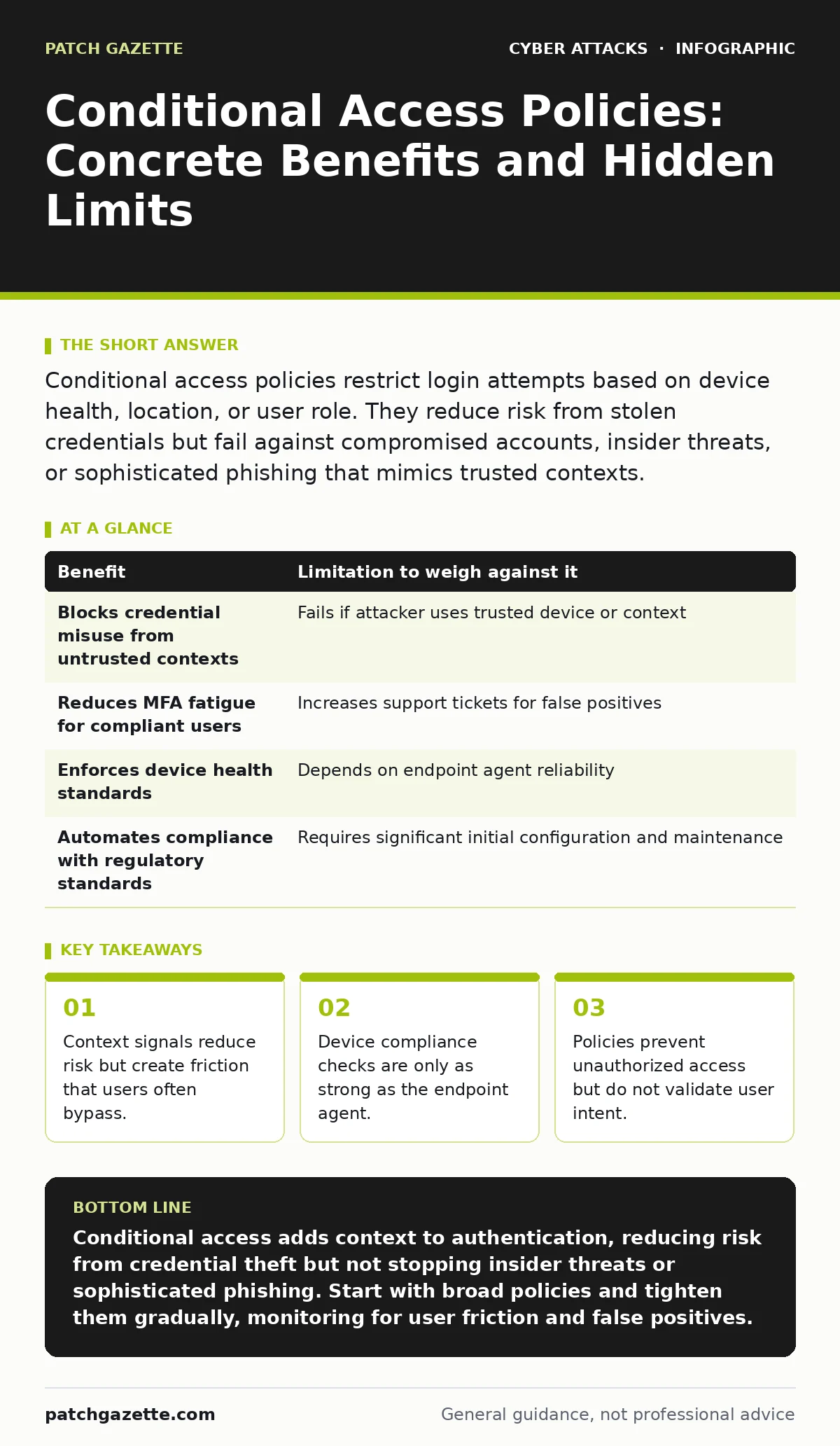
Conditional access policies restrict login attempts based on device health, location, or user role. They reduce risk from stolen credentials but fail against compromised accounts, insider threats, or sophisticated phishing that mimics trusted contexts.
The Mechanism of Contextual Verification
Conditional access policies shift security from static passwords to dynamic evaluation. Instead of asking only who you are, the system asks where you are, what device you use, and whether that device meets specific health standards. This approach assumes that a login from a known, managed device in a typical location is safer than one from a new browser in an unexpected country.
The core mechanism relies on signals. These signals include IP reputation, geolocation, device management status, and application type. The policy engine evaluates these signals in real time. If the combination of signals matches a defined risk profile, access is granted. If not, the system blocks the attempt or requires additional verification.
This method moves beyond simple authentication. It adds authorization based on context. You are not just proving your identity; you are proving your environment is trustworthy. This distinction matters because stolen credentials often lack the contextual markers of a legitimate user.
Concrete Benefits of Contextual Controls
The primary benefit is reduced exposure to credential theft. When an attacker steals a password, they usually lack the associated device or location context. Conditional access blocks these attempts before they reach the application layer. This stops many automated attacks that rely on bulk credential testing.
Another benefit is reduced reliance on multi-factor authentication for low-risk scenarios. If a user logs in from a compliant, company-managed device, the system may skip the second factor. This improves user experience while maintaining security. It balances convenience with protection by adjusting requirements based on risk.
These policies also enforce device hygiene. By requiring management or specific security configurations, you ensure that endpoints meet minimum standards. This reduces the chance that malware on a device can intercept sessions or exfiltrate data. The policy acts as a gatekeeper for device compliance.
Hidden Costs and Operational Friction
Every security control has a cost. For conditional access, that cost is often user friction. When policies are too strict, users find workarounds. They may use personal devices, share credentials, or bypass security tools. This behavior undermines the very security the policy intended to enforce.
False positives are a significant operational burden. Legitimate users traveling or using new networks may be blocked. Support tickets increase as users seek help to regain access. IT teams must balance security with productivity, often leading to policy relaxation that weakens protection.
Device compliance checks introduce dependency on endpoint agents. If the agent fails to report status, the policy may block access incorrectly. This creates a fragile chain where security depends on the health of the monitoring software itself. If the agent is compromised, the policy may trust a malicious device.
Limitations in Threat Mitigation
Conditional access does not protect against compromised credentials used from trusted contexts. If an attacker steals credentials and uses a managed device, or if they compromise a user’s session, the policy may grant access. The system trusts the context, not the user’s intent.
It also fails against internal threats. A malicious insider with valid credentials and a compliant device can bypass these controls entirely. The policy cannot distinguish between a legitimate employee and one acting with malicious intent. Internal monitoring requires different tools and processes.
Sophisticated phishing attacks can mimic trusted contexts. If an attacker compromises a user’s device or uses a proxy server in a trusted location, the policy may not detect the anomaly. The signals appear normal, but the intent is malicious. This highlights the gap between technical verification and behavioral analysis.
When to Implement Conditional Access
Implement conditional access when you have a mix of remote and on-site workers. If users access sensitive applications from various locations and devices, contextual controls add necessary layers of protection. It reduces the risk of credential misuse without locking out legitimate users entirely.
It is also worth it when you manage devices centrally. If you can enforce compliance and health checks, the policies become more reliable. The system can trust the device status, reducing the need for constant multi-factor prompts. This creates a smoother experience for users while maintaining security.
Finally, use conditional access when you need to comply with regulatory requirements. Many standards require verification of user context and device integrity. These policies provide a structured way to meet those requirements without manual audits. They automate compliance checks in real time.
See also: QR Code Phishing: Risks and Protection for Small Businesses · How Gift Card Scams Work: The Step-by-Step Attack Chain
When to Avoid or Limit Use
Avoid conditional access if you lack device management capabilities. Without the ability to verify device health, the policies rely on weaker signals like IP address or location. These signals are easily spoofed or misinterpreted, reducing the effectiveness of the controls. You end up with false security and increased friction.
Do not implement if your users frequently travel or work from unpredictable locations. Strict location-based rules will cause constant lockouts. The support overhead outweighs the security benefit. In these cases, focus on stronger authentication methods rather than contextual restrictions.
Also, limit use if you cannot handle the operational load. If your team cannot respond quickly to false positives, users will bypass the controls. The policy becomes a nuisance rather than a protection. Ensure you have the resources to support the complexity before deployment.
Comparing Benefits and Limitations
| Benefit | Limitation to weigh against it |
|---|---|
| Blocks credential misuse from untrusted contexts | Fails if attacker uses trusted device or context |
| Reduces MFA fatigue for compliant users | Increases support tickets for false positives |
| Enforces device health standards | Depends on endpoint agent reliability |
| Automates compliance with regulatory standards | Requires significant initial configuration and maintenance |
Integration with Other Security Measures
Conditional access works best as part of a broader strategy. It complements strong authentication but does not replace it. You still need to protect against credential theft through other means. For instance, monitoring for phishing attempts helps reduce the initial vector of credential compromise.
It also pairs well with endpoint detection and response. If a device is compromised, the policy can block access based on health signals. However, if the compromise is subtle, additional monitoring is needed. Look for guides on API abuse to understand how attackers might bypass application-level controls.
Remember that no single control is sufficient. Combine conditional access with user training, network segmentation, and continuous monitoring. This layered approach reduces the impact of any single failure. For more on identity risks, see the guide on replay attacks to understand how session tokens can be misused.
Key takeaways
- Context signals reduce risk but create friction that users often bypass.
- Device compliance checks are only as strong as the endpoint agent.
- Policies prevent unauthorized access but do not validate user intent.
Conditional access adds context to authentication, reducing risk from credential theft but not stopping insider threats or sophisticated phishing. Start with broad policies and tighten them gradually, monitoring for user friction and false positives.
Frequently asked questions
Does conditional access stop phishing attacks?
No, it only reduces risk by verifying context. It cannot stop phishing if the attacker uses a trusted device or location.
Can users bypass conditional access policies?
Users may find workarounds if policies are too strict, such as using personal devices or sharing credentials.
How do I reduce false positives?
Start with broad policies and refine them based on user behavior. Exclude trusted locations and devices where possible.
Is conditional access enough for remote work security?
No, it should be combined with other controls like endpoint protection and strong authentication.
How this guide was produced: written by the Patch Gazette editorial team with AI assistance, checked against the public references listed below, and reviewed when the facts change. See our editorial policy or report an error.