
Firmware Update Management Checklist for Secure Operations
Firmware updates run with root privileges before the operating system loads, making them a higher risk vector than most software patches.
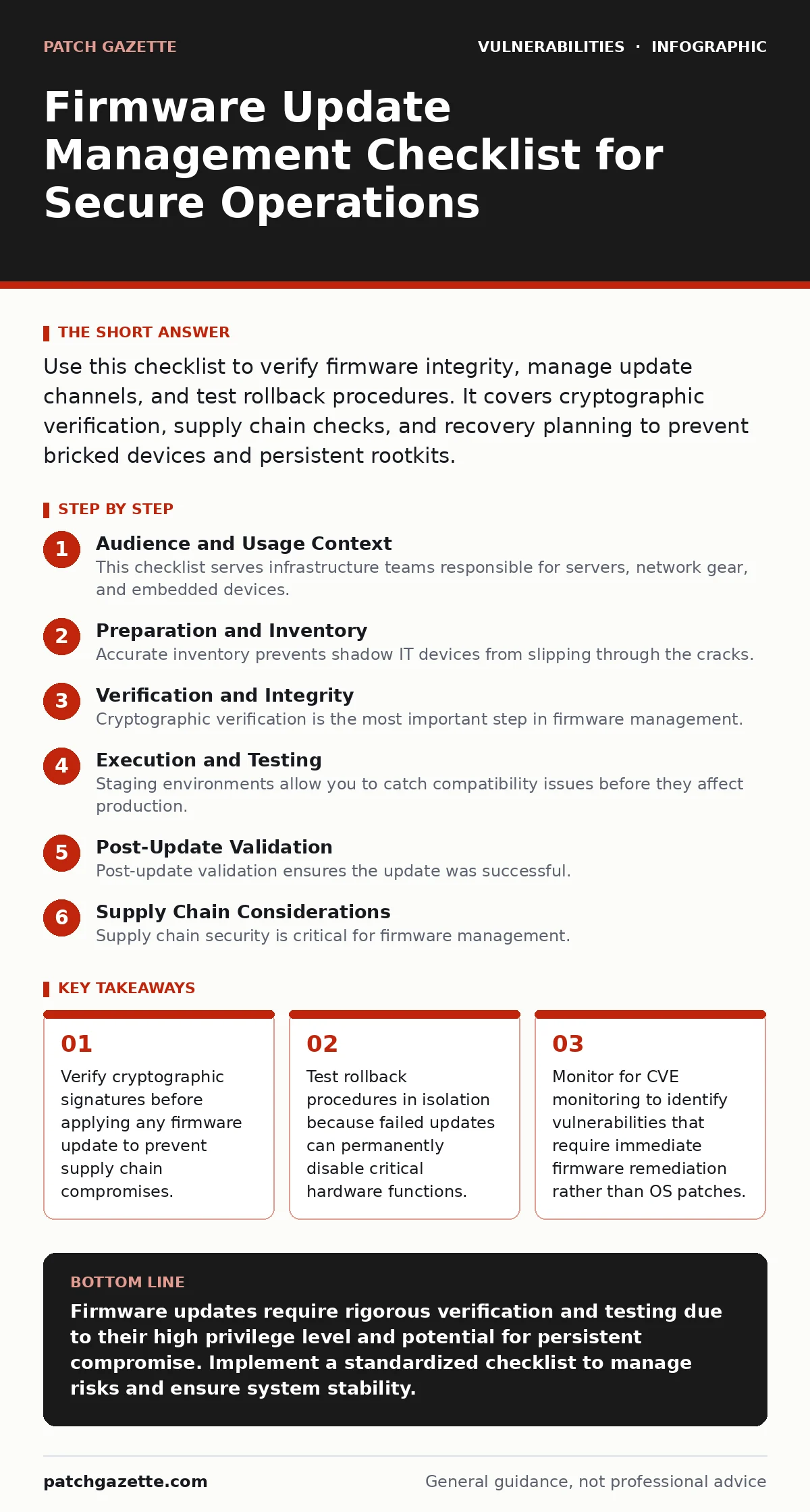
Use this checklist to verify firmware integrity, manage update channels, and test rollback procedures. It covers cryptographic verification, supply chain checks, and recovery planning to prevent bricked devices and persistent rootkits.
Audience and Usage Context
This checklist serves infrastructure teams responsible for servers, network gear, and embedded devices. You use it to standardize the update process across heterogeneous hardware. Firmware updates differ from software patches because they run with the highest privilege level. They execute before the operating system initializes. A compromised firmware image grants an attacker persistent access that survives operating system reinstalls.
You should run this checklist before every major firmware release. Use it as a gatekeeping mechanism in your change management process. The items are grouped by phase: preparation, verification, and execution. Each item includes a brief reason to justify the effort. This structure helps you prioritize tasks when resources are limited.
Preparation and Inventory
- Maintain an accurate hardware inventory: You cannot patch what you do not know exists in your environment.
- Identify end-of-life devices: Unsupported hardware lacks security patches and becomes a permanent liability.
- Review vendor update policies: Understanding release cycles helps you plan for critical security fixes versus feature updates.
- Check for known CWE weakness categories: Look for common weakness enumerations that frequently appear in firmware codebases.
- Document current firmware versions: Baseline data is necessary to verify successful updates and detect unauthorized changes.
Accurate inventory prevents shadow IT devices from slipping through the cracks. Many organizations forget about legacy switches or specialized sensors. These devices often run outdated firmware with known vulnerabilities. Identifying end-of-life hardware allows you to replace it before a breach occurs. Unsupported devices cannot receive security patches, leaving them open to exploitation.
Reviewing vendor policies helps you distinguish between urgent security fixes and optional feature updates. Not all updates require immediate deployment. Some may introduce new bugs or compatibility issues. Documenting current versions creates a baseline for comparison. This baseline helps you detect if an attacker has modified firmware without your knowledge.
Verification and Integrity
- Verify cryptographic signatures: Ensure the update file matches the vendor's public key to confirm authenticity.
- Check hash values against official sources: Compare SHA-256 hashes to detect tampering during download or storage.
- Validate the update channel: Ensure you are downloading from the official vendor repository, not a mirror.
- Look for exposed admin panels: Ensure firmware update interfaces are not accessible from untrusted networks.
- Review changelogs for security fixes: Identify if the update addresses specific privilege escalation vulnerabilities.
Cryptographic verification is the most important step in firmware management. Attackers often target update servers or intercept downloads. Verifying signatures ensures the code has not been altered. Hash checks provide an additional layer of integrity verification. Even a single bit change alters the hash value.
Downloading from unofficial sources increases the risk of supply chain attacks. Mirrors may be compromised or outdated. Always use the vendor's primary repository. Exposed admin panels on network devices can allow attackers to push malicious firmware directly. Restrict access to these interfaces to trusted management networks.
Reviewing changelogs helps you understand the scope of the update. Some updates address critical security flaws, while others add minor features. Knowing which vulnerabilities are fixed helps you prioritize deployment. This information is particularly relevant when monitoring for CVE monitoring alerts that require immediate action.
Execution and Testing
- Test updates in a staging environment: Verify compatibility and stability before applying to production systems.
- Verify rollback procedures: Ensure you can revert to the previous version if the update fails.
- Schedule updates during maintenance windows: Minimize downtime and impact on business operations.
- Monitor for sandbox escape vulnerabilities: Ensure firmware updates do not introduce new escape vectors for virtualized environments.
- Document the update process: Record steps taken, issues encountered, and outcomes for future reference.
Staging environments allow you to catch compatibility issues before they affect production. Firmware updates can break hardware functionality or network connectivity. Testing in isolation prevents widespread outages. Rollback procedures are critical for recovery. Failed updates can brick devices, making them unusable.
Scheduling updates during maintenance windows reduces disruption. Firmware updates often require device reboots. This downtime can impact services and users. Monitoring for sandbox escape vulnerabilities is important for virtualized infrastructure. Firmware bugs can allow guests to escape into the host system.
Documenting the process creates an audit trail. This record helps with troubleshooting and compliance. It also serves as a reference for future updates. Consistent documentation improves efficiency and reduces errors.
Post-Update Validation
- Verify firmware versions post-update: Confirm that all devices are running the expected version.
- Check system logs for errors: Look for signs of instability or failed components after the update.
- Validate network connectivity: Ensure devices are communicating correctly with other systems.
- Review bug bounty triage reports: Check for new vulnerabilities discovered by researchers after the update release.
- Update inventory records: Reflect the new firmware versions in your asset management system.
Post-update validation ensures the update was successful. Verifying versions confirms that the correct image was applied. Checking logs helps identify any hidden issues. Network connectivity tests ensure that devices are functioning normally.
Reviewing bug bounty triage reports provides early warning of new vulnerabilities. Researchers often discover flaws shortly after releases. Updating inventory records maintains accuracy. This data is essential for future patch management and security assessments.
See also: Trojanized Software: Definition, Risks, and Detection Strategies
Supply Chain Considerations
- Assess vendor security practices: Evaluate how the vendor manages its own software development lifecycle.
- Check for vulnerabilities in industrial control systems: Ensure firmware updates comply with safety and security standards.
- Review third-party dependencies: Identify if the firmware relies on external libraries with known vulnerabilities.
- Monitor for time-of-check to time-of-use (TOCTOU) bugs: Ensure update mechanisms do not have race condition vulnerabilities.
- Establish a communication channel with vendors: Ensure you receive timely notifications about critical security issues.
Supply chain security is critical for firmware management. Vendors with poor security practices may introduce vulnerabilities into their products. Assessing their practices helps you mitigate risk. Industrial control systems require special attention due to safety implications.
Third-party dependencies can introduce vulnerabilities. Many firmware images include open-source libraries. Monitoring for TOCTOU bugs ensures that update mechanisms are secure. Race conditions can allow attackers to manipulate the update process. Establishing communication with vendors ensures you stay informed about security issues.
Key takeaways
- Verify cryptographic signatures before applying any firmware update to prevent supply chain compromises.
- Test rollback procedures in isolation because failed updates can permanently disable critical hardware functions.
- Monitor for CVE monitoring to identify vulnerabilities that require immediate firmware remediation rather than OS patches.
Firmware updates require rigorous verification and testing due to their high privilege level and potential for persistent compromise. Implement a standardized checklist to manage risks and ensure system stability.
Frequently asked questions
How often should firmware be updated?
Update firmware regularly based on vendor release cycles and security advisories. Critical security fixes should be applied immediately, while feature updates can be scheduled during maintenance windows.
Can firmware updates be automated?
Automation is possible but requires careful planning. Automated updates should include verification steps, rollback capabilities, and staging environment testing to prevent widespread failures.
What is the risk of skipping firmware updates?
Skipping updates leaves devices vulnerable to known exploits. Firmware vulnerabilities can lead to persistent rootkits, data theft, and system instability.
How do I handle end-of-life devices?
Replace end-of-life devices as soon as possible. If replacement is not immediate, isolate them from the network and monitor for signs of compromise.
How this guide was produced: written by the Patch Gazette editorial team with AI assistance, checked against the public references listed below, and reviewed when the facts change. See our editorial policy or report an error.