Trojanized Software: Definition, Risks, and Detection Strategies
Legitimate code often hides malicious payloads in supply chain updates, bypassing traditional signature-based antivirus software checks and user trust.
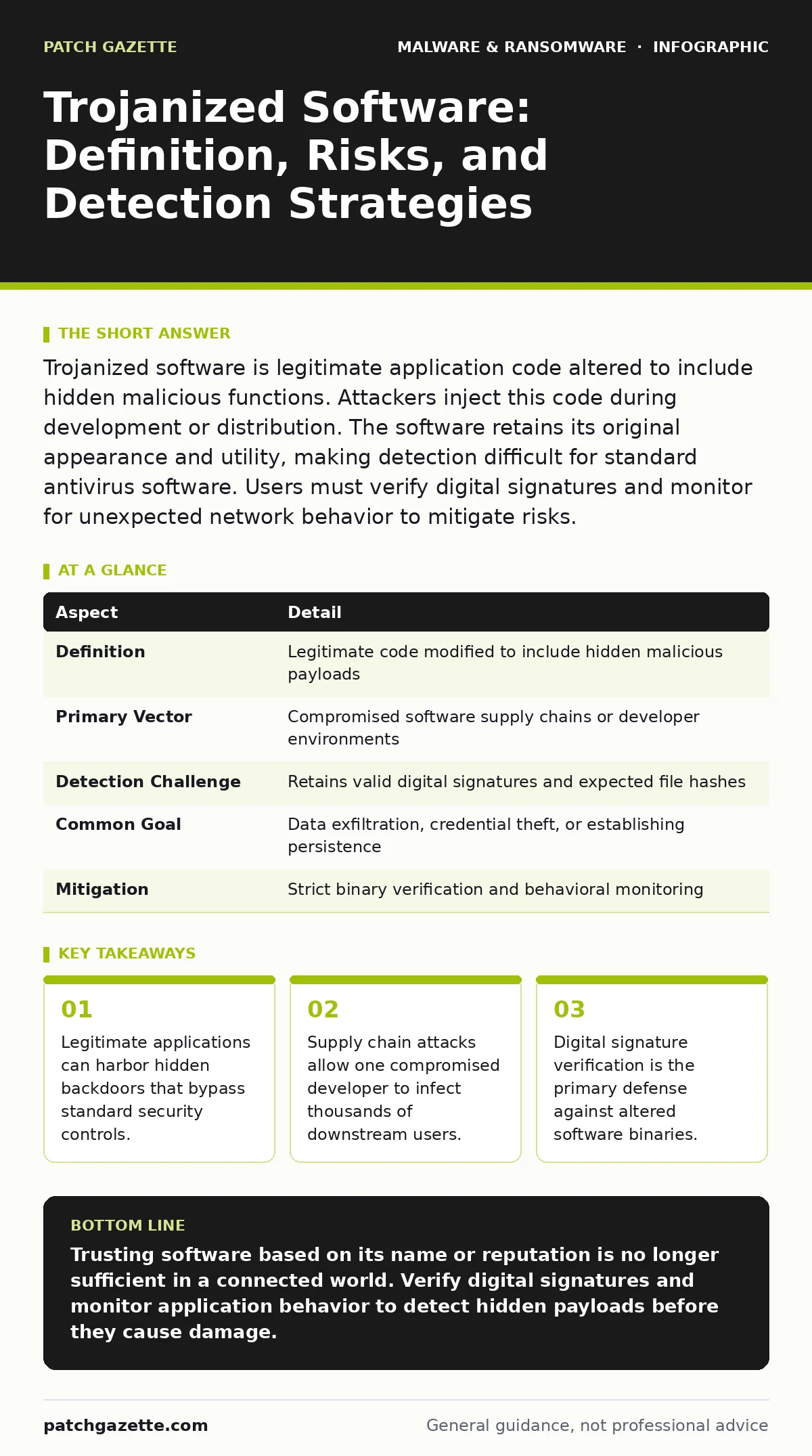
Trojanized software is legitimate application code altered to include hidden malicious functions. Attackers inject this code during development or distribution. The software retains its original appearance and utility, making detection difficult for standard antivirus software. Users must verify digital signatures and monitor for unexpected network behavior to mitigate risks.
The Hidden Payload Concept
Imagine buying a standard office chair that secretly drains your bank account every time you sit down. The chair looks normal, functions normally, and comes from a reputable manufacturer. You trust the object because it performs its intended purpose. Trojanized software operates on this exact principle. It is legitimate software that has been modified to include a hidden malicious component. The user interacts with the intended function, unaware that a second, unauthorized process is running in the background.
| Aspect | Detail |
|---|---|
| Definition | Legitimate code modified to include hidden malicious payloads |
| Primary Vector | Compromised software supply chains or developer environments |
| Detection Challenge | Retains valid digital signatures and expected file hashes |
| Common Goal | Data exfiltration, credential theft, or establishing persistence |
| Mitigation | Strict binary verification and behavioral monitoring |
The deception relies on trust. Security tools often whitelist known applications. When the application itself is poisoned, the whitelist becomes a liability. The system grants elevated privileges to the trusted executable, which then executes the hidden code with those same high-level permissions.
How Code Gets Poisoned
Trojanization rarely happens on the user’s device. It occurs upstream in the software supply chain. Attackers target the environments where code is written, built, or signed. They might compromise a developer’s workstation to insert malicious code before the final build. Alternatively, they attack the build servers themselves. By modifying the compilation process, they ensure every version of the software produced contains the backdoor.
Another method involves intercepting the distribution channel. Attackers might mirror a legitimate download site. They serve the exact same file structure but swap the executable with a trojanized version. Because the file name and size match, users and basic scanners accept it as valid. This method exploits the lack of cryptographic verification in many download workflows.
Who Bears the Risk
Every organization that uses third-party software is at risk. Small businesses using standard accounting packages are targets. Large enterprises using complex industrial control systems are also vulnerable. The scale of the target matters less than the connectivity of the software. Any application that has network access can exfiltrate data.
Developers face a unique risk. Their tools, such as compilers and debuggers, are high-value targets. If an attacker trojanizes a development toolkit, every application built with that toolkit becomes a vector. This creates a ripple effect. One compromised tool can infect hundreds of downstream products. The attacker gains a wide foothold with a single breach.
Common Forms of Infection
Trojanized software does not always look like a virus. The payload depends on the attacker’s objective. Credential harvesters are common. These tools capture login details when the user enters them into the legitimate interface. The data is then sent to a command and control server. This allows attackers to access other systems using the stolen credentials.
Spyware is another frequent payload. It records screen activity, keystrokes, or network traffic. This is particularly effective in financial or legal sectors where sensitive data is handled daily. The legitimate application provides a cover for this surveillance. Users see the application working as expected, so they do not suspect monitoring.
Some trojanized applications act as loaders. They do not carry the full malware themselves. Instead, they download additional modules from the internet. This keeps the initial file small and clean. The malicious behavior only appears after the secondary payload is retrieved. This delays detection and makes forensic analysis more difficult.
Reducing the Attack Surface
Preventing trojanization requires shifting from trust to verification. You cannot rely on the reputation of the software vendor alone. You must verify the integrity of the software itself. Digital signatures are the standard mechanism for this. A digital signature proves that the code has not been altered since it was signed by the vendor.
Implement strict signature validation policies. Configure your operating systems to block executables that lack valid signatures. This stops unsigned or forged binaries from running. It also helps identify legitimate binaries that have been tampered with after signing. If the hash of the file does not match the signed hash, the file is rejected.
Application whitelisting is another strong control. This policy only allows pre-approved applications to run. It prevents unauthorized scripts or executables from launching, even if a trojanized app tries to spawn a child process. This limits the damage if a trojanized application does manage to execute.
See also: What Is Tamper Protection: How It Blocks Malware From Disabling Your Defenses · Disaster Recovery Plan Cyber Security: Restore Systems Fast
The Human Factor and Process
Security tools are necessary, but they are not sufficient. Human behavior plays a significant role in introduction. Users often bypass security warnings to install cracked software or plugins. This behavior introduces trojanized code directly. Training users to recognize the risks of unofficial sources is critical.
However, training has limits. Users cannot verify code integrity manually. They rely on the system to do this work. Therefore, technical controls must enforce security. Do not rely on user vigilance to stop sophisticated supply chain attacks. The attacker’s code looks identical to the legitimate code. Only cryptographic checks can reveal the difference.
What People Usually Get Wrong
Many organizations believe that real-time protection stops all malware. This is incorrect. Real-time scanners often use signature matching. If the trojanized code is new or obfuscated, the signature may not exist. The scanner sees a known, trusted file and allows it to pass. This false sense of security leaves a gap.
Another common error is assuming that open-source software is safe because the code is public. While transparency helps, it does not guarantee safety. Attackers can submit malicious code to open-source repositories. If the maintainers merge the code, the malicious version becomes official. Users who download from the main repository get the trojanized version. You must verify commits and dependencies, not just the project name.
Detection and Response
Detecting trojanized software requires behavioral analysis. Heuristic detection looks for suspicious actions rather than known signatures. For example, if a word processor suddenly tries to access a database server, that is abnormal. Heuristic engines can flag this deviation. This method catches new threats that signature-based systems miss.
When a compromise is suspected, isolate the affected systems immediately. Do not simply delete the software. The malicious payload may have established persistence elsewhere in the system. Conduct a full forensic investigation. Check for hidden accounts, new services, or outbound connections to unknown hosts.
Recovery requires more than reinstalling the software. You must ensure the supply chain is clean. Verify that the signing keys have not been compromised. Rotate any credentials that the trojanized software had access to. This prevents the attacker from returning using the same stolen identities.
Long-Term Resilience
Building resilience against trojanized software is an ongoing process. You must continuously monitor your software dependencies. Update your libraries and frameworks regularly. Outdated components often contain known vulnerabilities that attackers exploit.
Integrate security into your development lifecycle. If you build software, secure your build environment. Use isolated, ephemeral build servers that are destroyed after each compilation. This prevents persistent attackers from modifying the build process.
Maintain updated disaster recovery plans. Assume that some breaches will bypass your defenses. Your ability to restore systems from known-good backups determines your downtime. Test these backups regularly. Ensure they are stored offline to protect them from wiper malware or ransomware that targets active systems.
Key takeaways
- Legitimate applications can harbor hidden backdoors that bypass standard security controls.
- Supply chain attacks allow one compromised developer to infect thousands of downstream users.
- Digital signature verification is the primary defense against altered software binaries.
Trusting software based on its name or reputation is no longer sufficient in a connected world. Verify digital signatures and monitor application behavior to detect hidden payloads before they cause damage.
Frequently asked questions
Can antivirus software detect trojanized applications?
Traditional antivirus software often fails because it relies on known signatures. If the trojanized code is new or the file is signed by a trusted vendor, standard scanners may miss it.
How do I know if my software has been trojanized?
Look for unexpected network connections, unusual resource usage, or behavior that deviates from the application’s normal function. Heuristic detection tools can help identify these anomalies.
Is open-source software more vulnerable to trojanization?
Open-source software can be vulnerable if attackers compromise the repository or submit malicious code. Transparency helps, but you must still verify the integrity of the code you download.
What is the difference between a trojan and trojanized software?
A trojan is a standalone malicious file disguised as legitimate. Trojanized software is a legitimate application that has been modified to include a hidden malicious payload.
How this guide was produced: written by the Patch Gazette editorial team with AI assistance, checked against the public references listed below, and reviewed when the facts change. See our editorial policy or report an error.