
Software Updates Best Practices: Secure Patching Without Downtime
Automated patching often breaks production systems because it ignores application dependencies, making manual validation of critical updates a safer default.
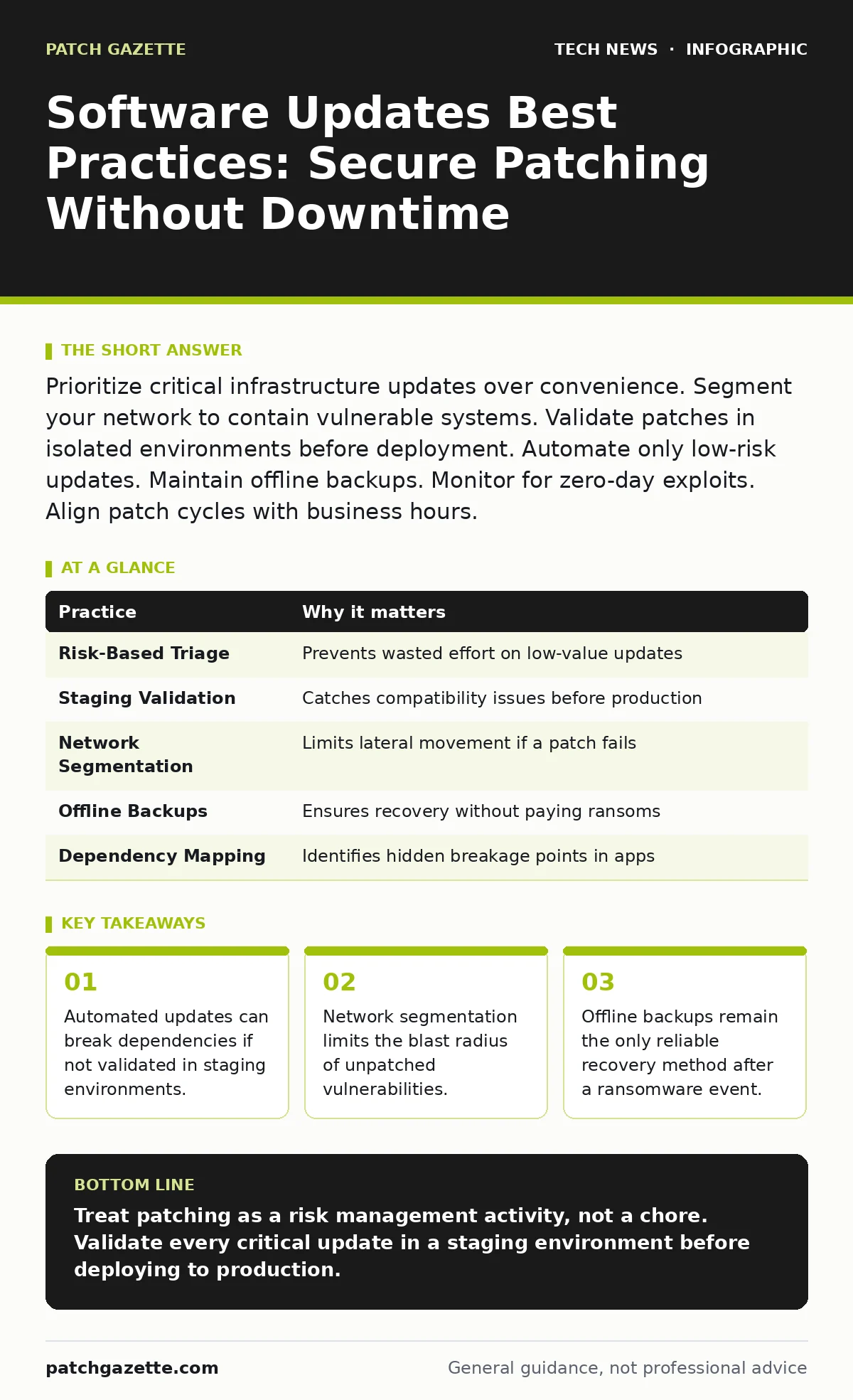
Prioritize critical infrastructure updates over convenience. Segment your network to contain vulnerable systems. Validate patches in isolated environments before deployment. Automate only low-risk updates. Maintain offline backups. Monitor for zero-day exploits. Align patch cycles with business hours.
Prioritize By Risk, Not Release Date
New software releases do not carry equal weight. A cosmetic update to a internal tool poses far less risk than a security patch for a database server. You must triage updates based on the exposure of the asset and the severity of the vulnerability. Not every update requires immediate action.
Focus your resources on internet-facing systems and those handling sensitive data. These assets present the highest attack surface. Internal applications with no external connectivity can often wait for the next scheduled maintenance window. This approach prevents alert fatigue and ensures your team focuses on genuine threats.
| Practice | Why it matters |
|---|---|
| Risk-Based Triage | Prevents wasted effort on low-value updates |
| Staging Validation | Catches compatibility issues before production |
| Network Segmentation | Limits lateral movement if a patch fails |
| Offline Backups | Ensures recovery without paying ransoms |
| Dependency Mapping | Identifies hidden breakage points in apps |
Tip: Maintain a Critical Asset Register
List your top ten most exposed systems. Assign a specific owner to each. When a new vulnerability emerges, check this list first. If the system is not on the list, defer the patch until the next routine cycle. This keeps your response time fast for high-risk targets without burning out your team on low-risk items.
Validate in Isolation Before Deployment
Applying a patch directly to a production server is a gamble. Software updates often introduce subtle changes that break existing integrations or scripts. A patch that fixes a security hole might also change an API endpoint your billing system relies on. You need a buffer zone to catch these failures.
Use a staging environment that mirrors your production setup. Apply updates here first. Run automated tests to verify functionality. If the update breaks a core process, you catch it before it impacts users. This step adds time to your cycle but saves days of emergency troubleshooting.
Tip: Automate Only Low-Risk Patches
Automate updates for operating systems and non-critical utilities where failure has minimal impact. For application servers and databases, keep the process manual or semi-automated. Require a human to approve the deployment after staging tests pass. This hybrid approach balances speed with safety.
Map Dependencies to Avoid Breakage
Software does not exist in a vacuum. Your web server depends on the database, which depends on the OS kernel, which depends on hardware drivers. Updating one layer can destabilize the layers above or below it. You must understand these relationships before touching a system.
Create a dependency map for your critical applications. Document which libraries and services each app requires. When a patch changes a library version, check the map. If the change is significant, test the entire stack. Ignoring dependencies is the leading cause of post-patch outages.
Tip: Use Container Images for Consistency
If you use virtual machines or containers, lock your base images. Update the base image in a controlled manner. Deploy new instances from the updated image rather than patching live instances. This ensures every instance has the exact same software versions. It eliminates drift and makes rollback instant.
Segment Networks to Contain Failures
Even with careful patching, some systems will remain vulnerable for a period. Legacy systems, for example, may no longer receive updates. If an attacker compromises one system, they should not be able to move freely to others. Network segmentation creates barriers.
Divide your network into zones. Restrict traffic between zones using strict firewall rules. A compromised workstation in the office zone should not be able to reach the database zone. This limits the damage of any single failure. It also allows you to isolate unpatched systems safely.
Tip: Apply Zero Trust Principles
Assume that any system, patched or not, could be compromised. Verify every connection request. Do not rely on perimeter defenses alone. Internal traffic should be encrypted and authenticated. This reduces the value of a successful breach. See our guide on IP addresses for basic networking concepts.
Maintain Offline Backups
Ransomware often targets backups to prevent recovery. If your backups are connected to the network, they are vulnerable. You need copies of your data that are physically or logically disconnected from your primary systems. These are your last line of defense.
Keep backups offline or immutable. Immutable backups cannot be altered or deleted for a set period. This gives you time to detect and respond to an attack. Test your restoration process regularly. A backup that cannot be restored is useless.
Tip: Schedule Restores Quarterly
Do not just create backups. Attempt to restore a full system from scratch once every quarter. This verifies that your backup strategy works. It also trains your team on the recovery process. Speed matters during a crisis. Practice reduces the time to recovery.
See also: Guest Wi-Fi Explained: Isolate Traffic Without Compromising Security · Cloud Firewalls: Real Benefits and Hidden Limits
Monitor for Zero-Day Exploits
Vulnerabilities sometimes appear before patches are available. These are known as zero-day exploits. Attackers exploit these gaps immediately. You cannot patch what does not exist. You must detect and block the exploitation attempts.
Use intrusion detection systems to watch for unusual traffic patterns. Look for known exploit signatures. Block suspicious activity at the network edge. This buys you time until a vendor releases a patch. It also helps you identify which systems are being targeted.
Tip: Subscribe to Vulnerability Feeds
Follow public vulnerability databases and security advisories. Do not rely on vendor emails alone. Set up alerts for high-severity issues affecting your stack. This ensures you are aware of threats before they become widespread. See our guide on TLS certificates for related security monitoring.
Align Cycles with Business Hours
Patching often requires reboots or service restarts. This causes downtime. If you patch during peak business hours, you disrupt operations. If you patch during off-hours, you may lack support coverage if something goes wrong. Find a balance.
Schedule maintenance windows when usage is lowest. Communicate these windows clearly to users. Provide a status page for real-time updates. This manages expectations and reduces support tickets. Consistency helps users plan their work around maintenance.
Tip: Use Rolling Updates
For large systems, update subsets of servers at a time. This maintains service availability while you patch. If one subset fails, you can route traffic to the healthy ones. This approach minimizes risk and impact. It is standard in DevOps security practices. See our guide on DevOps security for more on continuous delivery.
Document Every Change
When a patch causes an issue, you need to know what changed. Without documentation, troubleshooting is guesswork. Record every update applied, including the version number and date. Note any issues encountered.
This history helps you identify patterns. If a specific vendor update always causes problems, you can flag it for extra testing. It also aids in compliance audits. Keep these records secure and accessible.
Tip: Use Configuration Management Tools
Automate the recording of changes. Use tools that track configuration states. This provides an audit trail without manual effort. It ensures consistency across your environment. It also simplifies compliance reporting.
Key takeaways
- Automated updates can break dependencies if not validated in staging environments.
- Network segmentation limits the blast radius of unpatched vulnerabilities.
- Offline backups remain the only reliable recovery method after a ransomware event.
Treat patching as a risk management activity, not a chore. Validate every critical update in a staging environment before deploying to production.
Frequently asked questions
How often should I patch my servers?
Patch critical security vulnerabilities as soon as they are validated. Schedule routine updates monthly or quarterly based on your risk tolerance.
Can I automate all patches?
No. Automate low-risk updates only. Critical systems require manual validation to prevent compatibility issues and downtime.
What if a legacy system cannot be patched?
Isolate the system from the network. Use application-layer firewalls to restrict traffic. Plan for replacement as soon as possible.
How do I know if a patch is safe?
Test it in a staging environment that mirrors production. Check vendor advisories for known issues. Review dependency maps for potential conflicts.
How this guide was produced: written by the Patch Gazette editorial team with AI assistance, checked against the public references listed below, and reviewed when the facts change. See our editorial policy or report an error.