
USB Security for Small Business: Stop Silent Data Theft
Physical media bypasses network firewalls entirely, allowing attackers to exfiltrate data or install persistent malware without ever touching the internet.
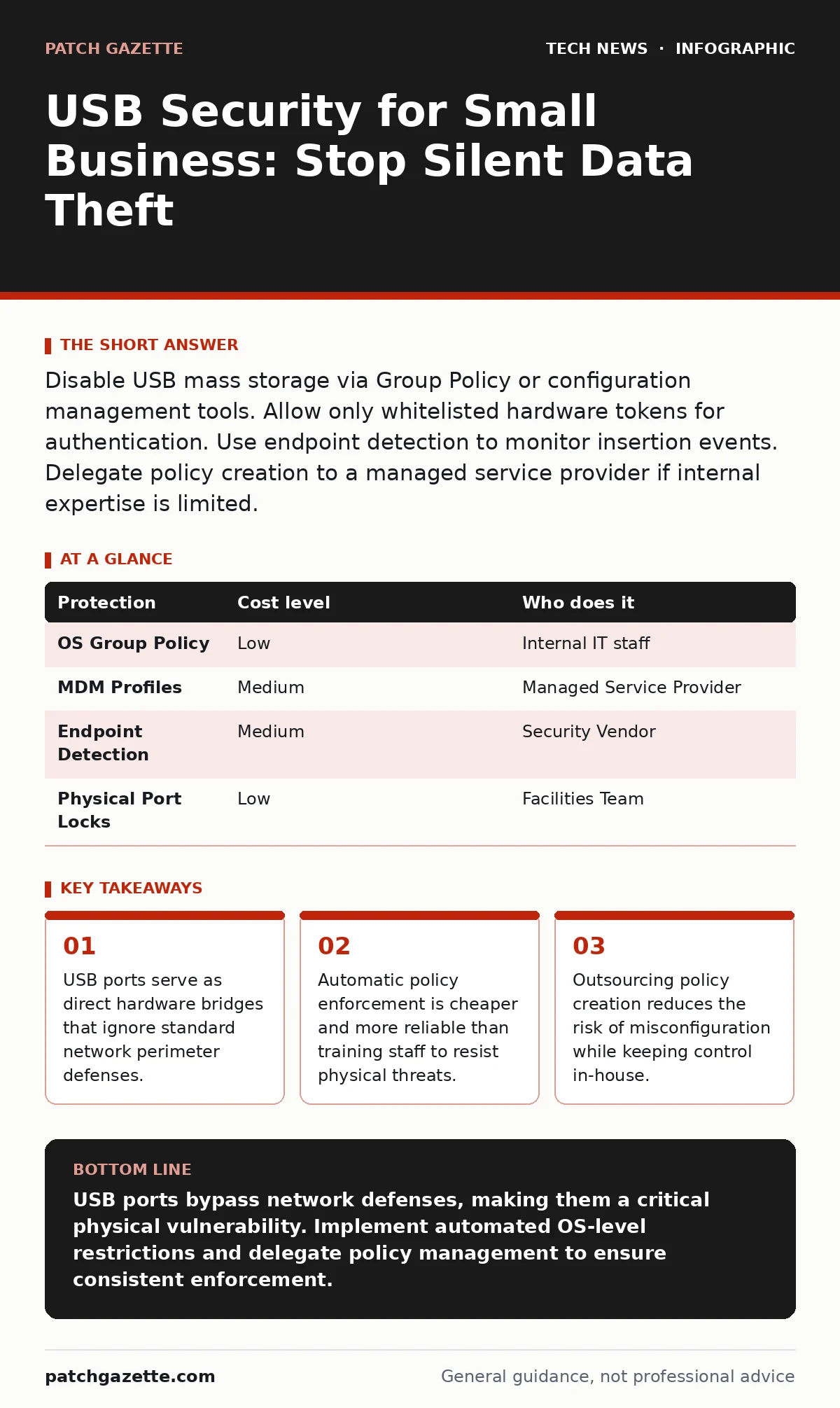
Disable USB mass storage via Group Policy or configuration management tools. Allow only whitelisted hardware tokens for authentication. Use endpoint detection to monitor insertion events. Delegate policy creation to a managed service provider if internal expertise is limited.
The Physical Bypass Mechanism
Network security tools monitor traffic that moves through wires or air. They cannot see what happens when metal touches metal. A Universal Serial Bus connection creates a direct hardware link between two machines. This link operates at a lower level than the operating system’s network stack. When you plug in a drive, the system treats it as a trusted peripheral, similar to a keyboard or mouse.
This trust is the vulnerability. Attackers do not need to hack your server remotely. They only need physical access to a port. They can use a device that mimics a keyboard to type commands instantly. This technique, known as a bad USB attack, can install malware before you even notice the device is plugged in. The speed of the command execution makes manual inspection useless.
Small organizations often assume their small size makes them invisible to attackers. This assumption is dangerous. Small businesses are attractive targets because they often lack the layered defenses of larger enterprises. A single compromised USB drive can grant an attacker access to every file on a shared network drive. The damage happens before any cloud backup or remote monitoring system registers an anomaly.
Why Training Fails
Human behavior is inconsistent. You can train employees to reject unknown USB drives, but fatigue and convenience override caution. An employee might think a single plug-in is harmless. They might not realize that modern operating systems can be configured to auto-run scripts from removable media. Even if auto-run is disabled, the mere presence of the device can trigger background processes that scan for executables.
Training also ignores the supply chain. An employee might plug in a charger that was left at a hotel. This charger may contain a microcontroller that acts as a network interface. It does not look like a threat, but it creates a bridge for data exfiltration. The employee believes they are charging a phone, but they are actually opening a backdoor.
Relying on vigilance is a losing strategy. You cannot watch every port twenty-four hours a day. The cost of monitoring human behavior exceeds the cost of technical controls. Technical controls do not get tired. They do not forget the policy. They enforce the rule every time, without exception.
Affordable Control Methods
You do not need expensive security suites to manage USB risks. The most effective controls are built into standard operating systems. Windows Group Policy allows you to disable write access to removable storage. This prevents data from leaving the corporate device. It also prevents malware from copying itself onto the drive. You can still allow read access for legitimate tasks, such as importing files, but the risk of infection is significantly reduced.
For Mac environments, you can use configuration profiles to restrict external media. These profiles can be pushed via mobile device management tools. This ensures that every laptop in your fleet adheres to the same standard. You do not need to configure each machine manually. The policy travels with the user, even if they switch devices.
Endpoint detection and response tools add another layer. These tools monitor for unusual activity during USB insertion. If a device attempts to execute a script, the tool can block it and alert you. This provides visibility into what is happening at the port level. It turns a silent event into a visible alert.
| Protection | Cost level | Who does it |
|---|---|---|
| OS Group Policy | Low | Internal IT staff |
| MDM Profiles | Medium | Managed Service Provider |
| Endpoint Detection | Medium | Security Vendor |
| Physical Port Locks | Low | Facilities Team |
The Hidden Cost of Whitelisting
Whitelisting allows only known, trusted devices to function. This is the gold standard for security. However, it introduces a significant operational cost. Every new device must be registered and approved. If an employee loses a token, the replacement process can be slow. This friction can lead to workarounds. Employees might use personal devices to bypass the restriction, creating a shadow IT problem.
You must balance security with usability. If the policy is too strict, productivity suffers. If it is too loose, security fails. The middle ground is often a hybrid approach. Allow mass storage for read-only operations. Block write access unless the device is explicitly whitelisted for data transfer. This reduces the risk of data theft while maintaining some flexibility.
What to Delegate
Creating the right policy requires deep knowledge of operating system internals. Misconfiguring Group Policy can lock users out of their own systems. It can also break critical business applications that rely on external storage. If your team lacks this specific expertise, delegate the policy creation.
A managed service provider can design and implement the USB policy for you. They understand the edge cases and the dependencies. They can test the policy in a sandbox environment before rolling it out. This reduces the risk of downtime. You retain control over the approval process, but they handle the technical implementation.
You should also delegate the monitoring of USB events. Reviewing logs for every insertion is tedious and error-prone. A provider can set up automated alerts for suspicious activity. They can investigate and resolve incidents faster than an internal team that wears many hats. This allows you to focus on strategic decisions rather than tactical log reviews.
See also: Open Port Management Checklist: Close Gaps and Reduce Risk · IP Address Mechanics: 10 Questions Network Engineers Actually Ask
Integrating with Existing Security
USB security does not exist in a vacuum. It must work with your other security measures. For example, if you use strong password policies, a USB keylogger can still capture those credentials. You need multi-factor authentication to mitigate this risk. Even if the attacker gets the password, they cannot access the account without the second factor.
Similarly, open port management ensures that your network is closed to external threats. However, a USB attack bypasses these ports. It enters through the hardware. You must treat the physical perimeter as seriously as the digital one. This includes securing server rooms and restricting access to workstations.
Consider how video conferencing security intersects with USB risks. Attackers might use a compromised USB device to inject malicious content into a conference call. This can spread malware to other participants. Ensuring that your conferencing software validates input sources can help mitigate this risk.
Questions for Your Provider
When evaluating an IT provider for USB security, ask specific questions. Do not settle for vague promises. You need to know exactly how they will protect your hardware.
- How do you prevent unauthorized write access to removable media?
- What is your process for whitelisting legitimate business devices?
- How do you monitor and alert on suspicious USB insertion events?
- Can you provide a report on USB usage trends and anomalies?
- How do you handle policy updates when operating systems change?
The Long-Term View
USB security is not a one-time fix. It is an ongoing process. New devices emerge, and new attack techniques develop. You must review your policy regularly. Ensure that it still meets your business needs. Update your whitelists as staff changes or equipment is replaced.
Remember that technology changes. New operating system versions may alter how USB devices are handled. Your provider must stay current with these changes. They should proactively update your policy to address new vulnerabilities. This ensures that your defenses remain effective over time.
Do not ignore the physical aspect of security. Lock your offices. Secure your servers. Control who has physical access to your devices. A strong digital defense is useless if an attacker can walk in and plug in a drive. Combine technical controls with physical security for a complete defense.
Key takeaways
- USB ports serve as direct hardware bridges that ignore standard network perimeter defenses.
- Automatic policy enforcement is cheaper and more reliable than training staff to resist physical threats.
- Outsourcing policy creation reduces the risk of misconfiguration while keeping control in-house.
USB ports bypass network defenses, making them a critical physical vulnerability. Implement automated OS-level restrictions and delegate policy management to ensure consistent enforcement.
Frequently asked questions
Can I block USB drives but still use my printer?
Yes, most policies allow you to exempt specific device classes. You can block mass storage while permitting printers and scanners based on their vendor IDs.
What happens if an employee loses a whitelisted USB token?
The token should be immediately revoked in the management console. A replacement can be issued after a security review to ensure no data was compromised.
Do Linux servers need USB protection?
Yes, Linux servers can also be compromised via USB. You should disable USB support in the kernel or use udev rules to restrict device access, similar to **Linux server hardening** practices.
Is encryption enough to protect USB data?
Encryption protects data at rest, but it does not prevent malware execution. An attacker can still use the USB port to install malicious software, even if the drive itself is encrypted.
How this guide was produced: written by the Patch Gazette editorial team with AI assistance, checked against the public references listed below, and reviewed when the facts change. See our editorial policy or report an error.