
Mobile device security best practices for locking down hardware
Enforcing strict configuration profiles on phones prevents unauthorized data extraction without breaking employee productivity.
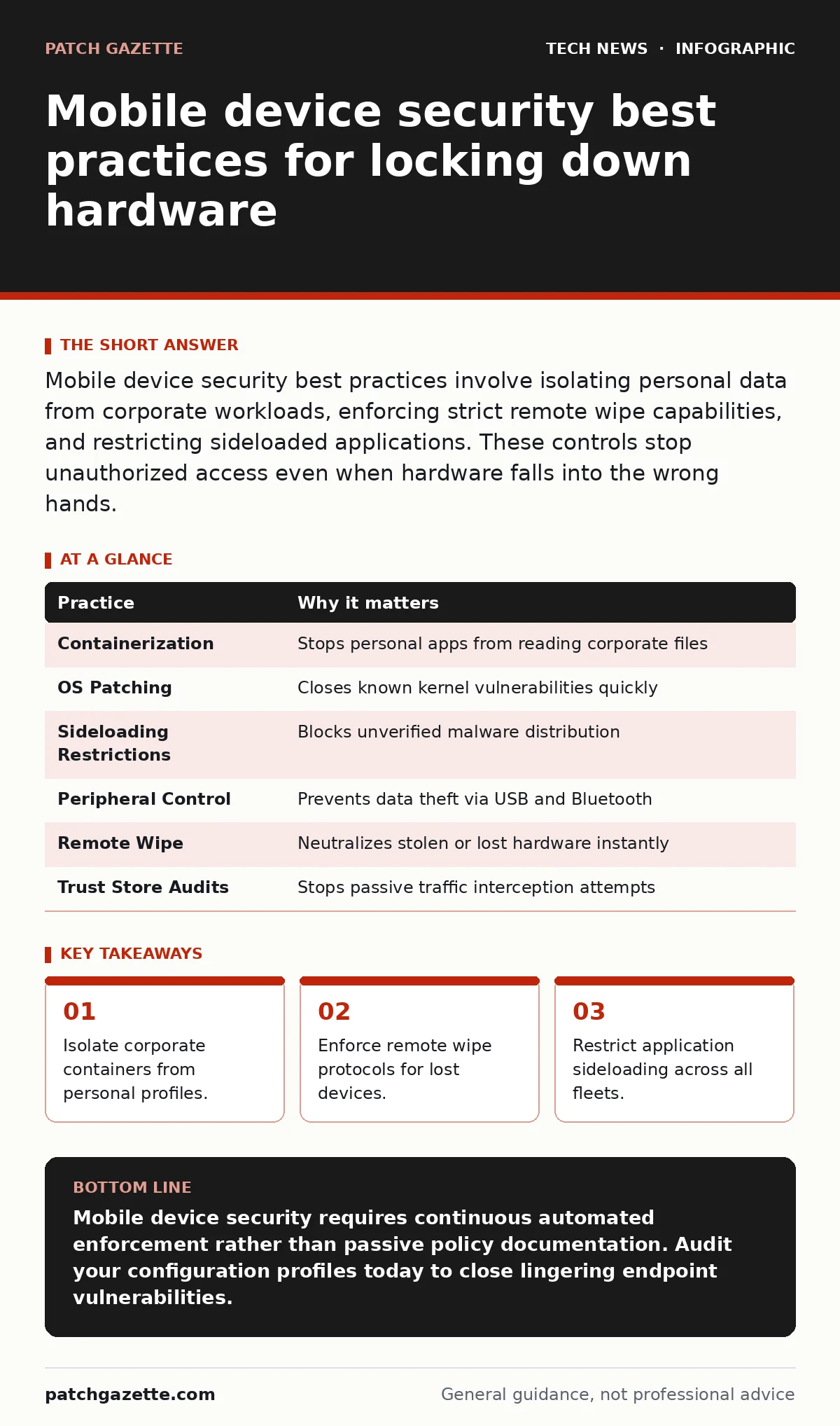
Mobile device security best practices involve isolating personal data from corporate workloads, enforcing strict remote wipe capabilities, and restricting sideloaded applications. These controls stop unauthorized access even when hardware falls into the wrong hands.
Establishing foundational mobile device security best practices
Mobile device security best practices require administrators to treat pocket-sized hardware with the same rigor applied to enterprise servers. Modern phones carry sensitive encryption keys, internal communications, and authentication tokens that grant access to cloud infrastructure. Treating endpoints as trusted zones without verification invites catastrophic data exposure across the entire organization.
Imagine an employee leaves a primary smartphone on a commuter train during a busy morning transit. Without pre-configured containment policies, anyone finding the device might extract cached credentials and cached tokens in plain text. Hardware theft happens constantly, making preemptive lockdown controls mandatory for protecting organizational assets from opportunistic theft.
1. Isolate workloads using containerization
Containerization divides physical hardware into distinct personal and corporate zones to prevent data leakage. Enterprise data remains encrypted at rest within a managed sandbox, preventing personal applications from reading corporate files. Employees retain privacy over personal photos and messages while security teams maintain total control over business assets.
Administrators should deploy configuration profiles that prohibit copying text from corporate email clients into unmanaged personal notepads. Restricting clipboard sharing stops accidental data exfiltration during daily multitasking.
2. Enforce immediate operating system patching
Operating system patches close architectural flaws that attackers exploit to gain kernel-level execution privileges. Delaying updates leaves known vulnerabilities exposed to automated exploit frameworks active on public networks. Automated update policies remove human hesitation and ensure fleet-wide consistency within hours of release.
Organizations must establish maximum grace periods for update installation before blocking access to corporate resources. Employees ignore update prompts when deadlines lack enforcement mechanisms.
3. Restrict sideloading and unofficial app stores
Application sideloading bypasses vetted marketplace security checks, introducing malware directly into the enterprise ecosystem. Limiting software installation to approved repositories ensures every application undergoes static and dynamic analysis before execution. Restricting unauthorized package installers prevents users from downloading hidden surveillance tools disguised as productivity utilities.
Security teams should maintain an internal app catalog containing pre-approved tools configured with secure defaults. Users needing specialized software must request formal review rather than downloading binaries from public forums.
4. Disable unnecessary peripheral connections
Peripheral vulnerability surfaces expand when devices connect to untrusted accessories, charging stations, and external media. Disabling USB data transfer while allowing charging prevents malicious juice-jacking attacks at public kiosks. Bluetooth adapters should default to non-discoverable modes to eliminate proximity sniffing attempts.
Smartphones frequently connect to untrusted guest Wi-Fi networks during travel, exposing internal routing tables to adjacent threat actors. Enterprise tools should force encrypted virtual private network tunnels whenever devices join unverified wireless access points.
See also: 7 Configuration Mistakes That Invite Malicious Mobile Apps
5. Implement automated remote wipe triggers
Remote wipe mechanisms neutralize stolen or lost hardware by issuing cryptographic deletion commands over cellular networks. Configuring automated triggers after repeated incorrect passcode attempts thwarts brute-force guessing attacks executed by sophisticated adversaries. Verification tokens and digital certificates stored in secure enclaves become instantly unrecoverable when deletion commands execute.
Testing the wipe mechanism quarterly ensures MDM (mobile device management) servers maintain uninterrupted communication channels with enrolled hardware. Network partition issues frequently break deletion pipelines if background data permissions are accidentally restricted by battery-saving utilities.
6. Review cryptographic trust stores
Cryptographic trust stores dictate which root certificates validate secure connections across mobile browsers and native applications. Malicious actors frequently attempt to inject rogue root authorities into device trust stores to enable passive traffic interception. Regular audits ensure only approved enterprise and public certificate authorities remain active on corporate endpoints.
Employees managing remote authentication often rely on one-time passwords delivered via SMS, creating vulnerabilities to SIM-swapping attacks. Hardware-backed security keys provide superior protection compared to vulnerable text message verification methods.
Summary and Quick Reference Table
| Practice | Why it matters |
|---|---|
| Containerization | Stops personal apps from reading corporate files |
| OS Patching | Closes known kernel vulnerabilities quickly |
| Sideloading Restrictions | Blocks unverified malware distribution |
| Peripheral Control | Prevents data theft via USB and Bluetooth |
| Remote Wipe | Neutralizes stolen or lost hardware instantly |
| Trust Store Audits | Stops passive traffic interception attempts |
Key takeaways
- Isolate corporate containers from personal profiles.
- Enforce remote wipe protocols for lost devices.
- Restrict application sideloading across all fleets.
Mobile device security requires continuous automated enforcement rather than passive policy documentation. Audit your configuration profiles today to close lingering endpoint vulnerabilities.
Frequently asked questions
How do I stop employees from bypassing mobile security controls?
Enforce strict compliance policies that automatically revoke access to corporate email and internal applications when hardware tampering is detected.
Can personal phones used for work be secured without invading privacy?
Containerization separates personal apps from corporate data, allowing security teams to wipe business files while leaving personal photos and messages untouched.
What happens to corporate data when a phone is lost?
Automated remote wipe commands erase cryptographic keys and enterprise containers instantly over cellular networks before data extraction can occur.
Why are standard PIN codes insufficient for mobile protection?
Standard PIN codes protect against casual observers but fail to prevent sophisticated physical storage extraction attacks executed by determined adversaries.
How this guide was produced: written by the Patch Gazette editorial team with AI assistance, checked against the public references listed below, and reviewed when the facts change. See our editorial policy or report an error.