
What Is Tamper Protection: How It Blocks Malware From Disabling Your Defenses
Tamper protection prevents attackers from silently disabling your security tools, ensuring your endpoint stays monitored even after a breach occurs.
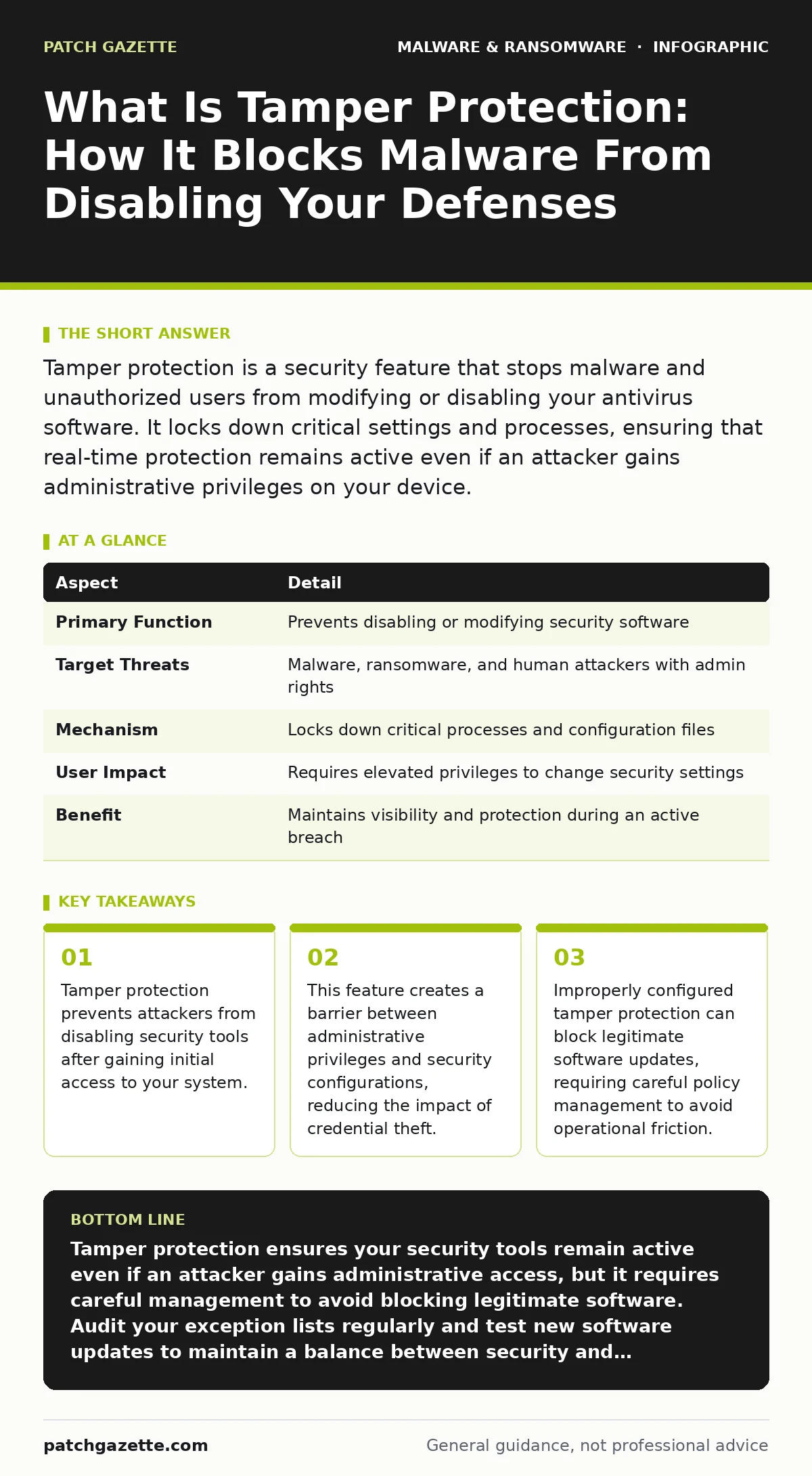
Tamper protection is a security feature that stops malware and unauthorized users from modifying or disabling your antivirus software. It locks down critical settings and processes, ensuring that real-time protection remains active even if an attacker gains administrative privileges on your device.
An Everyday Analogy For Tamper Protection
Imagine you hire a security guard to watch your warehouse at night. The guard has a radio to call for help if intruders enter. Now suppose a thief breaks in, finds the guard, and simply unplug his radio. The guard is still there, but he cannot report the breach or stop the theft. Tamper protection works like a locked box around that radio. It allows the guard to operate but prevents anyone, including the thief, from unplugging the device. The guard remains active and connected, regardless of what happens to the rest of the warehouse.
This analogy highlights the core purpose of the feature. It does not stop the thief from entering. It stops the thief from silencing the alarm. In cybersecurity, the "radio" is your endpoint protection software. The "thief" is malware or a human attacker. Tamper protection ensures that once your security tools are running, they stay running.
What Is Tamper Protection
Tamper protection is a security control that prevents unauthorized changes to the configuration and operation of security software. It specifically targets the ability of malware or malicious users to disable, modify, or uninstall protective agents on a device. When enabled, it restricts write access to critical security files and registry keys. This means that even if an attacker gains administrative rights on a computer, they cannot turn off the antivirus engine.
This feature addresses a common failure mode in endpoint security. Attackers often rely on the assumption that once they have local admin privileges, they can simply stop the security service. Tamper protection breaks this assumption. It creates a layer of defense that persists beyond standard user permissions. The security software continues to scan and block threats, even if the attacker tries to shut it down.
| Aspect | Detail |
|---|---|
| Primary Function | Prevents disabling or modifying security software |
| Target Threats | Malware, ransomware, and human attackers with admin rights |
| Mechanism | Locks down critical processes and configuration files |
| User Impact | Requires elevated privileges to change security settings |
| Benefit | Maintains visibility and protection during an active breach |
How Tamper Protection Works
Tamper protection operates by enforcing strict integrity checks on the security software itself. The security agent monitors its own processes and configuration files. If any attempt is made to alter these components, the agent blocks the action. This blocking happens at a low level in the operating system, often using kernel-level drivers. These drivers have higher privileges than standard applications, making them difficult to bypass.
The system uses cryptographic signatures to verify the integrity of its files. If a file has been changed, even slightly, the signature no longer matches. The software then rejects the change and restores the original file. This prevents attackers from injecting malicious code into the security agent. It also stops them from changing settings to ignore specific threats. The protection is continuous and runs in the background, requiring no user interaction.
Who Tamper Protection Affects
Tamper protection affects both attackers and system administrators. For attackers, it raises the cost of a successful intrusion. They can no longer rely on simple commands to disable security tools. They must find more complex methods to bypass the protection, such as exploiting kernel vulnerabilities. This adds time and complexity to their attack chain. It also increases the likelihood of detection by other security controls.
For administrators, tamper protection changes how they manage their endpoints. They cannot easily disable security features for testing or troubleshooting. They must use specific administrative interfaces or tokens to make changes. This adds a step to their workflow but ensures that security settings are not changed accidentally. It also protects against insider threats, where a disgruntled employee might try to disable logging or monitoring tools.
What People Usually Get Wrong
Many organizations assume that tamper protection makes their systems immune to malware. This is incorrect. Tamper protection only stops attackers from disabling the security software. It does not prevent the malware from entering the system in the first place. Attackers can still use social engineering, phishing, or software vulnerabilities to gain access. They may also use techniques that do not require disabling the antivirus, such as living-off-the-land binaries.
Another common mistake is treating tamper protection as a set-and-forget feature. It requires regular review to ensure it does not block legitimate software. Some applications may need to modify system files or registry keys that the security agent protects. If tamper protection is too strict, it can break business-critical applications. Administrators must balance security with functionality, creating exceptions only when necessary and verifying that those exceptions do not introduce new risks.
See also: Stop Keyloggers: Detection, Prevention, and What Actually Works · Disaster Recovery Plan Cyber Security: Restore Systems Fast
Managing Tamper Protection In Your Environment
Implementing tamper protection requires careful planning and testing. Start by enabling the feature in a test environment before rolling it out to all devices. Monitor for any conflicts with existing software or workflows. Identify any applications that require exceptions and document the reasons for those exceptions. This documentation helps you review and remove exceptions that are no longer needed.
You should also integrate tamper protection with your broader security strategy. It works best when combined with other controls like least privilege access and application whitelisting. These controls reduce the number of users who can interact with security settings in the first place. Regular audits of your security configurations help ensure that tamper protection remains effective. Check for any changes to the protection settings and investigate any unauthorized modifications.
The Hidden Cost Of Strict Protection
One non-obvious consequence of tamper protection is the increased difficulty in responding to false positives. If the security software mistakenly flags a legitimate application as malware, you cannot simply disable the alert to investigate. You must go through the proper administrative process to whitelist the application. This can delay business operations if the application is critical.
Another hidden cost is the potential for attackers to target the tamper protection mechanism itself. If they find a vulnerability in the protection module, they may be able to bypass it entirely. This turns the protection feature into a single point of failure. If the protection is compromised, the attacker gains full control over the security software. Regular updates and patches for the security agent are necessary to address these vulnerabilities.
Integrating With Other Security Layers
Tamper protection is most effective when used as part of a layered defense. It complements real-time protection by ensuring that the scanning engine remains active. It also supports disaster recovery plans by maintaining the integrity of security logs. If an attacker cannot disable logging, you have a better chance of detecting and responding to a breach.
Consider how tamper protection interacts with other tools like mobile security apps or antivirus software on remote devices. Ensure that the protection settings are consistent across all endpoints. Inconsistent configurations can create gaps in your defense. Attackers may target devices with weaker protections to gain a foothold in your network. Uniform enforcement of tamper protection helps close these gaps.
Key takeaways
- Tamper protection prevents attackers from disabling security tools after gaining initial access to your system.
- This feature creates a barrier between administrative privileges and security configurations, reducing the impact of credential theft.
- Improperly configured tamper protection can block legitimate software updates, requiring careful policy management to avoid operational friction.
Tamper protection ensures your security tools remain active even if an attacker gains administrative access, but it requires careful management to avoid blocking legitimate software. Audit your exception lists regularly and test new software updates to maintain a balance between security and operational efficiency.
Frequently asked questions
Does tamper protection replace the need for user training?
No, tamper protection only secures the technical side of your defenses. Users can still fall for phishing scams or introduce malware through unsafe practices, which tamper protection cannot prevent.
Can an admin disable tamper protection if needed?
Yes, administrators with the proper credentials and access rights can disable tamper protection, but the process is intentionally difficult to prevent unauthorized changes.
How does tamper protection differ from standard antivirus?
Standard antivirus scans for and removes malware, while tamper protection prevents that antivirus software from being turned off or modified by attackers or users.
Does tamper protection protect against wiper malware?
Tamper protection can help detect and block wiper malware by keeping the antivirus engine running, but it does not prevent the initial execution if the malware bypasses other controls.
How this guide was produced: written by the Patch Gazette editorial team with AI assistance, checked against the public references listed below, and reviewed when the facts change. See our editorial policy or report an error.