
Disaster Recovery Plan Cyber Security: Restore Systems Fast
A disaster recovery plan cyber security strategy prioritizes system uptime over data preservation, using isolated backups to bypass ransomware encryption and restore operations within hours.
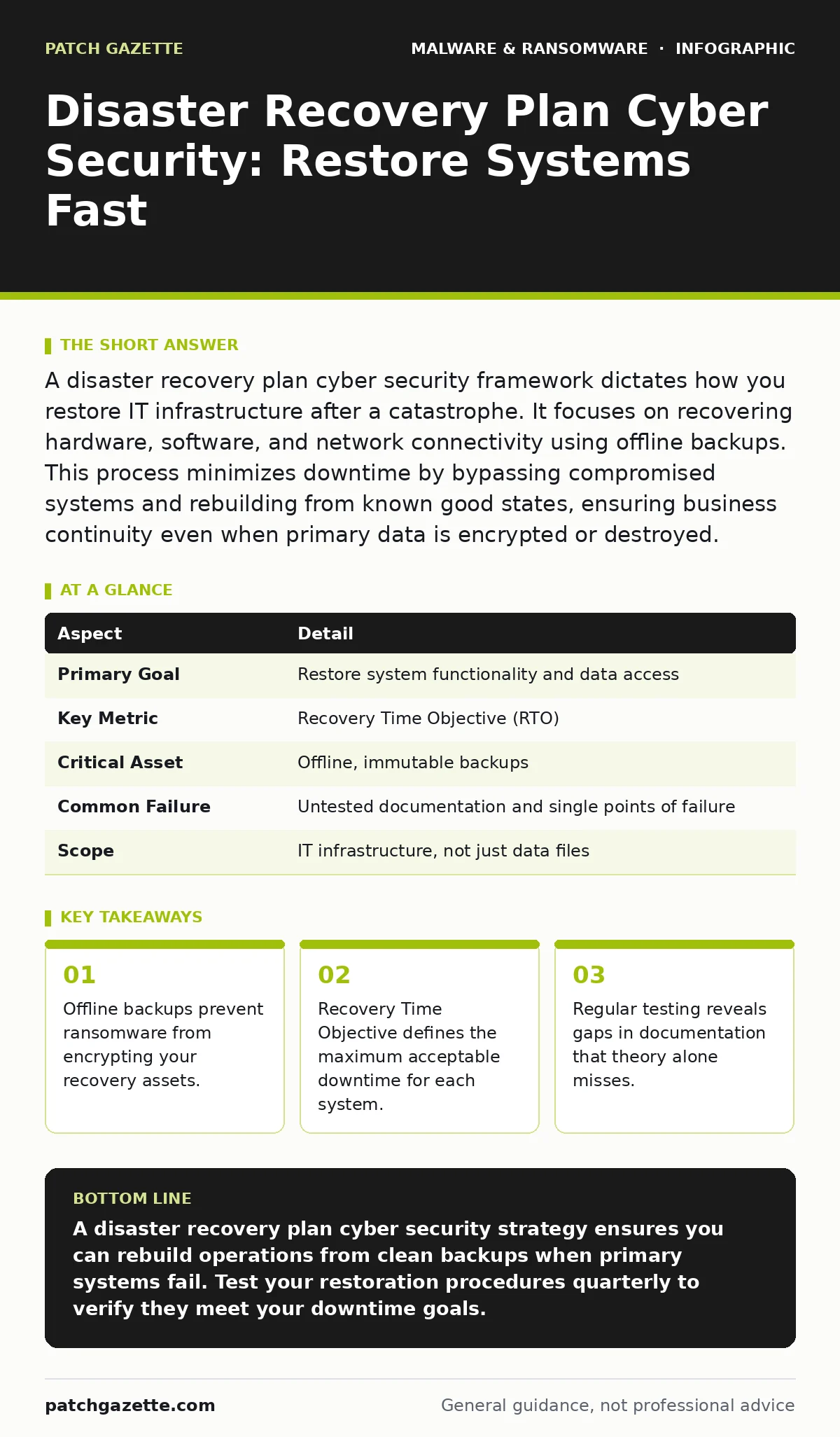
A disaster recovery plan cyber security framework dictates how you restore IT infrastructure after a catastrophe. It focuses on recovering hardware, software, and network connectivity using offline backups. This process minimizes downtime by bypassing compromised systems and rebuilding from known good states, ensuring business continuity even when primary data is encrypted or destroyed.
The Bridge Analogy for System Recovery
Imagine a bridge collapses during a storm. You cannot simply patch the broken concrete while traffic flows. You need a pre-built replacement section stored in a warehouse miles away. A disaster recovery plan cyber security strategy works the same way. It provides the blueprints, materials, and crew instructions to rebuild connectivity before the primary structure can be repaired. This separation ensures that the attack on the bridge does not destroy your ability to rebuild it.
At a Glance: Recovery Fundamentals
| Aspect | Detail |
|---|---|
| Primary Goal | Restore system functionality and data access |
| Key Metric | Recovery Time Objective (RTO) |
| Critical Asset | Offline, immutable backups |
| Common Failure | Untested documentation and single points of failure |
| Scope | IT infrastructure, not just data files |
How Disaster Recovery Works in Practice
Disaster recovery operates on the principle of isolation and restoration. When a system fails, you do not attempt to clean the infected live environment. Cleaning is slow and risky. Instead, you disconnect the affected systems from the network to contain the threat. You then provision new hardware or virtual machines from a clean source. These fresh systems load restored data from backups that were created before the incident started. This approach ensures that no hidden malware persists in the restored files.
The process relies on two specific metrics. Recovery Time Objective defines how many minutes or hours you can afford to be offline. Recovery Point Objective defines how much data you can afford to lose. If your backup runs once a day, your data loss window is twenty-four hours. Most organizations accept some data loss to gain speed. Speed reduces financial damage and reputational harm.
Who Disaster Recovery Affects and Why
Every organization with digital dependencies faces risk. Small businesses often lack the budget for redundant servers, making them highly vulnerable to extended downtime. Large enterprises face complexity; a failure in one department can cascade into others. Supply chain partners also suffer when a vendor goes dark. If your payment processor cannot access your database, your customers cannot pay. This ripple effect extends liability beyond your immediate firewall.
Technical teams bear the execution burden. Administrators must know which servers to bring up first. Not all systems have equal priority. Email and web servers often take precedence over internal collaboration tools. Non-technical staff need clear communication channels. If systems are down, employees need to know how to reach each other without relying on the compromised network. This human coordination is often the most fragile part of the plan.
What to Do About It: Building the Plan
Start by mapping your critical systems. Identify which applications generate revenue and which support those applications. Document the dependencies between them. You cannot restore the website if the database server is not running first. Create a sequence of actions for each system. Assign specific individuals to each task. Do not rely on general roles. Name the people who hold the keys and passwords.
Secure your backups against the very threats you are planning for. If your backups connect to the same network as your live systems, ransomware will find them. Use air-gapped storage or immutable cloud snapshots. Immutable storage prevents any user, including administrators, from modifying or deleting the backup for a set period. This protection stops attackers from encrypting your recovery point. Test your backups regularly. A backup that cannot be restored is just stored clutter.
What People Usually Get Wrong
Many organizations confuse disaster recovery with simple backup procedures. Backups are a component, not the strategy. You can have perfect backups and still fail if you do not know how to restore them quickly. Another common error is assuming that cloud providers handle recovery for you. Cloud services protect against hardware failure, not malicious encryption. You must configure your own recovery workflows in the cloud.
Documentation often becomes stale. Plans are written once and never updated. When staff leave or systems change, the plan breaks. You must update the plan whenever infrastructure changes. Testing is the only way to validate the plan. Tabletop exercises simulate the decision-making process. Technical drills verify the restoration speed. Without testing, you do not have a plan; you have a hope. This lack of validation leads to panic when real incidents occur.
Integrating with Broader Security Controls
Disaster recovery does not exist in a vacuum. It connects to your incident response procedures. While one team restores systems, another team investigates the breach. These teams must coordinate to ensure that restored systems do not reintroduce the threat. Understanding malware persistence mechanisms helps you know what to look for during validation. Attackers often hide scripts that reinstall malware after a reboot.
You should also consider how wiper malware differs from ransomware. Wipers destroy data rather than encrypting it. Backups are your only defense against wipers. Real-time protection helps prevent initial infection, but it is not a guarantee. Malicious mobile apps can bypass endpoint protections on smartphones, creating a new entry point for attackers. Ensure your mobile security apps include remote wipe capabilities and secure backup integration. Keyloggers may capture your recovery passwords during the incident, so change all credentials after restoration.
Testing and Refining the Strategy
A plan is only as good as its last test. Schedule regular recovery drills. Start with single-system restores to verify backup integrity. Progress to full-site recoveries to test coordination. Measure the actual time taken against your Recovery Time Objective. If you fall short, identify the bottleneck. Is it network bandwidth? Manual configuration steps? Lack of documentation?
Refine the plan based on these findings. Automate repetitive tasks. Use infrastructure-as-code tools to rebuild servers instantly. Reduce manual intervention to minimize human error. Each test should make the next recovery faster and more reliable. This continuous improvement cycle ensures that your disaster recovery plan cyber security posture remains effective against evolving threats.
Key takeaways
- Offline backups prevent ransomware from encrypting your recovery assets.
- Recovery Time Objective defines the maximum acceptable downtime for each system.
- Regular testing reveals gaps in documentation that theory alone misses.
A disaster recovery plan cyber security strategy ensures you can rebuild operations from clean backups when primary systems fail. Test your restoration procedures quarterly to verify they meet your downtime goals.
Frequently asked questions
How often should I test my disaster recovery plan?
Test your disaster recovery plan at least twice a year. Include both technical restoration drills and tabletop exercises for decision-makers. More frequent testing reveals issues before a real incident occurs.
Does cloud storage eliminate the need for a disaster recovery plan?
Cloud storage provides resilience against hardware failure, not cyberattacks. You still need a plan to restore data from immutable backups and rebuild infrastructure. Cloud providers do not manage your recovery workflow.
What is the difference between backup and disaster recovery?
Backup is the act of copying data. Disaster recovery is the process of restoring systems and operations using that data. Backups are a tool; recovery is the strategy that uses the tool to minimize downtime.
How do I handle ransomware during disaster recovery?
Isolate infected systems immediately. Do not attempt to decrypt live files. Restore from offline, immutable backups to clean hardware. Change all credentials after restoration to prevent re-infection.
How this guide was produced: written by the Patch Gazette editorial team with AI assistance, checked against the public references listed below, and reviewed when the facts change. See our editorial policy or report an error.