
Business Email Compromise Prevention Checklist for Secure Operations
Most email security tools fail to stop business email compromise because they verify the sender address but ignore the subtle behavioral anomalies that indicate a compromised identity.
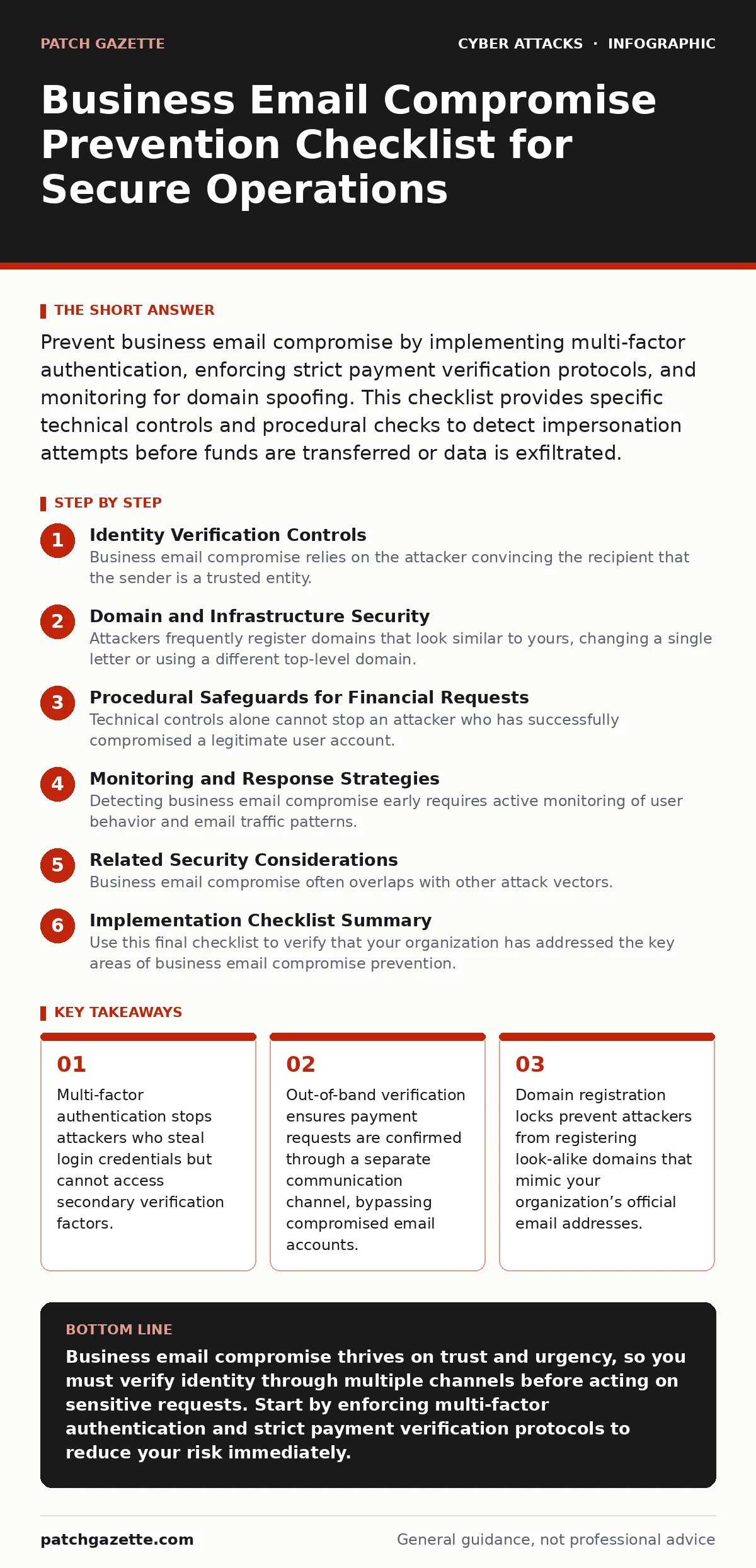
Prevent business email compromise by implementing multi-factor authentication, enforcing strict payment verification protocols, and monitoring for domain spoofing. This checklist provides specific technical controls and procedural checks to detect impersonation attempts before funds are transferred or data is exfiltrated.
Identity Verification Controls
Business email compromise relies on the attacker convincing the recipient that the sender is a trusted entity. Standard email filters often miss these attacks because the email originates from a legitimate-looking source. You must strengthen the identity layer to ensure that only authorized users can send messages from your domain.
- Enforce multi-factor authentication: Require a second factor for all user logins to prevent access with stolen passwords alone.
- Implement DMARC policies: Publish strict Domain-based Message Authentication, Reporting, and Conformance records to reject emails that fail sender verification.
- Monitor for dormant accounts: Disable or remove user accounts that have not logged in for 90 days to reduce the attack surface.
- Audit third-party access: Review which external services have permission to send email on behalf of your domain and revoke unnecessary access.
Domain and Infrastructure Security
Attackers frequently register domains that look similar to yours, changing a single letter or using a different top-level domain. These look-alike domains allow them to send emails that appear to come from your organization. You must secure your domain registration and monitor for these imitations.
- Lock domain registration: Enable registrar locks on all corporate domains to prevent unauthorized transfers or changes to DNS settings.
- Monitor new domain registrations: Use passive DNS monitoring to detect domains that are similar to yours and register within the last 30 days.
- Secure DNSSEC: Enable Domain Name System Security Extensions to prevent attackers from spoofing DNS responses and redirecting email traffic.
- Review SPF records: Ensure Sender Policy Framework records are accurate and do not list unauthorized IP addresses that could be abused.
Procedural Safeguards for Financial Requests
Technical controls alone cannot stop an attacker who has successfully compromised a legitimate user account. If the attacker owns the account, the email will pass all authentication checks. You need procedural barriers that force verification outside the compromised email thread.
- Require out-of-band verification: Mandate a phone call or separate messaging channel confirmation for any change in bank account details.
- Establish payment approval workflows: Require two separate managers to approve any wire transfer above a defined threshold.
- Train staff on urgency tactics: Educate employees to recognize requests that create artificial time pressure, which is a common social engineering tactic.
- Verify recipient identity: Confirm the identity of the requester by checking their employee ID or department before processing sensitive requests.
Monitoring and Response Strategies
Detecting business email compromise early requires active monitoring of user behavior and email traffic patterns. Anomalous activity, such as a sudden spike in email volume or logins from unusual locations, often precedes a successful attack. You must have tools and processes to identify these deviations quickly.
- Enable audit logging: Turn on detailed logging for all mailbox activities, including login attempts, rule changes, and message deletions.
- Set up anomaly alerts: Configure alerts for unusual login times, locations, or devices that deviate from the user’s normal behavior.
- Conduct regular phishing simulations: Test employee awareness with simulated attacks to identify gaps in training and reinforce best practices.
- Define incident response steps: Create a clear playbook for isolating compromised accounts and resetting credentials when suspicious activity is detected.
Related Security Considerations
Business email compromise often overlaps with other attack vectors. Understanding these connections helps you build a more resilient security posture. For instance, attackers may use phishing emails to steal credentials that later enable business email compromise. Similarly, callback phishing involves attackers calling victims to verify information, which can complement email-based impersonation.
You should also consider how OAuth consent phishing allows attackers to gain access to email without needing passwords. By tricking users into granting permissions, attackers can read and send emails on their behalf. This method bypasses many traditional security controls, making it a significant threat. Additionally, conditional access policies can help mitigate risk by restricting access based on device health and location, adding another layer of protection.
See also: Stop OAuth Consent Phishing: Validate Permissions and Block Impersonation · Endpoint Protection Misconceptions: What Your Security Stack Actually Does
Implementation Checklist Summary
Use this final checklist to verify that your organization has addressed the key areas of business email compromise prevention. Regularly review and update these controls to adapt to new threats and changes in your environment.
- Validate DMARC enforcement: Check that your DMARC policy is set to "reject" and that reports are being reviewed regularly.
- Test payment verification procedures: Conduct a drill to ensure that staff correctly follow out-of-band verification steps.
- Update incident response plan: Include specific steps for handling compromised email accounts and communicating with affected parties.
Key takeaways
- Multi-factor authentication stops attackers who steal login credentials but cannot access secondary verification factors.
- Out-of-band verification ensures payment requests are confirmed through a separate communication channel, bypassing compromised email accounts.
- Domain registration locks prevent attackers from registering look-alike domains that mimic your organization’s official email addresses.
Business email compromise thrives on trust and urgency, so you must verify identity through multiple channels before acting on sensitive requests. Start by enforcing multi-factor authentication and strict payment verification protocols to reduce your risk immediately.
Frequently asked questions
How do I know if my email account is compromised?
Look for unexpected password reset emails, unknown sent messages, or new forwarding rules. Check your account activity logs for logins from unfamiliar locations or devices.
Can multi-factor authentication stop all business email compromise?
Multi-factor authentication prevents access with stolen passwords but does not stop attackers who use social engineering to bypass it or who compromise the account after MFA is entered.
What is the difference between spoofing and account takeover?
Spoofing involves faking the sender address, while account takeover means the attacker has legitimate access to the email account. Both require different detection methods.
How often should I review my email security settings?
Review settings quarterly or after any significant organizational change. Regular audits help identify misconfigurations and ensure that security policies remain effective.
How this guide was produced: written by the Patch Gazette editorial team with AI assistance, checked against the public references listed below, and reviewed when the facts change. See our editorial policy or report an error.