
PyPI Vulnerability Response: Containment, Recovery, and Prevention Steps
Most damage from PyPI vulnerabilities occurs not during the exploit, but during the frantic, unverified redeployment of compromised artifacts in the minutes following discovery.
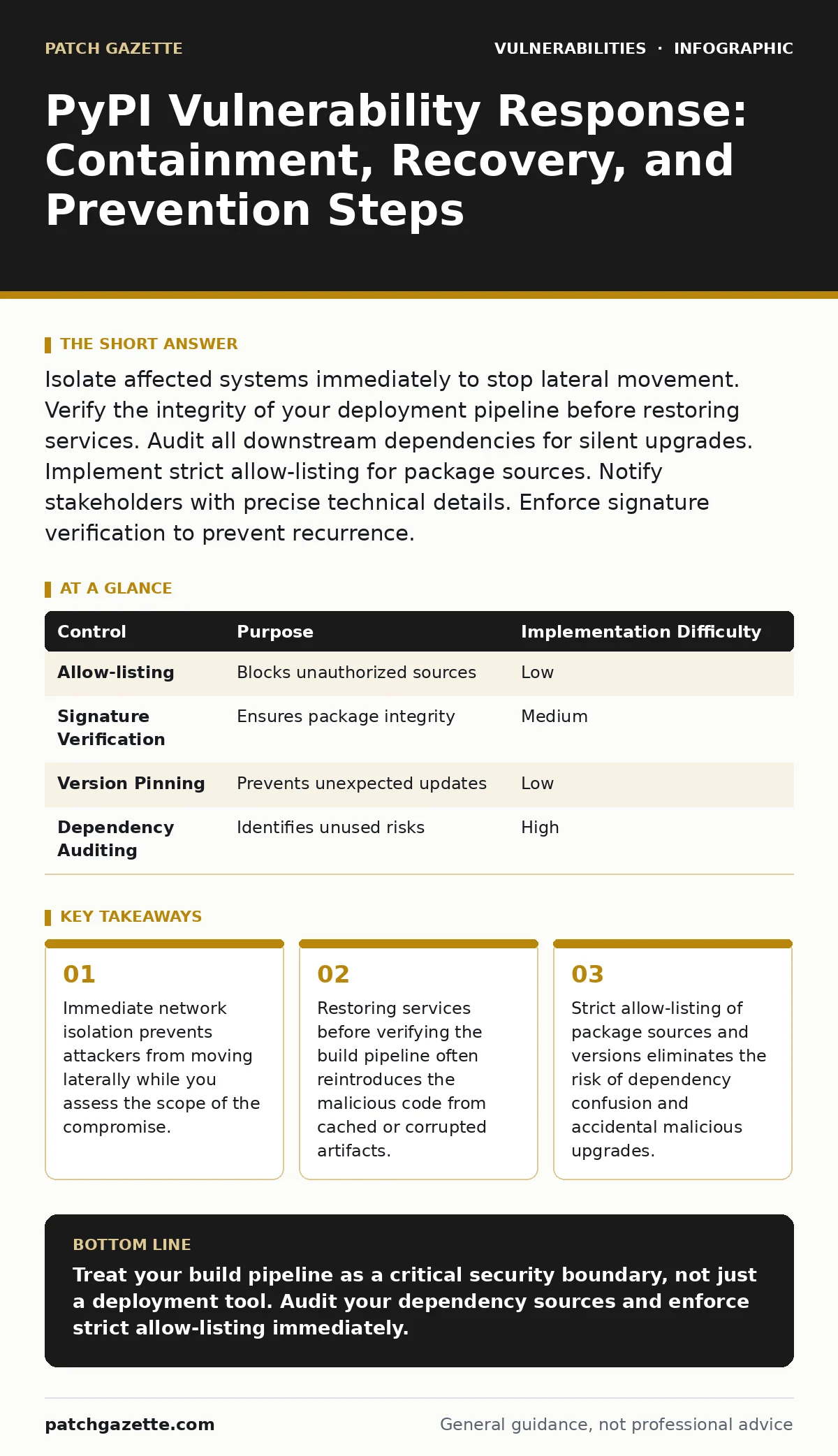
Isolate affected systems immediately to stop lateral movement. Verify the integrity of your deployment pipeline before restoring services. Audit all downstream dependencies for silent upgrades. Implement strict allow-listing for package sources. Notify stakeholders with precise technical details. Enforce signature verification to prevent recurrence.
The Immediate Threat Assessment
Identify the specific package version and the exact vulnerability class involved. A vulnerability in a logging library behaves differently than a flaw in a database connector. Determine if the package executes code at import time. If it does, the moment your application starts, the malicious payload runs. This distinction dictates your urgency.
Check your deployment logs to see which services imported the vulnerable version. Look for recent builds that pulled from the public registry. If your build system caches artifacts, the vulnerability may persist even if you block the public registry. You must trace the infection vector through your entire build history, not just your runtime environment.
First Hour Checklist
Execute these steps immediately upon confirmation of a compromise. Time is the primary constraint.
- Isolate affected servers from the production network to prevent lateral movement.
- Disable outbound internet access for build agents and deployment runners.
- Freeze all ongoing deployments and CI/CD pipelines to stop propagation.
- Identify all instances where the vulnerable package version is installed.
- Capture memory dumps from affected systems before wiping them.
- Notify the security operations center and incident response team.
- Document the initial detection method and timeline for forensic accuracy.
Containment Through Network Segmentation
Cut off the compromised hosts from the rest of your infrastructure. Use firewall rules or virtual network segmentation to block traffic to and from the affected servers. Focus on blocking outbound connections first. Attackers often use compromised Python environments to download additional tools or exfiltrate data.
If your environment uses container orchestration, cordon off the affected nodes. Do not simply delete the pods. Preserving the state allows forensic analysis. Check for any new network connections established by the affected processes. Look for connections to unusual IP addresses or domains that do not match your known service dependencies.
Isolate the build infrastructure separately from the runtime environment. A vulnerability in a dependency might allow an attacker to modify the build scripts themselves. If your build server can reach the production network, you must sever that link immediately. This prevents the attacker from using the build system as a pivot point to infect clean servers.
Verification of Build Integrity
Before you can recover, you must ensure your build process is clean. Attackers often exploit weaknesses in how package managers resolve dependencies. They may inject malicious packages into a local cache or exploit a misconfigured mirror. You must verify that the source of truth for your packages is intact.
Audit your CI/CD configuration files. Look for recent changes to the package source URLs. Check for any hardcoded versions that might have been tampered with. Verify the checksums of all downloaded artifacts against the official registry hashes. If you use a private mirror, ensure it has not been poisoned.
Consider the concept of dependency confusion attacks, where an attacker publishes a package with a higher version number to a public repository, forcing your internal resolver to pull it. Your build system must be configured to prefer internal packages over public ones, or to block public lookups entirely for internal namespaces.
Recovery and Restoration
Recovery involves more than just installing the patched version. You must restore the system to a known good state. Wipe the affected servers and reinstall the operating system and base images. Do not attempt to clean the existing installation. Malware can hide in ways that are difficult to detect without a full rebuild.
Rebuild your application from scratch using verified source code. Ensure that the build process pulls dependencies from a trusted, allow-listed source. Do not rely on the previous build cache. Clear all local caches on build agents and deployment servers. This ensures that no compromised artifacts remain in the system.
After rebuilding, deploy the clean version to a staging environment. Run a full suite of integration and security tests. Verify that the application behaves as expected and that no suspicious network activity occurs. Only after successful validation should you promote the build to production.
See also: Malware Persistence Mechanisms: How Code Stays Hidden After Removal
Notification and Stakeholder Communication
Inform your stakeholders with precise, technical details. Avoid vague language. Specify the vulnerable package, the version range, and the potential impact. Explain what data may have been accessed or modified. This transparency builds trust and allows other teams to take appropriate precautions.
Notify your development teams about the incident. Share the root cause analysis and the steps taken to contain it. Provide guidance on how to check their own projects for similar vulnerabilities. Encourage them to update their dependency management practices.
If the vulnerability affects customer-facing services, prepare a customer notification. Be honest about the risk. Provide clear instructions on what customers should do, if anything. Do not speculate about the extent of the breach. Stick to the facts you have confirmed through forensic analysis.
Preventing Recurrence with Strict Controls
Prevent future incidents by implementing strict allow-listing for package sources. Configure your package manager to only accept packages from approved repositories. Block all other sources. This eliminates the risk of dependency confusion and accidental installation of malicious packages.
Enforce signature verification for all packages. Require that packages are signed by trusted keys. Reject any package that lacks a valid signature. This ensures that the package you install is exactly the package the developer published.
Monitor your dependency graph for changes. Use tools that alert you when a new version of a critical dependency is released. Review the changes in each new version before updating. This proactive approach helps you identify potential risks before they reach production.
Auditing Dependency Hygiene
Regularly audit your dependency hygiene. Remove unused packages from your projects. Each unused package is a potential attack surface. Minimize the number of dependencies you rely on. This reduces the complexity of your software supply chain.
Enforce version pinning in your configuration files. Do not use floating version ranges that allow automatic updates to major versions. Pin to specific versions or use semantic versioning ranges that exclude breaking changes. This ensures that your builds are reproducible and predictable.
Review your access controls for package registries. Ensure that only authorized personnel can publish packages. Implement multi-factor authentication for all registry accounts. Regularly rotate credentials and revoke access for former employees.
| Control | Purpose | Implementation Difficulty |
|---|---|---|
| Allow-listing | Blocks unauthorized sources | Low |
| Signature Verification | Ensures package integrity | Medium |
| Version Pinning | Prevents unexpected updates | Low |
| Dependency Auditing | Identifies unused risks | High |
Key takeaways
- Immediate network isolation prevents attackers from moving laterally while you assess the scope of the compromise.
- Restoring services before verifying the build pipeline often reintroduces the malicious code from cached or corrupted artifacts.
- Strict allow-listing of package sources and versions eliminates the risk of dependency confusion and accidental malicious upgrades.
Treat your build pipeline as a critical security boundary, not just a deployment tool. Audit your dependency sources and enforce strict allow-listing immediately.
Frequently asked questions
How do I know if my private packages are vulnerable to dependency confusion?
Check if your internal package manager prioritizes public repositories over private ones. If public packages are preferred, you are at risk.
Should I use a private mirror for all Python packages?
Yes, a private mirror allows you to control exactly which packages are available and prevents unauthorized downloads from the public internet.
What is the difference between a vulnerability and a misconfiguration in PyPI?
A vulnerability is a flaw in the code itself, while a misconfiguration is an error in how you set up your package manager or registry access.
How often should I update my Python dependencies?
Update dependencies regularly, but test each update thoroughly in a staging environment before deploying to production to avoid breaking changes.
How this guide was produced: written by the Patch Gazette editorial team with AI assistance, checked against the public references listed below, and reviewed when the facts change. See our editorial policy or report an error.