
Load Balancers Examples: Real-World Scenarios and Hidden Risks
Load balancers hide server failures from users, but they also concentrate risk and require strict health checks to prevent cascading outages.
Load balancers examples include distributing web traffic across multiple servers, routing API calls to microservices, and balancing database connections. They work by inspecting incoming requests and forwarding them to available backends. This prevents single points of failure, improves response times, and allows you to scale infrastructure without interrupting user sessions or application availability.
Everyday Analogy for Traffic Distribution
Imagine a busy restaurant with three chefs. If every customer waits in one long line for the first chef, service slows down. A host acts as a load balancer. The host checks which chef has the shortest queue or the fastest preparation time. The host then directs the next customer to that specific chef. If one chef calls in sick, the host stops sending customers to that station. The other two chefs handle the load. The customers never know one chef is missing. They only see faster service and consistent food quality. This analogy maps directly to how servers handle digital requests.
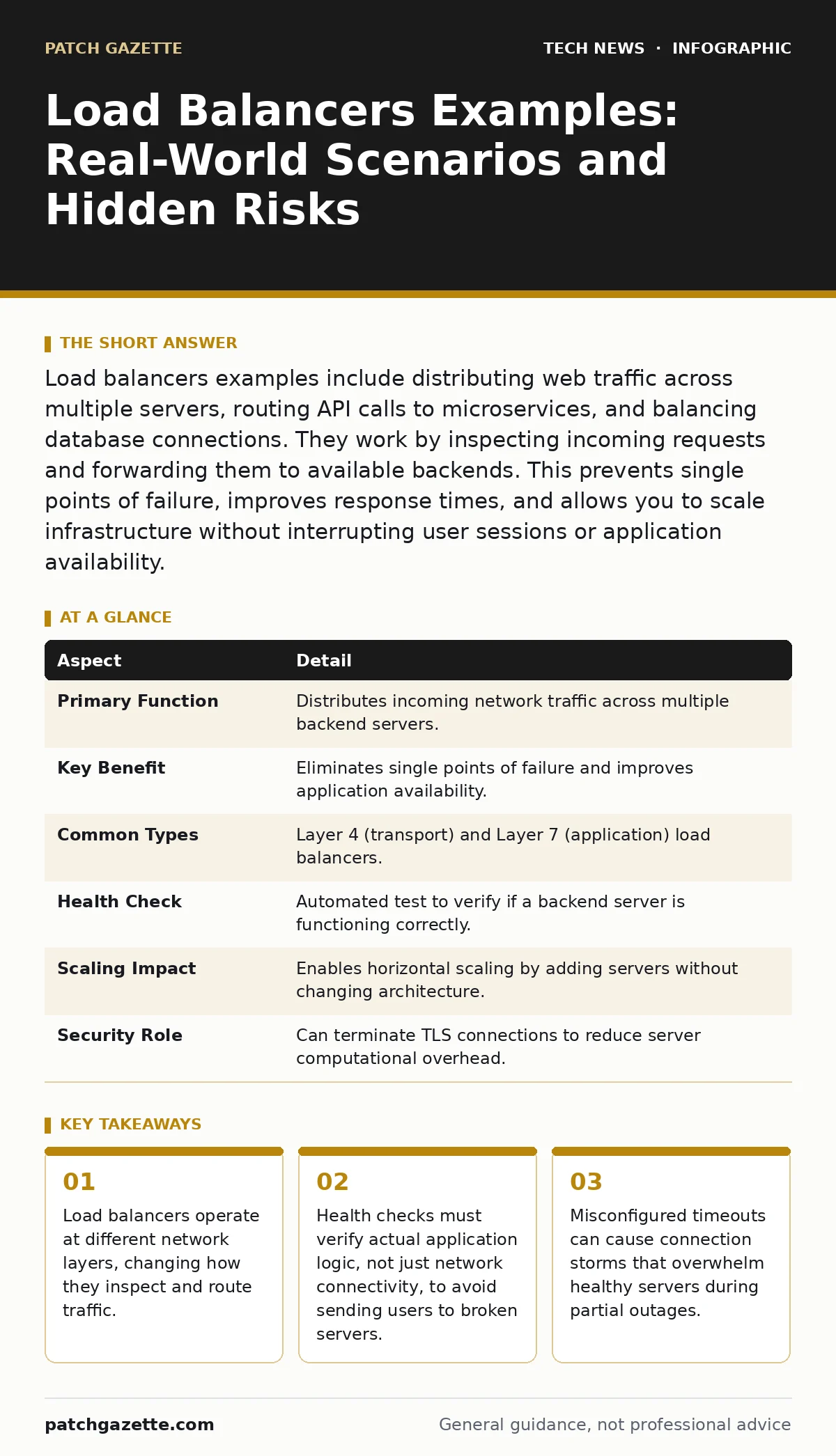
| Aspect | Detail |
|---|---|
| Primary Function | Distributes incoming network traffic across multiple backend servers. |
| Key Benefit | Eliminates single points of failure and improves application availability. |
| Common Types | Layer 4 (transport) and Layer 7 (application) load balancers. |
| Health Check | Automated test to verify if a backend server is functioning correctly. |
| Scaling Impact | Enables horizontal scaling by adding servers without changing architecture. |
| Security Role | Can terminate TLS connections to reduce server computational overhead. |
How Load Balancers Work Under the Hood
A load balancer sits between clients and servers. It receives incoming requests and decides which server handles each request. This decision relies on an algorithm. Round-robin cycling sends requests to each server in turn. Least connections sends requests to the server with the fewest active sessions. IP hash routing ensures the same user always hits the same server for session consistency. The device monitors backend health. It periodically sends probes to each server.
If a server fails to respond, the load balancer removes it from the pool. Traffic stops flowing to the broken server. This happens automatically and instantly. The mechanism depends on the layer of the OSI model where the device operates. Layer 4 load balancers look at IP addresses and ports. They do not inspect the packet payload. Layer 7 load balancers read the actual content. They can route based on URL paths, headers, or cookies. Layer 7 devices offer smarter routing but consume more processing power.
Load Balancers Examples in Production Environments
People type "load balancers examples" to understand practical applications. Here are three common scenarios. First, a global e-commerce site uses a Layer 7 load balancer. It routes users from Europe to a data center in London. It routes users from Asia to a data center in Tokyo. This reduces latency. Second, a banking app uses SSL termination. The load balancer decrypts the encrypted traffic. It forwards plain text to the backend servers.
This saves the servers from doing heavy cryptographic math. Third, a video streaming platform uses connection draining. When a server needs maintenance, the load balancer stops sending new requests. It waits for existing streams to finish. Then it shuts down the server gracefully. No user sees an error page. These examples show how load balancers adapt to different performance needs. They handle static content, dynamic APIs, and real-time media differently.
Who Is Affected by Load Balancer Decisions
You are affected if you design, deploy, or maintain software. Developers must write code that works behind a load balancer. They cannot rely on server-specific file paths. They must use session persistence or external state stores. Security teams are affected because the load balancer becomes a choke point. If the device is misconfigured, it can expose backend servers. It can also leak sensitive data through headers.
Operations teams depend on health checks. If checks are too aggressive, they waste server resources. If checks are too lax, users hit dead servers. End users are affected by performance. A poorly tuned load balancer adds latency. It can also cause intermittent errors that are hard to debug. The impact extends to compliance. Audit logs must capture traffic at the load balancer level. This ensures you can trace requests back to specific users.
What People Usually Get Wrong
Many teams assume a load balancer fixes all performance issues. It does not. It only distributes load. If your backend servers are slow, distributing them does not help. You must optimize the application code. Another common error is relying on TCP health checks. A server might accept a TCP connection but fail to process HTTP requests. The load balancer thinks the server is healthy. Users receive 502 Bad Gateway errors. You must use application-layer health checks.
These checks verify that the application responds correctly. A third mistake is ignoring stickiness. Some applications require users to stay on the same server for the duration of a session. If the load balancer rotates users between servers, sessions break. You must enable session persistence. However, this creates uneven load distribution. You must balance the need for consistency with the need for even traffic spread.
See also: IP Address Mechanics: 10 Questions Network Engineers Actually Ask · Software Updates Best Practices: Secure Patching Without Downtime
Security Implications and Hidden Costs
Load balancers introduce new attack surfaces. They can be targeted by Distributed Denial of Service attacks. The device must absorb the traffic spike. If it cannot, backend servers get overwhelmed. You must configure rate limiting. This restricts the number of requests per IP address. Another risk is header injection. Attackers can manipulate HTTP headers to bypass security controls. The load balancer must validate and sanitize headers.
You should also consider the cost of complexity. Managing a load balancer requires expertise. You must monitor metrics like queue depth and response times. If you use multiple load balancers for redundancy, you must synchronize their configurations. This adds operational overhead. A misconfiguration in one device can cause traffic loops. These loops consume bandwidth and crash services. Regular audits of configuration files are necessary.
Integrating with Identity and Access Controls
Load balancers often work with identity providers. They can redirect unauthenticated users to a login page. This offloads authentication logic from your application. You can integrate this with OAuth to manage third-party logins securely. The load balancer checks for valid tokens before forwarding requests. This reduces the load on your authentication servers. You can also use one-time passwords for administrative access to the load balancer itself.
This prevents unauthorized configuration changes. For sensitive data, ensure that digital signatures are verified before processing requests. This guarantees the integrity of the data. If you manage IP addresses for whitelist access, the load balancer can filter traffic before it reaches your servers. This reduces the attack surface significantly. Combining these controls creates a defense-in-depth strategy.
Best Practices for Configuration
Start with simple algorithms. Use round-robin unless you have a specific reason for another method. Monitor your metrics closely. Look for spikes in latency or error rates. Adjust health check intervals based on your application’s startup time. If checks are too frequent, they slow down the server. If they are too infrequent, you detect failures late. Test failover scenarios regularly. Simulate server outages to ensure the load balancer responds correctly.
Document your configuration. Include the reason for each setting. This helps new team members understand the logic. Review your setup against software updates for the load balancer software. Patches often fix security vulnerabilities. Keep your firmware or software current. Use password policies that enforce complexity for administrative accounts. This prevents brute-force attacks on the management interface.
Key takeaways
- Load balancers operate at different network layers, changing how they inspect and route traffic.
- Health checks must verify actual application logic, not just network connectivity, to avoid sending users to broken servers.
- Misconfigured timeouts can cause connection storms that overwhelm healthy servers during partial outages.
Frequently asked questions
Do load balancers improve security?
They can improve security by hiding backend server details and terminating encrypted connections. They also allow for centralized rate limiting and header validation. However, they do not replace firewalls or intrusion detection systems.
What is the difference between Layer 4 and Layer 7 load balancing?
Layer 4 load balancing operates at the transport layer, routing based on IP addresses and ports. It is faster but less flexible. Layer 7 load balancing operates at the application layer, routing based on content like URLs or headers. It is slower but offers smarter routing decisions.
How do I handle session persistence?
You can use cookies or IP hashing to ensure users stick to the same server. This is necessary for applications that store session data locally. For better scalability, store session data in a shared database or cache instead.
Can a load balancer cause downtime?
Yes, if it is misconfigured or overwhelmed. It can become a single point of failure if not deployed in a redundant pair. Health check failures can also cause downtime if they incorrectly mark healthy servers as down.
How this guide was produced: written by the Patch Gazette editorial team with AI assistance, checked against the public references listed below, and reviewed when the facts change. See our editorial policy or report an error.