
Public Code Repository Leaks: 6 Myths That Leave Secrets Exposed
Automated scanners miss human-readable context, meaning your most sensitive credentials often survive detection because they look like test data.
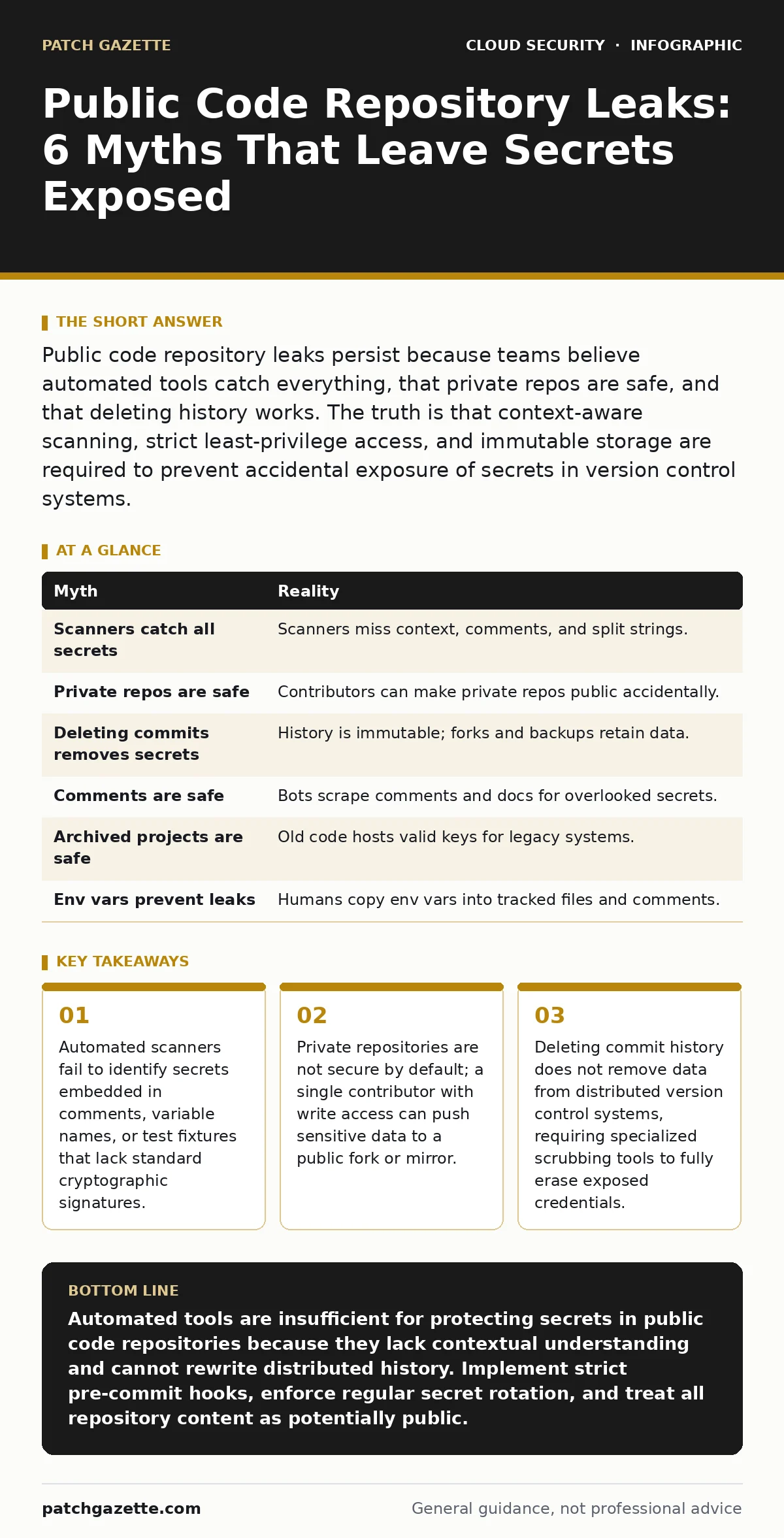
Public code repository leaks persist because teams believe automated tools catch everything, that private repos are safe, and that deleting history works. The truth is that context-aware scanning, strict least-privilege access, and immutable storage are required to prevent accidental exposure of secrets in version control systems.
Myth: Automated scanners catch every secret in my codebase
Reality: Static application security testing tools and pre-commit hooks detect patterns that match known secret formats, such as base64-encoded tokens or long alphanumeric strings. They do not understand the semantic context of the code. A scanner might ignore a string labeled test_api_key because it assumes the value is dummy data. It might also miss a secret split across multiple lines to evade pattern matching. Human review remains necessary to validate that excluded files truly contain no sensitive information.
Automated tools operate on syntax and regex, not intent. They cannot distinguish between a placeholder value used in documentation and a live credential accidentally committed by a developer. Imagine a developer copies a configuration block from a staging environment into a public library. The values look generic, so the scanner passes them. The library is then downloaded by thousands of users, one of whom notices the staging endpoint is live. The secret is exposed because the tool lacked contextual awareness.
Myth: Private repositories are immune to accidental public exposure
Reality: Private repositories rely on access controls, not encryption at rest, to keep data hidden. If a contributor has write access, they can fork the repository, change the visibility settings, or push the code to a public mirror. Accidental pushes happen when developers switch branches or use incorrect remote origins. The platform does not prevent the act of making code public; it only restricts who can view it before the change.
The assumption that privacy is a property of the repository is flawed. It is a property of the permissions granted to individuals. A single compromised account or a well-meaning intern can change a repository from private to public in seconds. Once public, the code is cached by search engines and archived by third-party services. Reverting the visibility setting does not remove the cached copies or the archives. You must treat private repositories as potentially public at any moment.
Myth: Deleting a commit removes the secret from the repository
Reality: Version control systems store history as a chain of immutable snapshots. Deleting a commit from the visible history does not erase the underlying objects from the repository database. Other contributors may have pulled the commit before deletion, keeping a local copy. Forks of the repository retain the original history. The secret remains accessible to anyone who cloned the repository before the deletion or who accesses a fork.
To truly remove a secret, you must rewrite the entire history of the repository using specialized filtering tools. This forces every contributor to discard their local history and re-clone the repository. It breaks existing pull requests and disrupts the workflow. Even then, the secret may exist in server-side backups or third-party CI/CD logs. The only secure response to a leaked secret in version control is to rotate the credential immediately. Deleting the commit is a cosmetic fix that provides false reassurance.
Myth: Secrets in comments or documentation are safe because they are not executable
Reality: Code scanners often ignore comments, markdown files, and documentation to reduce noise. Attackers and automated bots scrape these files specifically because they are overlooked. A developer might paste a full configuration block, including keys, into a README file to help a colleague debug an issue. They assume the text is inert. The bot finds it, extracts the key, and uses it to access the associated service.
Documentation is part of the attack surface. It is often the most detailed source of truth for how a system is configured. If you document a troubleshooting step that requires a specific token, that token is now in the repository. Treat documentation with the same scrutiny as source code. Use placeholders in examples and store actual credentials in a separate, secure vault. Reference the vault in the documentation rather than embedding the value directly.
Myth: Old, archived projects do not need secret rotation
Reality: Archived repositories are still accessible if they remain public or if they were mirrored externally. Bots crawl the entire history of public code hosts, including archived projects. A project abandoned three years ago may still contain valid credentials for legacy systems that are still running. The assumption that old code is dead code is incorrect. Legacy systems often lack modern monitoring, making them easy targets for exploitation using found credentials.
You must audit archived repositories with the same frequency as active ones. If a secret is found in an archived project, you must determine if the associated service is still active. If it is, rotate the credential. If the service is decommissioned, ensure the repository is truly private or deleted. Do not leave archived projects in a public state if they contain any reference to internal infrastructure, even if the code itself is obsolete.
See also: Hybrid Cloud Security Mistakes: 7 Errors That Break Your Defense · Cloud Attack Surface Management: Mapping Hidden Entry Points
Myth: Using environment variables eliminates the risk of repository leaks
Reality: Environment variables are a runtime mechanism, not a storage mechanism. Developers often copy environment variable dumps into code comments or configuration files for debugging purposes. They might also commit .env files that are supposed to be ignored by version control. If the .gitignore file is misconfigured or missing, these files are pushed to the repository. The variable itself is safe, but the human practice of documenting it is not.
The risk shifts from the code to the developer's workflow. You must enforce strict gitignore rules and use pre-commit hooks that block files containing common secret patterns. Even then, developers can bypass these checks by staging files individually or disabling hooks. Education and culture are as important as technical controls. Developers must understand that any text they type into a file tracked by version control is potentially public.
Summary of Common Misconceptions
| Myth | Reality |
|---|---|
| Scanners catch all secrets | Scanners miss context, comments, and split strings. |
| Private repos are safe | Contributors can make private repos public accidentally. |
| Deleting commits removes secrets | History is immutable; forks and backups retain data. |
| Comments are safe | Bots scrape comments and docs for overlooked secrets. |
| Archived projects are safe | Old code hosts valid keys for legacy systems. |
| Env vars prevent leaks | Humans copy env vars into tracked files and comments. |
Key takeaways
- Automated scanners fail to identify secrets embedded in comments, variable names, or test fixtures that lack standard cryptographic signatures.
- Private repositories are not secure by default; a single contributor with write access can push sensitive data to a public fork or mirror.
- Deleting commit history does not remove data from distributed version control systems, requiring specialized scrubbing tools to fully erase exposed credentials.
Automated tools are insufficient for protecting secrets in public code repositories because they lack contextual understanding and cannot rewrite distributed history. Implement strict pre-commit hooks, enforce regular secret rotation, and treat all repository content as potentially public.
Frequently asked questions
How do I find secrets already exposed in a public repository?
Use specialized secret scanning tools that crawl the entire history of the repository, including deleted commits and forks. Check the commit history for any file that was ever public.
What is the immediate response to a leaked API key in a public repo?
Rotate the API key immediately to revoke access. Then, rewrite the repository history to remove the key and force all contributors to re-clone the repository.
Do private repositories need the same security controls as public ones?
Yes. Private repositories are vulnerable to insider threats and accidental public exposure. Treat all repositories as if they are public to ensure consistent security practices.
How can I prevent developers from accidentally committing secrets?
Implement pre-commit hooks that scan for patterns before code is pushed. Provide clear documentation on where to store secrets and train developers to recognize sensitive data.
How this guide was produced: written by the Patch Gazette editorial team with AI assistance, checked against the public references listed below, and reviewed when the facts change. See our editorial policy or report an error.