ShyGlass Mac App Requires Screen Recording Permission for Head-Tracking Privacy Blur
A new macOS utility blurs displays when users look away using AirPods sensors, but requires broad screen recording access to function.
Key points
- ShyGlass uses AirPods motion sensors to detect head movement and blur the screen.
- The application requires Screen Recording permission to capture display snapshots.
- Developer Max Rovensky states captured data remains in memory and is never saved.
A new macOS application called ShyGlass blurs a user’s screen when they turn their head away, utilizing AirPods motion sensors for detection. This tool raises questions about the necessity of granting broad screen recording permissions to privacy-focused utilities.
What happened
Developer Max Rovensky released ShyGlass, an application that obscures Mac displays when users look away, according to 9to5Mac. The tool gained attention after a demo video posted on X last month accumulated over 230,000 views. The software relies on AirPods worn by the user to monitor head positioning relative to the screen.
ShyGlass utilizes the same motion sensors Apple employs for dynamic head tracking in Spatial Audio, as reported by 9to5Mac. Users calibrate a center position from the menu bar to establish a baseline for presence detection. The system monitors any deviation from this calibrated center point to determine when the user is no longer looking at the display.
When head positioning drifts past a specific angle, the application applies a blur effect to the display. The default threshold is set at 15 degrees, but users can adjust this sensitivity between 2 and 30 degrees. The blur fades in gradually until the entire screen is covered, ensuring content remains hidden from bystanders.
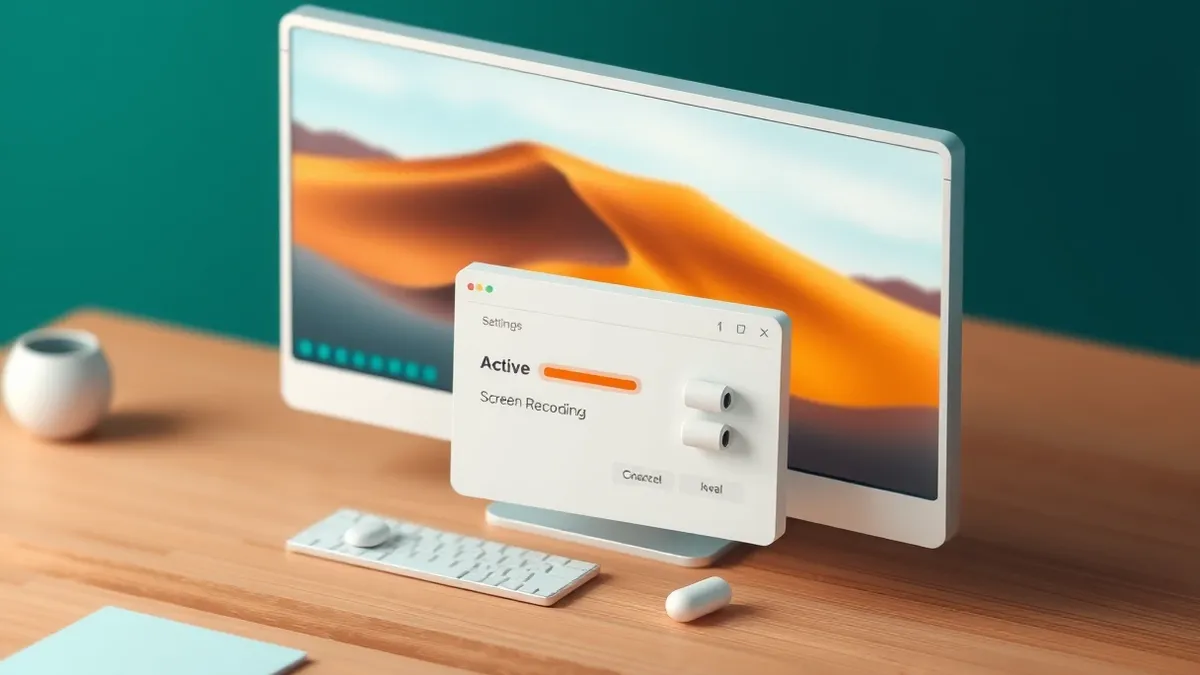
The application requires the Screen Recording permission to function, a detail highlighted by 9to5Mac. This permission allows the app to pull a snapshot of the user’s display to apply the visual blur effect. The developer states that these snapshots stay in memory and are never saved or uploaded to external servers.
Capture operations stop immediately when the blur effect is removed and the user returns to the screen. Rovensky asserts that no persistent data from the screen captures is retained by the application. This design choice aims to balance functionality with user privacy concerns regarding screen access.
Why it matters
Screen Recording is one of the most powerful permissions available on macOS, according to 9to5Mac. Granting this access allows applications to view and potentially record everything displayed on the monitor. Security leaders must weigh the convenience of automatic screen blurring against the risks of broad permission grants.
The irony of a privacy tool requiring extensive screen access is notable for enterprise environments. Organizations managing Mac fleets need to evaluate whether the security benefit of preventing shoulder surfing justifies the permission scope. This trade-off highlights the complexity of modern privacy tools and their underlying technical requirements.
What to watch
- Monitor developer updates regarding data handling practices and permission requirements.
- Review enterprise policies on granting Screen Recording permissions to third-party apps.
- Assess the actual security benefit of head-tracking features versus traditional lock commands.
- Evaluate alternative privacy solutions that may require fewer system permissions.
What to do and how to stay safe: ShyGlass
- Audit applications requesting Screen Recording permissions to ensure necessity.
- Verify that privacy tools do not store or transmit screen data.
- Use built-in lock commands as a primary defense against unauthorized viewing.
- Consider physical privacy filters as an alternative to software-based solutions.
Step-by-step guide: Software Updates Best Practices: Secure Patching Without Downtime
General security guidance from the Patch Gazette newsroom. It is not confirmed advice from the organisations named in this story.
Frequently asked questions
Does ShyGlass save screenshots of my screen?
No, the developer states that screen snapshots remain in memory and are never saved or uploaded.
What permission does ShyGlass require to function?
The application requires Screen Recording permission to capture display snapshots for the blur effect.
How does ShyGlass detect when I look away?
It uses motion sensors in AirPods to track head movement and detect when the user turns away.